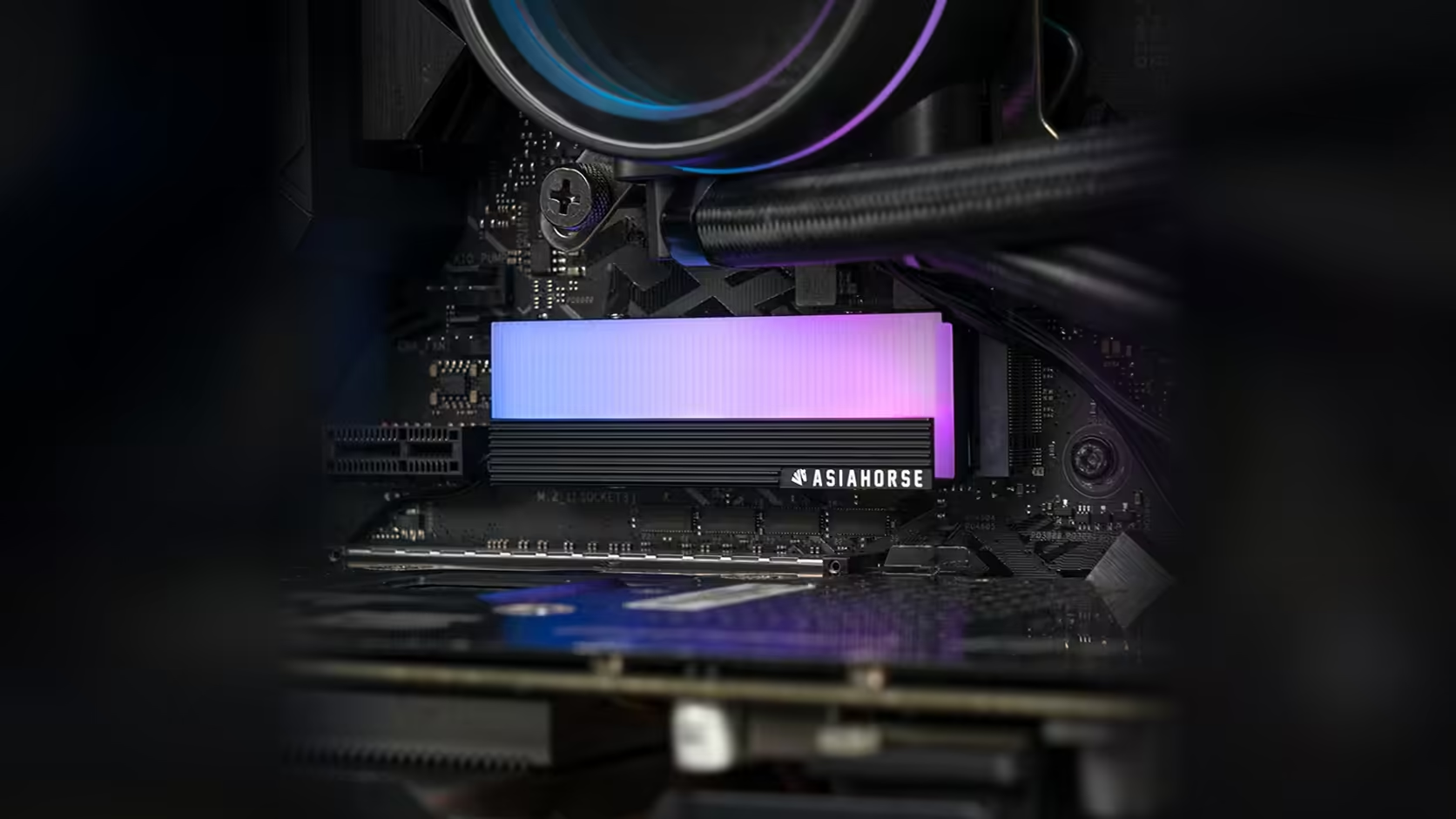
A single ARGB cover feels trivial to add to a build. It is only once fans, strips and covers are all sharing the same header load that the small figures start to matter, and the AsiaHorse M.2 heatsink happens to be one of the few accessories that actually publishes a number worth totalling.
Quick Answer
Adding this AsiaHorse M.2 cover to an addressable header means adding 0.15A at 5V to whatever that header already supplies to other devices. At R199, with VAT already counted in and Evetech free to revise that number later, the cover is a small purchase, but its published draw is exactly the figure you need to keep a shared header within its rated current, particularly on a build where several lit components already share one connection.
🧮 Why totalling matters at all
Motherboard manuals state a maximum current each addressable header can safely supply, and that limit is easy to ignore right up until it is exceeded, at which point lighting can behave inconsistently rather than failing outright in an obvious way. On a build with fans, a strip and now a drive cover all sitting on one header, the small individual loads accumulate faster than most builders expect.
What goes into the total
Every addressable device connected to a given header counts towards its limit, whether each is on its own port or chained together through male and female connectors. This cover's 0.15A is one line in that sum, alongside whatever fan rings, light strips or other covers are already wired to the same connection.
🔎 Finding your header's actual limit
The figure is typically stated in the motherboard's own manual, listed against each addressable header individually since some boards rate their headers differently from one another. It is worth checking that specific number rather than assuming a round figure, since it varies meaningfully between board models.
🔌 What to do if the total is close to the limit
A powered ARGB hub is the usual solution once a header's rated current is close to being exceeded. It supplies its own power to the connected devices rather than drawing everything through the motherboard, which effectively removes the header's current limit from the equation for anything plugged into the hub. Hubs and extension leads for exactly this scenario sit under case accessories, and if the drive itself is still on your list, the solid state drive range is worth a browse at the same time.
📋 Why this figure being published matters
Many addressable accessories on the market do not state their current draw at all, which leaves builders either ignoring the header limit entirely or padding their estimate with guesswork. A cover that states 0.15A plainly is one less unknown in that calculation, and worth taking advantage of when totalling a build's full addressable load.
🗒️ Keeping a running total for the whole build
Once you start adding up header load, it is worth keeping the running figure written down somewhere rather than trying to hold it in your head across every fan, strip and cover you add over time. A simple list, updated whenever a new addressable device goes in, means the next purchase decision is a quick check against a known number rather than a fresh mental recalculation from scratch. On a build that grows its lighting over several upgrades rather than all at once, that habit saves more than one awkward discovery of a header running past its rated limit.
Frequently Asked Questions
What is the published draw for this cover?
Five LEDs drawing a combined 0.15A at 5V, stated in the product description.
What else should be counted towards a header's total?
Every addressable device connected to it, including fan rings, light strips and other covers, whether chained together or on separate ports of the same header.
Where is a header's current limit listed?
In the motherboard's own manual, which typically states the rated current for each addressable header individually.
What happens if the connected load exceeds a header's limit?
Boards generally include their own protection, but inconsistent or erratic lighting behaviour is the more common practical symptom.
Does a longer chain of devices increase the risk of exceeding the limit?
Not directly, since chaining only shares the signal path, but a longer chain usually exists because more devices are connected overall, and it is the device count, not the chain length, that drives the total current up.
Should I recheck the header total every time I add a new device?
Yes, briefly. It takes a moment to add one more figure to a running list, and doing it consistently at the point of purchase is far less hassle than working backwards through a build's whole lighting chain later to find where the total went wrong.
Can a hub solve the problem instead of removing devices?
Yes. A powered ARGB hub supplies its own current to connected devices, taking the total load off the motherboard header entirely.
Adding up your build's addressable load before the last device goes in?
Explore Evetech's NVMe drive range and keep your lighting plan within your header's rated current.