


Quick Answer
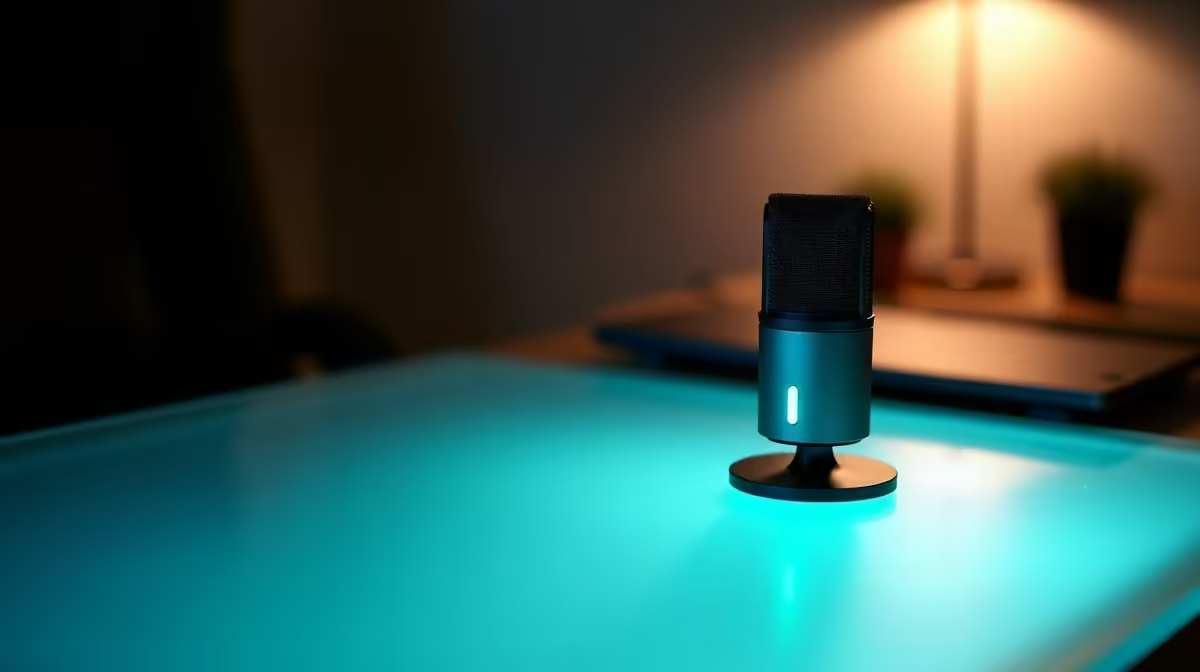
For portable streaming and study setups, a USB cardioid mic in the R900 to R2,200 band is plenty. You almost never need a R5,000+ XLR rig with an interface when you travel, so skip it unless audio is your actual profession.
How To Avoid Paying For Studio Gear You Will Not Carry
The single biggest overspend is buying an XLR microphone that needs a separate audio interface, phantom power, and a boom arm. That setup sounds excellent on a fixed desk but is dead weight in a backpack. A good USB condenser plugs straight into a laptop and gets you most of the quality with none of the cabling.
Pick a cardioid pattern so the mic captures your voice and rejects room noise, then add a cheap foam pop filter. That combination handles voice notes, lectures, and casual streams in a res room or a coffee shop without picking up the whole building.
Features Worth The Money When Travelling
Spend on a built-in headphone jack for zero-latency monitoring and a sturdy mute button. Skip multi-pattern dials, RGB lighting, and bundled desk arms you will leave at home. A compact tripod that fits in a laptop bag beats a premium boom arm you cannot pack.
FAQ
Do I need an XLR microphone to sound professional?
No. A quality USB condenser is more than enough for streaming, lectures, and voice work, and it removes the cost and bulk of an interface and cables.
What polar pattern is best for portable use?
Cardioid. It focuses on the voice in front and rejects side and rear noise, which is ideal for shared rooms and travel where you cannot control the space.
Is a pop filter necessary?
A small foam windscreen or pop filter cuts harsh plosive sounds for very little money. It is the cheapest upgrade that makes a noticeable difference to clarity.
mic on battery-only laptop power before a trip; some USB mics draw enough current to need a powered hub, and you want to know that before you leave home.











