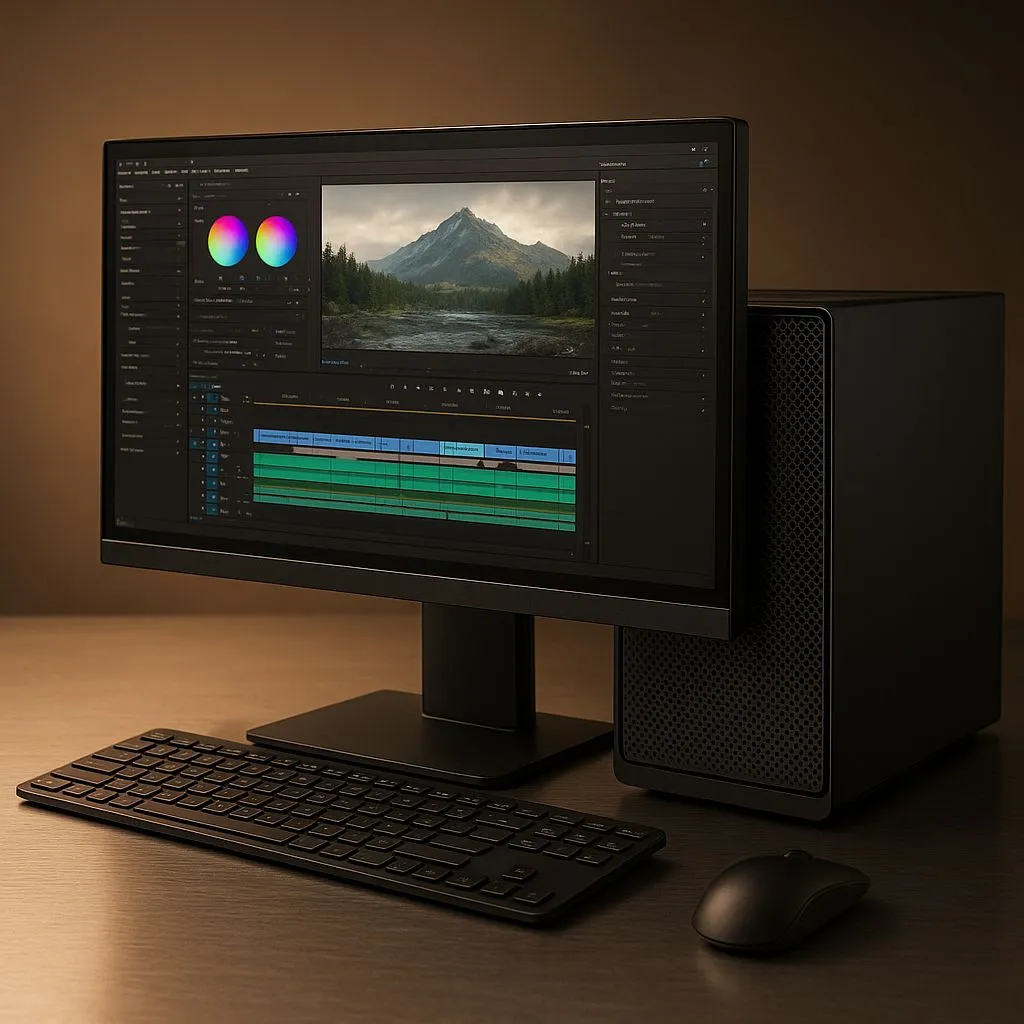
Staring at a sluggish render bar or, worse, getting a blue screen mid-export? Your CPU is likely overheating. For demanding tasks like video editing, the right cooler isn't a luxury... it's essential for performance and stability. An All-In-One (AIO) liquid cooler could be the quiet, powerful solution your rig needs to handle those heavy 4K timelines without breaking a sweat. Let's find the best AIO for video editing to keep your system cool and your creativity flowing. 🚀
Why an AIO is a Top Choice for Video Editing Rigs
When you're exporting a long video, your CPU runs at 100% load for minutes, or even hours. This sustained workload generates a massive amount of heat. Unlike standard coolers, an AIO uses liquid to transfer heat away from the CPU to a large radiator, where fans dissipate it efficiently.
This process offers two key advantages for content creators:
- Sustained Performance: It prevents thermal throttling—where your CPU automatically slows down to avoid damage—ensuring you get faster render times.
- Quieter Operation: The large fans on an AIO radiator can spin slower (and quieter) than the small, high-RPM fans on many stock air coolers while moving more air.
A good cooling solution is the foundation of a reliable editing machine. Whether you're just starting or upgrading, exploring the full range of CPU coolers is a great first step.
Key Features in the Best AIO for Editing
Not all AIOs are created equal. For a video editing workload, reliability and raw cooling power are more important than flashy RGB lighting. Here’s what to focus on.
Radiator Size: Bigger is Better
The radiator is where the magic happens. A larger surface area means more efficient heat dissipation. While a 240mm AIO is a solid upgrade for most CPUs, a 360mm Radiator is often the sweet spot for high-core-count processors like Intel's Core i9 or AMD's Ryzen 9, which are common in editing builds. It provides the thermal headroom needed for those marathon rendering sessions. 🔧
Pump & Fan Quality: The Heart of the System
The pump circulates the liquid, and the fans cool the radiator. A high-quality, reliable pump is non-negotiable. Look for brands with a strong reputation for longevity and low failure rates. Brands like CORSAIR, for example, are well-regarded for their durable pump designs and high-static-pressure fans, which are optimised to push air through dense radiator fins.
Pro Tip: Monitor Your Temps 🌡️
Use a free tool like HWiNFO64 or Core Temp to watch your CPU temperatures during a render. If you consistently see temps spiking above 90°C, your CPU is thermal throttling, and you are losing performance. A better cooler will directly translate to faster export times and a healthier system.
AIO vs. High-End Air Cooling: The Big Debate
So, is a Liquid Cooler (AIO) always the best choice? Not necessarily. A premium Air Cooler from a top brand can sometimes match the performance of a smaller 240mm AIO.
However, AIOs typically win out in a few key areas for editors:
- Peak Performance: Large 360mm or 420mm AIOs offer cooling potential that even the biggest air coolers can't match.
- Case Compatibility: AIOs move the cooling bulk to the case panels, reducing stress on the motherboard and improving clearance for tall RAM modules.
- Aesthetics: A clean pump block on the CPU simply looks neater and more modern in a windowed case. ✨
Ultimately, finding the best AIO for video editing comes down to matching the cooler's capability to your CPU's heat output and your case's compatibility. A well-chosen AIO isn't just an upgrade; it's an investment in smoother workflows and faster project delivery.
Ready to Unlock Your PC's Full Potential?
A powerful AIO is the key to faster renders and a more stable system. Explore our massive range of CPU coolers and find the perfect match to conquer your next creative project.