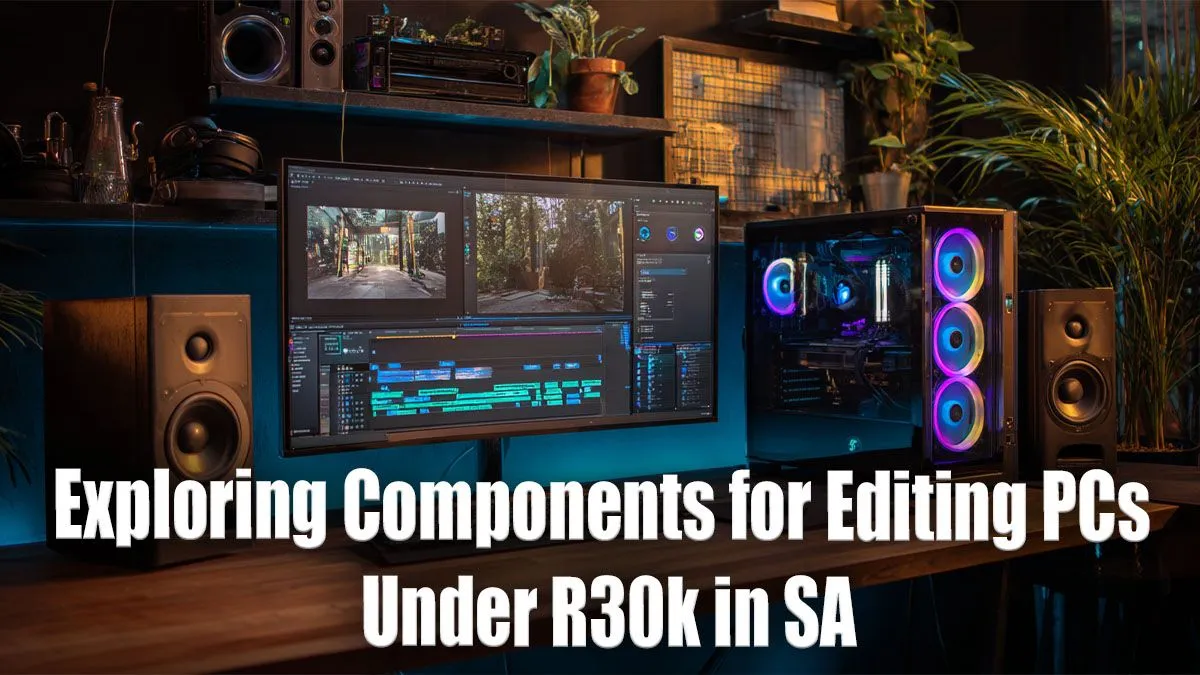
So, you're a South African content creator, and your PC is starting to feel a bit... sluggish. That 4K timeline stutters, exporting takes forever, and you're spending more time watching progress bars than actually creating. What if you could build a powerhouse rig that crushes video editing, graphic design, and even some high-end gaming, all without breaking the bank? This is your complete guide to building the best editing PC under R30000 in South Africa. 🚀
Why an Editing PC is Not Just a Gaming PC
First, let's clear something up. While there's a lot of overlap, a dedicated editing PC prioritises different things than a pure gaming rig. A gaming PC often focuses on the graphics card (GPU) above all else for maximum frames per second. An editing machine, however, needs a more balanced approach.
Your CPU (processor) and RAM (memory) do the heavy lifting during video rendering, encoding, and multitasking between apps like Premiere Pro and After Effects. While a powerful GPU is still vital for smooth playback and accelerating effects, a weak CPU will bottleneck your entire workflow. Many of our best gaming PC deals offer a fantastic starting point, but for serious creative work, we need to optimise the balance.
Core Components for the Best Editing PC Under R30000
Building a PC is all about making smart choices to maximise performance for your specific needs. With a healthy R30,000 budget, we can assemble a seriously capable machine that will slash your render times and boost your productivity. This budget comfortably places you in a category far beyond basic budget gaming PCs, allowing for components that truly accelerate creative work.
### The CPU: Your Creative Engine
The processor is the heart of your editing rig. For video editing, more cores and threads generally mean faster rendering.
- Recommendation: Look for a modern Intel Core i5 (like the 13600K) or an AMD Ryzen 5/7 (like the 7600X or 7700). These CPUs offer a fantastic blend of high clock speeds for snappy responsiveness and multiple cores to power through demanding exports.
### RAM: Your Digital Workspace
Think of RAM as your desk space. The more you have, the more projects and applications you can have open and running smoothly. For 4K video editing, 16GB is the absolute minimum, but 32GB is the real sweet spot.
- Recommendation: 32GB of DDR4 or DDR5 RAM. DDR5 is faster but might push the budget, so high-quality 3200MHz DDR4 is a brilliant, cost-effective choice.
### The GPU: Visual Power and Acceleration
The graphics card accelerates your timeline, making scrubbing through 4K footage smooth. It also powers GPU-accelerated effects and can significantly speed up exports in programs that support it (like DaVinci Resolve or Premiere Pro with CUDA).
- Recommendation: An NVIDIA GeForce RTX 3060 12GB or an RTX 4060. The extra VRAM on the 3060 is a huge plus for handling high-resolution textures and complex timelines.
### Storage: The Need for Speed ⚡
Your storage speed directly impacts how quickly your PC boots, loads applications, and accesses project files. A slow drive is a guaranteed workflow killer.
- Recommendation: A dual-drive setup is ideal. Use a fast 1TB NVMe M.2 SSD as your main drive for the operating system, software, and active projects. Supplement this with a larger, more affordable 2TB-4TB hard drive (HDD) for archiving completed projects and storing large files.
Storage Pro Tip 🔧
a truly professional workflow, consider a three-drive setup: 1) A 500GB NVMe SSD for your OS and apps. 2) A separate 1TB NVMe SSD for active project files and your cache scratch disk. 3) A large HDD for long-term storage and backups. This prevents your OS and project files from competing for bandwidth.
Balancing the Budget: Where to Spend Your Rands
An R30000 editing PC build is a significant investment, putting you squarely in the high-performance tier of PCs above R20k. The key is balance. Don't splurge on a top-tier GPU only to pair it with a slow CPU and minimal RAM. Our focus is on a synergistic system where each part complements the others.
For comparison, if your budget was tighter, you'd find yourself browsing PCs under R20k, where compromises on core counts or RAM capacity would be necessary. At the R30k mark, you unlock the ability to build a machine with fewer compromises, perfectly tuned for demanding creative tasks right here in South Africa. ✨
Ready to Build Your Creative Powerhouse?
Crafting the perfect editing PC is a balancing act. If you'd rather skip the build and get straight to creating, Evetech has your back. Explore our massive range of pre-built PC deals designed for performance and value, right here in South Africa.