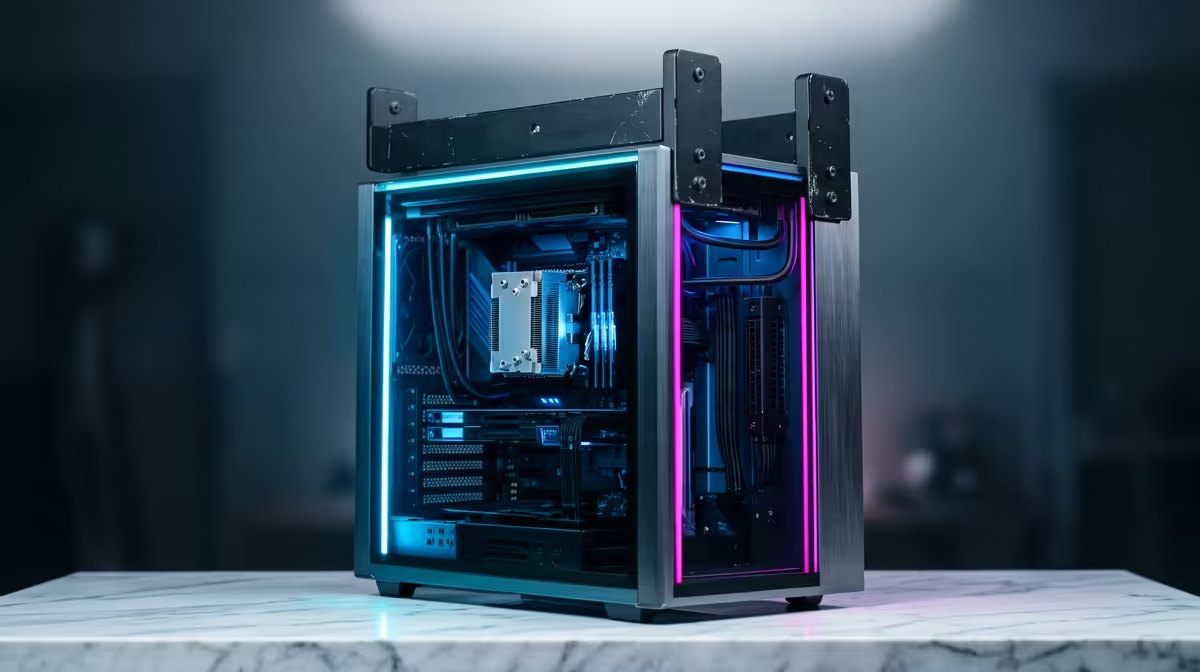
So, you’ve got a R30,000 budget and a vision to create killer content. You're in the sweet spot for serious power! But the big question looms: do you go with Team Red or Team Blue? Finding the best editing PC under R30000 in South Africa means navigating the fierce AMD vs. Intel rivalry. Don’t stress… we’re here to break down exactly what you need to power up your creativity without breaking the bank. 🚀
What Makes a Great Editing PC Under R30000?
Before we dive into the CPU battle, let's establish the ground rules. A powerful editing rig isn't just about one superstar component; it's about a balanced team. For a budget around R30k, you're moving into the high-performance tier of PCs above R20k, where every part starts to pull serious weight.
Here’s your checklist:
- CPU (The Brain): This handles rendering, encoding, and processing complex effects. More cores and higher clock speeds mean less time staring at progress bars.
- RAM (The Workspace): 32GB is the new standard for smooth 4K video editing. It allows you to run multiple applications like After Effects and Premiere Pro without your system grinding to a halt.
- GPU (The Muscle): Your graphics card accelerates visual effects, colour grading, and timeline playback.
- Storage (The Filing Cabinet): A fast NVMe SSD is non-negotiable for your operating system and active project files. Speed here means instant asset loading and a snappy workflow.
The Core Debate: AMD Ryzen vs Intel Core for Your R30k Build
This is the heart of the matter for anyone building an editing PC under R30k. Both AMD and Intel offer incredible processors in this price range, but they excel in slightly different areas.
Team Red: The Case for AMD Ryzen 🔴
AMD Ryzen CPUs have built a reputation on their incredible multi-core performance. For tasks that can use every core you throw at them—like 3D rendering in Blender or exporting a final video—Ryzen often pulls ahead.
- Strengths: Excellent value for multi-threaded workloads, energy-efficient, and a strong upgrade path on the AM5 platform.
- Best for: Creators who spend most of their time rendering, encoding, or working in applications like DaVinci Resolve that heavily utilise multiple cores.
Many of our best gaming PC deals are built on Ryzen platforms, making them fantastic hybrid machines for creating and gaming.
Team Blue: The Intel Core Advantage 🔵
Intel's strength often lies in its powerful single-core performance and a secret weapon: Intel Quick Sync Video. This dedicated media engine built into many Intel CPUs can dramatically accelerate video encoding and decoding in popular software like Adobe Premiere Pro.
- Strengths: Fantastic timeline responsiveness, and Quick Sync can be a massive time-saver for specific workflows.
- Best for: Adobe Creative Cloud users, particularly video editors who want the smoothest possible timeline scrubbing and faster H.264/H.265 exports.
Workflow Pro Tip ⚡
For video editing, create dedicated "scratch disks" in your software's settings. Point your media cache and previews to your fastest NVMe SSD, and keep your project files and footage on a separate large drive. This simple tweak prevents bottlenecks and dramatically improves timeline performance.
Balancing Your R30000 Editing PC Build
A beastly CPU is useless if it's paired with slow RAM or a weak GPU. Building the best editing PC under R30000 is an art of balance. You need to allocate your budget wisely across all components.
For example, you could get a top-tier CPU but have to settle for less RAM, which would be a mistake for 4K editing. It's often smarter to choose a slightly less powerful CPU to afford 32GB of fast DDR5 RAM and a capable NVIDIA RTX graphics card. The beauty of this budget is the flexibility it offers, allowing you to create a rig far more capable than even the most powerful PCs under R20k. Even our entry-level budget gaming PCs show how a solid foundation can be upgraded over time into a creative powerhouse.
The Final Cut: So, Which is the Best Editing PC for You?
So, who wins the AMD vs. Intel showdown for a South African creator on a R30,000 budget? The answer is... it depends entirely on your workflow. ✨
- Choose AMD Ryzen if: Your work involves heavy 3D rendering, complex multi-core processes, or you primarily use software like DaVinci Resolve.
- Choose Intel Core if: You live inside the Adobe ecosystem and want the smoothest timeline performance and fastest possible exports from Premiere Pro, thanks to Quick Sync.
Ultimately, there's no wrong choice, only a more optimised one for your specific needs. The most important thing is getting a stable, well-built machine. For a hassle-free, performance-tuned option, exploring our expertly configured pre-built PC deals is one of the smartest moves a busy creator can make.
Ready to Create Without Compromise?
The AMD vs Intel debate is your first step. The next is getting a machine built to last. For maximum power, choice, and value in South Africa, a professionally assembled PC is unbeatable. Explore our massive range of custom and pre-built PCs and find the perfect machine to bring your creative vision to life.