Quick Answer
For under R10,000 in South Africa, the best Razer-aligned storage strategy isn't a Razer-branded SSD but a fast 1TB to 2TB Gen 4 NVMe paired with Razer's gaming ecosystem and a Razer-themed gaming PC build. Razer doesn't manufacture mainstream consumer storage, so the smart play is matching premium NVMe drives to a Razer Blade laptop or RGB-themed desktop within budget.
Razer's Storage Reality and the Smarter SA Approach
Razer is celebrated for its peripherals, laptops and software ecosystem rather than for branded internal storage. SA buyers searching for Razer storage under R10,000 are usually after one of three things: a fast SSD that fits a Razer Blade laptop, an external SSD enclosure that complements the Razer aesthetic, or storage tucked into a Razer-themed gaming PC build. The good news is all three are achievable comfortably below R10,000.
The smartest spend for the money is a 2TB Gen 4 NVMe SSD paired with a quality external USB 3.2 enclosure, giving you both blazing internal speeds and a portable drive for varsity LAN events. Brands like Samsung 990 Pro, WD Black SN850X, Kingston Fury Renegade and Crucial T500 deliver Razer-class performance and play perfectly with Razer Synapse-equipped systems.
Best Internal NVMe Choices Under R10,000 in SA
A 2TB Samsung 990 Pro or WD Black SN850X with heatsink lands comfortably under R5,500 locally, with the rest of your budget free for a quality enclosure or a second drive. These deliver 7,000+ MB/s sequential reads, which is essentially overkill but future-proofs Razer Blade upgrades and DirectStorage-enabled titles like Forspoken and Ratchet & Clank: Rift Apart.
If your Razer Blade or themed desktop has only one M.2 slot, going straight to 2TB is the right call. SA storage prices have dropped sharply, and 1TB simply fills too quickly with modern AAA games averaging 80 to 150GB each. Call of Duty alone can swallow 200GB once seasonal updates land.
PSU and Surge Protection
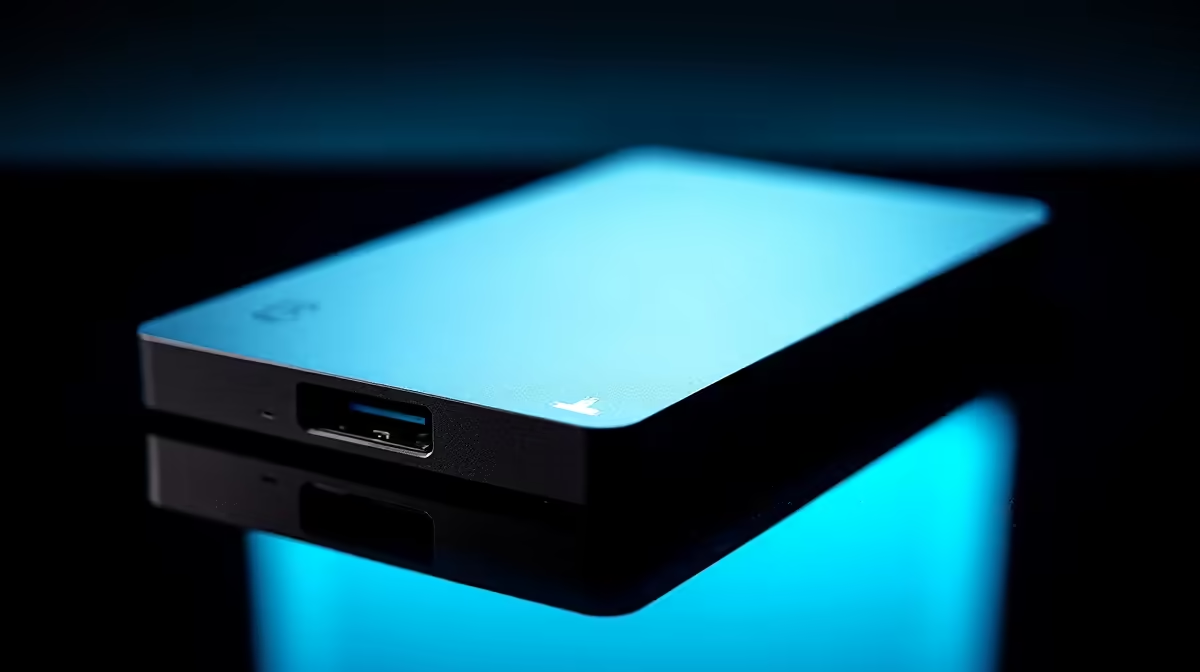
For external storage that visually matches a Razer setup, a USB 3.2 Gen 2x2 enclosure with RGB lighting paired with a 2TB NVMe drive sits around R3,500 to R4,500 in SA. This combo delivers 2,000 MB/s real-world transfer speeds, ideal for moving Steam libraries between a Razer Blade at varsity and a desktop at home in Centurion or Pretoria.
Backing up critical project files and game saves to an external NVMe before stage 4 cuts means a power surge or sudden shutdown won't cost you a thesis chapter or a 60-hour Skyrim save. SSDs handle abrupt power loss far better than older external HDDs.
Pairing Storage with a Razer-Themed Build
For SA buyers building a Razer-themed gaming PC under R10,000 in storage budget, split your spend: 2TB Gen 4 NVMe boot drive at R4,500, plus a 4TB SATA SSD at R3,500 for bulk game library, plus a 1TB external NVMe at R1,800 for backups and LAN portability. That covers fast, slow and mobile storage tiers without compromise.
If you're matching this storage to a full Razer gaming PC build, Evetech's pre-configured RGB gaming PCs ship with full SA warranty and bundled NVMe storage already optimised for Razer Chroma sync compatibility.
Frequently Asked Questions
Does Razer make a Gen 4 NVMe SSD for the Razer Blade laptop?
Razer doesn't make consumer NVMe SSDs. The Razer Blade uses standard M.2 2280 slots that accept any major brand drive, so Samsung, WD, Kingston, Crucial and Seagate all work natively without compatibility issues.
What's the fastest NVMe under R5,000 in SA right now?
The Samsung 990 Pro 2TB and WD Black SN850X 2TB trade places at the top, both delivering 7,000+ MB/s reads. Kingston Fury Renegade 2TB and Crucial T500 2TB are close performance peers at slightly lower prices.
Can I clone my Razer Blade's existing SSD to a new 2TB drive?
Yes, using free tools like Macrium Reflect Free or Samsung Data Migration. Buy a USB-C M.2 enclosure, clone the original drive to the new one, then swap them physically. Total time is under 90 minutes, ideal for a Saturday morning.