What Budget Gaming PC Builds Lose First: FPS Cost of Cuts
Quick Answer
A lower graphics-card tier can cut frame rate or force lower settings. A weaker CPU can hurt high-refresh play and busy simulations. Smaller storage changes how many games stay installed. Simpler case styling changes no frame counter when fit and airflow remain sound.
Budget cuts have different costs. Measure each one against the game target instead of shaving the same amount from every line.
Put Every Cut in One of Three Buckets
The first bucket changes game performance: CPU, GPU and sometimes memory capacity or layout. The second changes daily use: SSD capacity, network features and noise. The third changes appearance: lighting, glass, colour and cable decoration.
Start in the third bucket. Move to daily-use choices when the PC still supports your routine. Touch performance parts only with named-game evidence.
This order keeps the final machine coherent. A cheap collection of mismatched parts can cost more after the first frustrated upgrade.
What a GPU Cut Costs
The graphics card handles resolution, textures, lighting and effects. Dropping a tier may reduce average frame rate, weaken one-percent lows or require a lower preset. The cost grows at 1440p and with demanding visual features.
Find independent tests for both exact cards using a similar processor. Record the same game, resolution, preset and upscaling mode. The difference between those results is the likely performance cost of the cut.
Do not compare one card at ultra settings with another at high. Do not let a model family name stand in for the precise version and graphics-memory capacity.
What a CPU Cut Costs
The processor shapes game logic, simulation, asset preparation and high frame rates. A cheaper CPU may look close in a GPU-limited story game and fall behind in a crowded strategy save or competitive low-settings test.
Check one-percent lows and frame time. Total CPU use can hide one loaded thread, so a low overall percentage does not prove spare headroom.
A CPU cut is safer when your target is moderate frame-rate 1440p and the GPU remains the limit. It is riskier for high-refresh esports, simulation or heavy multitasking.
Cuts That Change Smoothness Without Average FPS
Too little memory can cause pauses when the system starts moving data to storage. A single-module layout can reduce memory bandwidth on platforms designed for paired channels. These problems may show up in one-percent lows before the average changes much.
Keep enough capacity for the real session, including voice chat, launchers and capture tools. Use a matched kit where possible.
A weak cooler or blocked case can let clocks fall after the machine warms. A short benchmark may pass while a long game becomes noisy or slower. Preserve a basic airflow path and cooling suited to the CPU.
Cuts That Cost Convenience
A smaller SSD does not lower frame rate when the game runs from the same class of healthy storage. It reduces the number of installed games and leaves less room for updates.
A motherboard with fewer M.2 slots, USB ports or network features may perform the same today and make the next upgrade awkward. Keep the connections you can name.
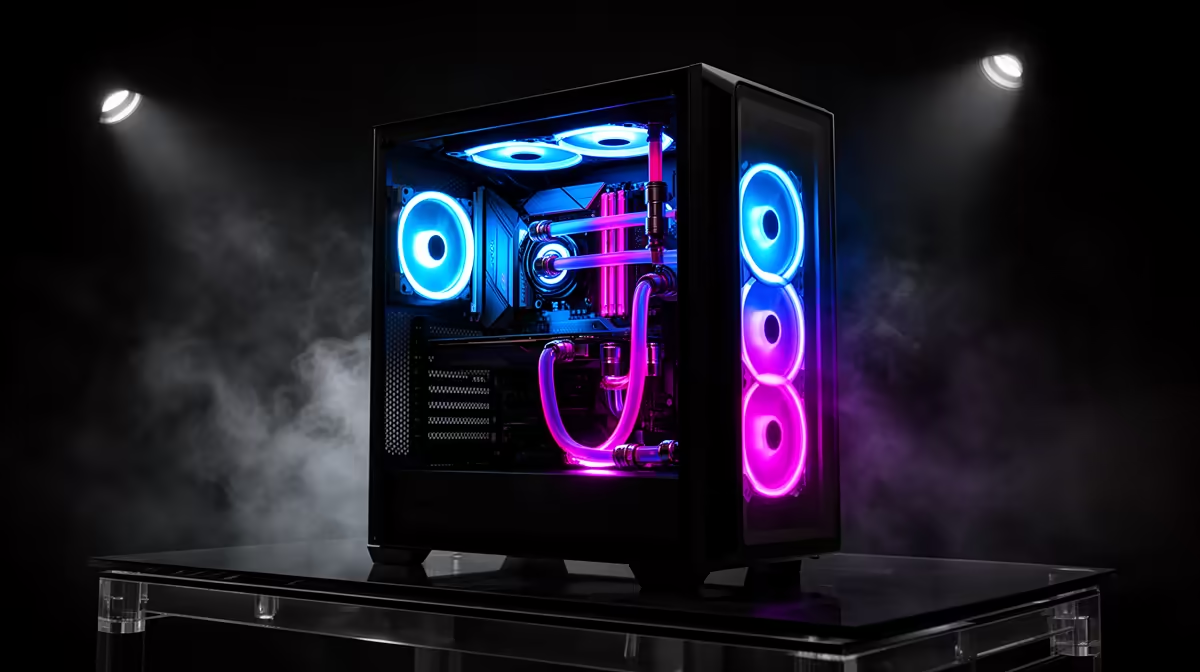
A cheaper case can be a clean saving when clearance, cooling and build quality remain adequate. Thin panels, awkward cable space or poor filters can increase noise and maintenance even though the benchmark stays level.
Build the Cut Table
Start with a named configuration from gaming PC deals. Write its exact CPU, graphics card, memory layout and SSD.
Compare another balance in PC best sellers. For each changed part, label the cost as frames, frame-time stability, daily convenience, upgrade room or appearance.
Add a number only when an exact matched test supports it. Hardware differences, game updates and test methods make a universal "FPS per rand" table unreliable.
The best cut is the one you will not feel in your five most-used games or normal desk routine.
Validate the Cheaper Version
Rebuild the compatibility check after the cuts. A lower motherboard tier can change memory support or storage slots, while a smaller case can alter GPU and cooler clearance.
When the PC is ready, test the same game scenes used for the decision. Save frame time, temperature and memory use after a full warm session. If the cut created noise, throttling or stutter, the table now shows which decision needs to move back.
FAQ
Which cut usually hurts game frame rate most?
A GPU downgrade often has the largest effect in graphics-limited games. CPU-heavy and high-refresh titles can react more to the processor.
Does cutting SSD capacity cost FPS?
No when the game remains on a suitable healthy SSD. It costs library space and can create update headaches.
Can a cheaper case reduce performance?
Yes when airflow becomes poor and components throttle after warming. A simpler case with sound airflow can perform the same.
Label every proposed budget cut as frames, smoothness, convenience or appearance, then take the savings your real games will never notice.