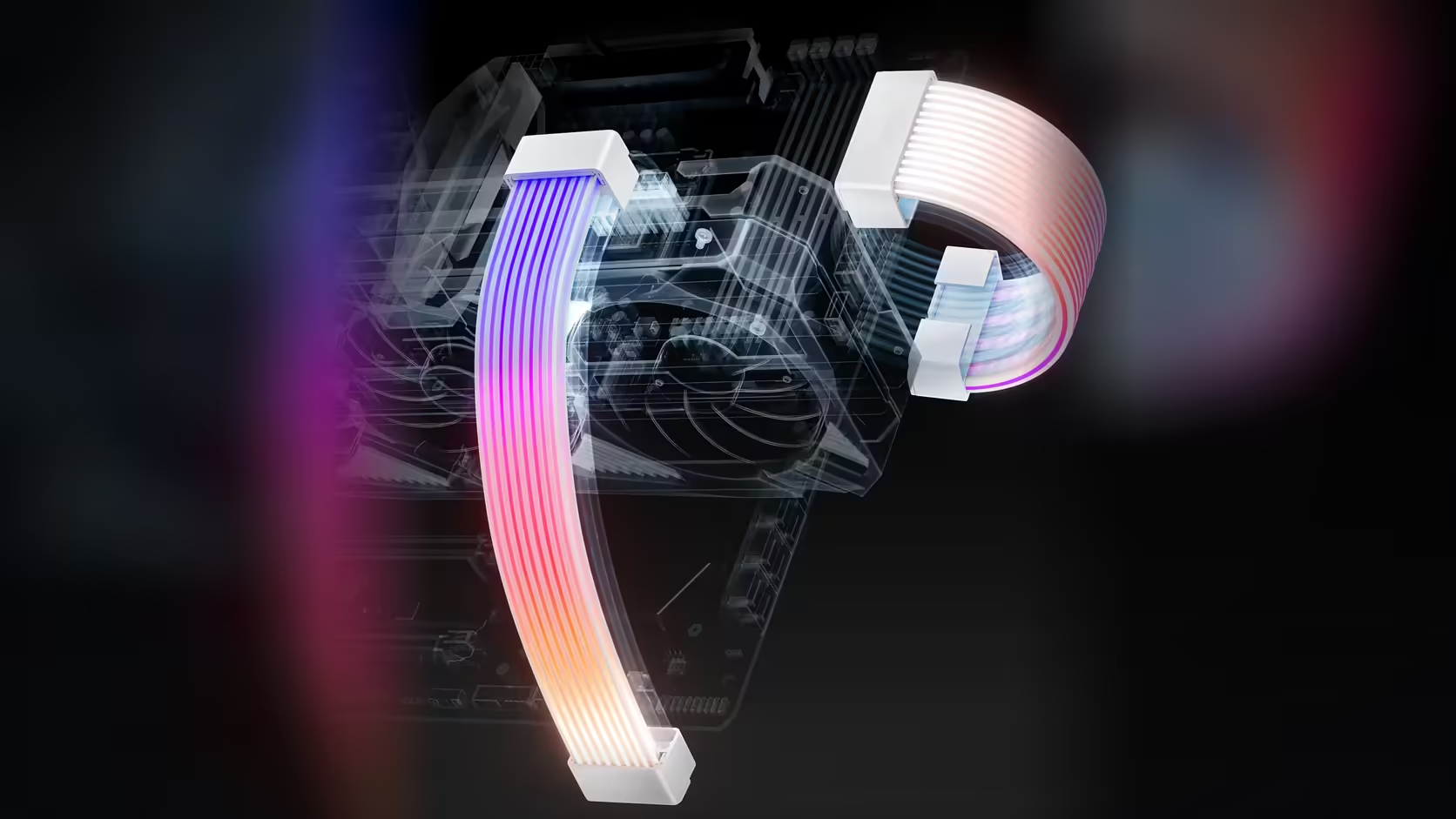
Most people planning an accessory shortlist start from a catalogue page and work forward, ticking off whatever looks good in a photo. Flip that around and start from the parts already sitting in your case - the power supply, the memory, the drive, the cooler - because every one of AsiaHorse's cosmetic accessories exists to dress a specific part, and the parts you are keeping are the only ones that matter.
Quick Answer
Work outward from what stays in the build: a power supply gets sleeved extensions or a lit cable from R549, memory gets a R249 cover, an M.2 drive gets a R199 heatsink, and an AM5 cooler gets a R299 contact frame. Pricing four accessories this way lands around R1,300 to R1,900 depending on which cable route you pick, well short of buying the full range.
🔍 Why the parts you keep decide the list
An accessory shortlist built from a catalogue tends to include things that have nowhere to go - a cable cover for a run you are replacing anyway, or a fan family that does not fit the case you already own. Starting instead from an inventory of what is staying removes that risk entirely. Walk the build mentally: what is in the power supply bay, what is in the memory slots, what is on the M.2 header, what cooler is mounted, and what fans already spin. Each of those has, at most, one or two relevant AsiaHorse products, and everything outside that list can be crossed off before you have spent a cent.
🔌 What suits an existing power supply
If the supply itself is staying, the two realistic options are a sleeved extension kit or a lit replacement cable, and the choice depends on whether the existing leads are visible or hidden. A four-piece sleeved kit at R549 extends the 24-pin ATX, the 4+4 EPS and two 6+2 PCIe leads already coming out of the unit - it works on modular and non-modular supplies alike, since it clips onto what is already there rather than replacing anything inside the box. For a single-run focus, the Hydrus ARGB 24-pin cable at R599 turns just the board connector into a lit showpiece with a right-angle head, leaving the rest of the factory cabling as it is.
🧠 And what suits existing memory, drives and a cooler
Memory staying in the build gets a straightforward answer: the AsiaHorse RAM cover at R249 clips over DDR4 or DDR5 sticks and lights an infinity-mirror panel on top, syncing over a standard 5V 3-pin header. It is a retrofit part rather than a replacement, which is exactly the category a shortlist built from kept parts should favour. A drive staying on the M.2 header gets the equivalent treatment for R199, though it is worth knowing upfront that this cover takes four screws rather than clipping on - not a five-minute job if the slot sits under a graphics card.
Cooling only gets an accessory if the board is AM5, where the AsiaHorse Pulsar contact frame at R299 replaces the stock retention arms with an anodised aluminium frame for more even mounting pressure. It has no relevance to Intel boards or to AM4, so this one line item either applies cleanly or does not apply at all - there is no partial credit for having "an AMD chip" without the right socket.
📋 Ordering the shortlist by what shows first
Once the candidate list is down to parts that actually attach to something you own, order it by visibility rather than by price. Whatever sits behind the window glass first - usually the power cabling and the memory, if the slots are near the front - gets first claim on the budget, because that is where the spend is seen the most. A drive cover tucked under a graphics card earns its place last, since half the point of lighting it disappears once the card is fitted over the top.
🛒 Resisting the urge to buy everything
The honest advice for a shortlist exercise like this is to resist ordering every line at once. Fitting two or three accessories and living with the result for a week tells you more about what the build actually needed than a full cart ever will - a memory cover that looked essential on paper sometimes disappears into a build once the fans are lit, and a cable kit you thought was optional turns out to be the piece that makes the rest look deliberate. Treat the first shortlist as a draft, not a final order, and let the finished case fans and case accessories ranges guide the second pass once you can see what is actually missing.
Frequently Asked Questions
Why start an accessory shortlist from what you keep?
Because every AsiaHorse cosmetic accessory attaches to a specific existing part, so the components staying in the build are what actually determine which products are even relevant to you.
What suits an existing power supply?
Sleeved extensions that join the leads already fitted, priced from R549, or a lit replacement cable for a single run such as the 24-pin board connector.
What about existing memory?
A cover that clips over the module, priced at R249, working over both DDR4 and DDR5 sticks without needing a slot swap.
What suits a drive that is staying put?
An M.2 cover for a 2280 SSD at R199, though it needs four screws rather than a clip, so it is worth budgeting a few extra minutes for the fit.
Does the cooler have a relevant accessory?
Only on AM5 boards, where the contact frame at R299 replaces the stock retention arms rather than dressing anything cosmetically.
How should the shortlist be ordered?
By what shows through the case window first, since that is where the accessory spend does the most visible work.
Is it sensible to buy every accessory in one order?
Rarely. Fitting a handful of pieces and living with the finished look tells you far more about what the build needs than ordering the whole range up front.
Ready to shortlist your own build?
Browse Evetech's case and cooling ranges to see which existing parts are worth dressing before you commit to an order.