Quick Answer
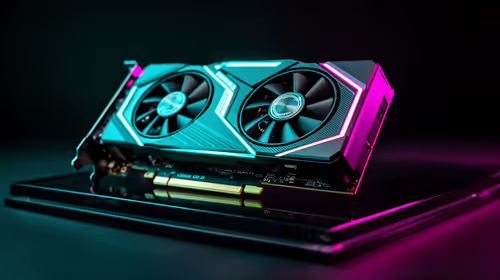
Building a 165Hz esports rig for streaming on Twitch and YouTube in SA costs R22,000–R28,000 all-in — an RTX 4070 (~R12,500 at Evetech) handles 165fps gaming and 1080p60 NVENC streaming simultaneously, with frame rates staying above 165Hz in Valorant even while actively broadcasting.
GPU Requirements for 165Hz Gaming + Streaming
The RTX 4070 with dual NVENC encoders handles both tasks without conflict:
- Valorant (1440p Low, streaming 1080p60): 250–320fps — well above 165Hz
- CS2 (1440p Low, streaming): 180–220fps — above 165Hz
- Apex Legends (1440p High, streaming): 120–150fps — in 165Hz FreeSync range
- Fortnite (1440p Performance, streaming): 280fps+ — above 165Hz
All major SA esports titles maintain above 165fps on the RTX 4070 during streaming — the 165Hz panel is consistently used.
OBS Settings for 165Hz SA Streaming Rig
- Encoder: NVENC H.265 at 6,000 kbps (Twitch) or 12,000 kbps (YouTube 1080p60)
- Output: 1920x1080 downscaled from 1440p game resolution (Lanczos filter)
- FPS: 59.94 (use this rather than 60 for stable Twitch ingest)
- Preset: P5 (Balanced) — avoids GPU overhead of P7 while maintaining stream quality
- Upload requirement: 10Mbps+ Twitch, 20Mbps+ YouTube (Vumatel or Openserve fibre)
Full SA 165Hz Streaming Build
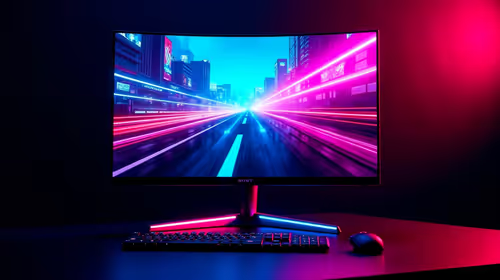
- Monitor: 27-inch 1440p 165Hz IPS — ~R6,000
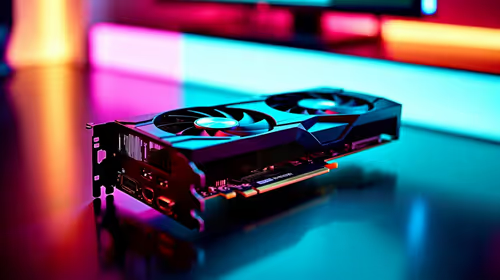
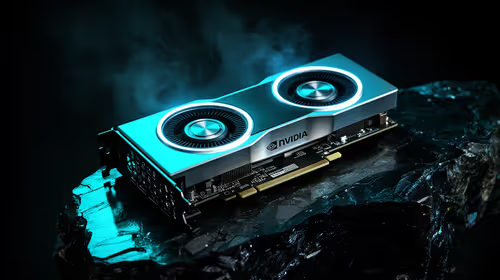
- GPU: RTX 4070 12GB — ~R12,500
- CPU: Ryzen 5 9600X — ~R3,800 (strong single-thread for esports fps + game logic)
- RAM: 16GB DDR5 — ~R1,200
- SSD: 1TB NVMe — ~R900
- Motherboard: B650 — ~R2,500
- Total (components): ~R26,900
FAQ
Can the RTX 4070 handle 165fps and 1080p streaming simultaneously for SA gamers?
Yes — the RTX 4070 sustains 250fps+ in Valorant and 180fps+ in CS2 while streaming, keeping both well above 165Hz. For Apex and Warzone, fps dips to 120–150fps during streaming but stays in the 165Hz FreeSync range for smooth output.
What Twitch bitrate should SA streamers use at 1080p60?
Twitch's standard bitrate cap is 6,000 kbps for non-partner accounts. Use NVENC H.265 at 6,000 kbps — it produces sharper stream output than H.264 at the same bitrate, which is valuable for competitive game detail visibility. Vumatel 10Mbps+ upload handles this cleanly.
Does a 165Hz monitor make you a better streamer on Twitch or YouTube?
The monitor Hz has no impact on stream quality — viewers see 60fps regardless. A 165Hz panel benefits only your local gaming experience and input responsiveness. Stream quality is determined by encoder settings, bitrate, and upload speed.
scene in OBS specifically for your game transitions — a brief 2-second overlay with your channel name and game title between matches gives your Twitch VOD a professional structure, and helps SA viewers who click on your clips understand the context without watching from the start of the stream.