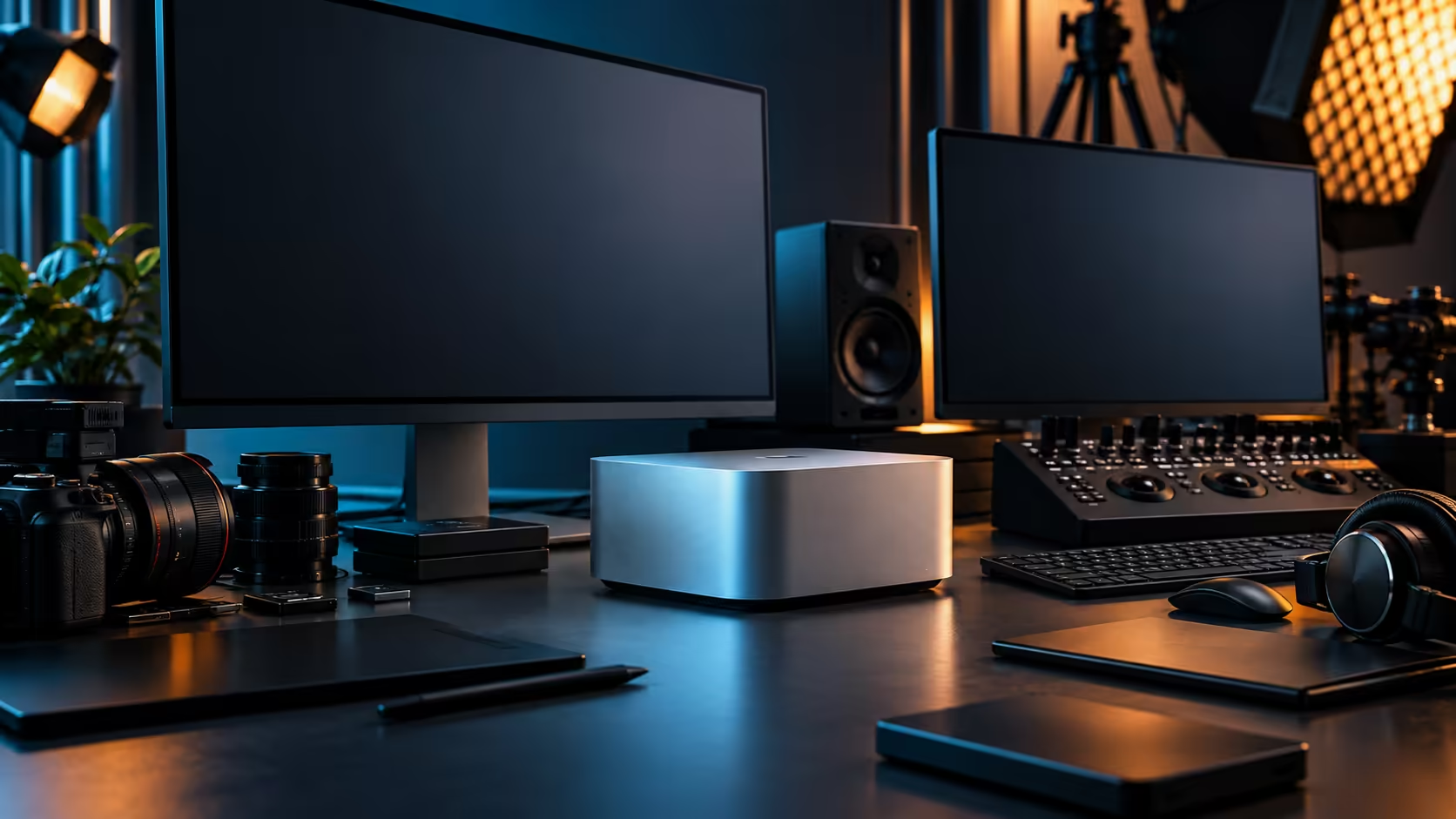
A serious creative studio no longer needs a spare room. A Mac Studio, one good monitor and a well-chosen desk now fit into the corner of a townhouse office that would have been considered too small for real work a few years ago.
Quick Answer
A compact South African studio built around the Mac Studio M5 Max needs three things beyond the machine itself: a desk deep enough to actually use comfortably, clear airflow through summer heat, and a local warranty path that doesn't involve shipping the machine overseas if something goes wrong. The 36GB, 512GB configuration is R49,499, and the desk footprint it demands is smaller than most buyers expect.
📏 Sizing the desk to the room you actually have
Start with the space, not with an idealised studio layout from a magazine.
The Mac Studio itself needs only a small footprint, roughly the size of a stack of hardcover books, with clearance on at least two sides for airflow. A gaming desk with a solid, rigid frame handles a single monitor and the Mac Studio comfortably even in a compact home office, and choosing a desk built for stability over one built purely for looks pays off the first time you lean on it during a long edit session.
🌡️ Keeping the machine cool through a Gauteng or Cape Town summer
A small room heats up faster than a large one, and that changes how you place the machine within it.
Avoid pushing the Mac Studio flush against a wall or into an enclosed cubby, since a compact office with limited airflow can trap heat noticeably during summer afternoons, especially behind a window that gets direct sun. Leave roughly 100mm of clearance on two sides at minimum. This matters more in a small studio than a large one simply because there's less air in the room to begin with, so the machine's immediate surroundings do more of the work.
🖥️ One good screen beats several mediocre ones
For a compact setup, a single well-chosen monitor typically serves a working studio better than cramming in multiple smaller ones.
Connect through one of the four Thunderbolt 5 ports for the cleanest, most reliable link, and check what each candidate monitor actually needs before buying cables to match. The office monitor range covers panels suited to colour-sensitive creative work as well as more general-purpose options, and picking based on what your work actually demands, rather than the largest panel that fits the desk, is the better use of a compact studio's limited wall space.
🔧 Expansion without expanding the room
Four Thunderbolt 5 ports let a compact studio grow outward without needing more floor space.
A fast external SSD for active project storage, an audio interface for voiceover or client calls, and a dock for peripherals all attach through the same small set of ports, meaning the studio's capability grows without the physical footprint growing alongside it. This is arguably the single biggest advantage of building around a Mac Studio in a genuinely compact South African room: the ceiling on what the studio can do isn't set by how much desk space you have.
🇿🇦 Why local warranty cover matters for a small studio
A 1 or 2-person studio can't easily absorb weeks of downtime while a machine sits in transit for a repair.
Keep the warranty support inside South Africa and a fault becomes a local repair, not a shipment overseas followed by a long wait, which matters disproportionately for a small studio where one machine often represents the entire production capacity. Factor that support path into the decision alongside the machine's specification, particularly for a studio that can't simply switch to a backup system while repairs are underway.
Frequently Asked Questions
How much desk space does a Mac Studio setup actually need?
Less than most buyers expect. The machine itself has a small footprint, and a single monitor and keyboard fit comfortably on a modest desk with room for airflow around the unit.
Does a compact home office need special cooling for a Mac Studio?
Not special cooling, but consistent airflow matters more in a small, enclosed room. A gap of a hand's width around the machine and avoiding direct afternoon sun on the desk both help.
Is one monitor enough for a professional creative studio?
For many compact setups, yes, particularly when paired with a well-chosen panel suited to the actual work rather than the largest one available. Expansion through the Thunderbolt ports covers most additional needs.
Why does local warranty support matter more for a small studio?
A small studio often has no backup machine, so downtime during an overseas repair can stall the entire operation. A local warranty path resolves issues faster and with less disruption.
Can a compact studio grow its capability without more physical space?
Yes, largely through the Thunderbolt 5 ports, which let you add storage, audio interfaces and other accessories without needing a bigger desk or room.
Ready to build a compact studio that punches above its floor space?
Pair the Mac Studio with a proper desk and monitor sized for the room you actually have.