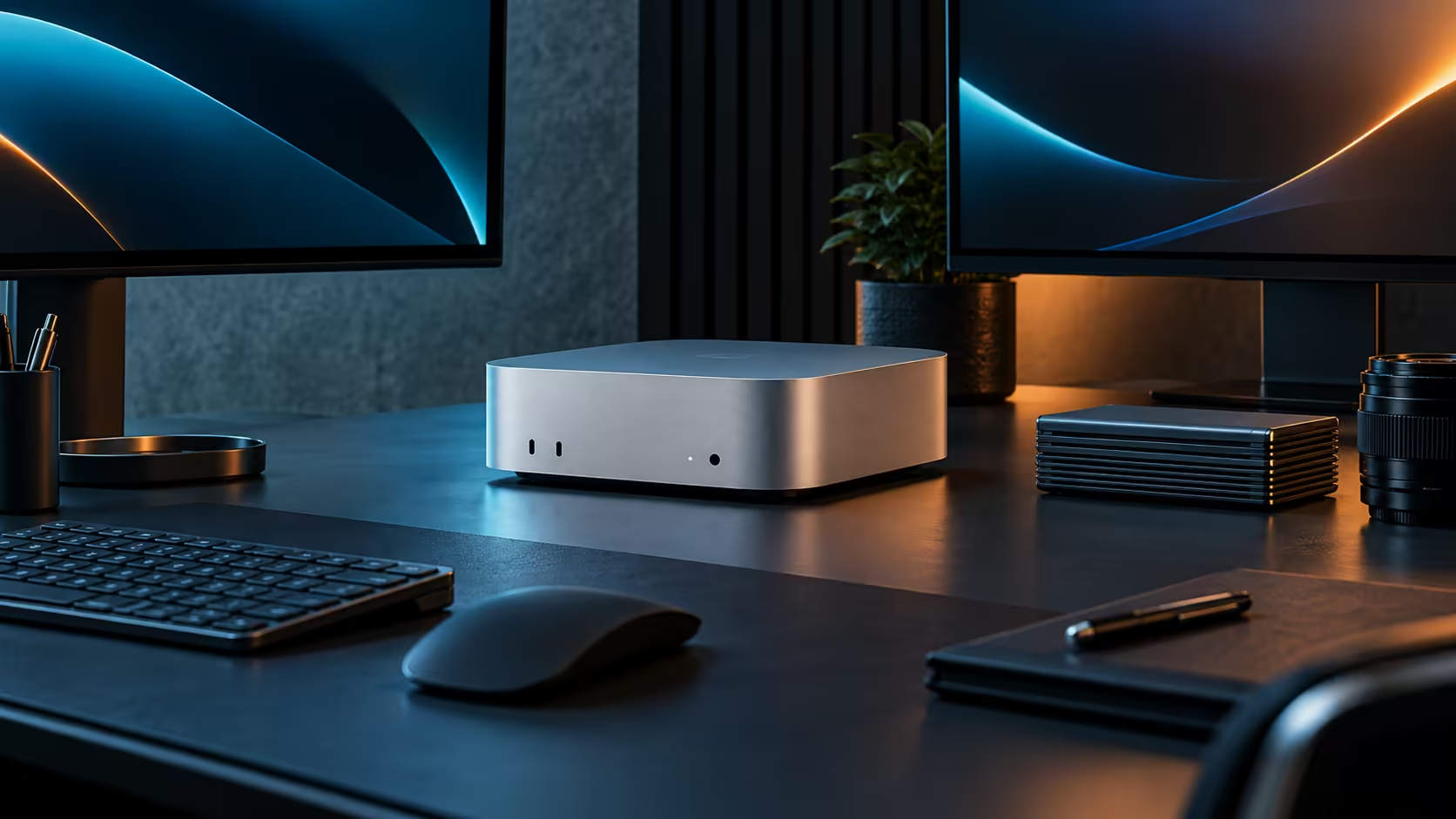
One compact desktop, a genuinely good screen and a dedicated external drive already cover most day-to-day freelance creative work carried out anywhere in South Africa, from a spare bedroom to a proper studio, and a Mac Mini M5 Pro anchors that whole setup without needing the extra desk space a full tower would otherwise demand.
Quick Answer
Pair the R33,599 Mac Mini M5 Pro with a properly calibrated monitor and a dedicated external drive for archiving finished projects, buy the entire set locally, and you have a working creative workstation with the warranty and any repair staying inside South Africa rather than routed through an international return, which matters most the week a client deadline actually depends on it.
🖥️ The screen decides more than the machine does
Once the machine's 24GB memory and 16-core GPU cover your project comfortably, the monitor becomes the part most likely to limit your actual work: colour accuracy for photo and video, or sharpness for design and layout. Browse the current office monitor range with your specific craft in mind rather than picking the largest panel available.
🔇 A quiet machine for a shared home
Fan noise stays low enough on this R33,599 machine to suit a home studio where a client call, a recording session or a partner working nearby all share the same room. Fitting the same number of full-size desktops into a shared South African home office instead would add noticeably more background hum to every one of those moments.
💾 Storage discipline from day one
Sixty minutes of 4K footage alone can eat past 100GB, so a 512GB internal drive empties out fast the moment video work enters the picture. Keep the internal drive for the system, applications and the current project, and archive finished work to an external drive as soon as a client signs off, rather than letting the internal drive quietly run out mid-project.
🪑 Furniture and peripherals close the workstation
A proper chair, good lighting for video calls, and a keyboard and mouse set finish a workstation that a machine, screen and drive alone cannot. These smaller items are easy to underprice mentally, yet a decent chair and lighting kit together can add R3,000 or more, and skipping them tends to cost more in comfort and call quality than the saving is worth.
🧾 Why buying the whole set locally matters
For a freelancer with no second machine to fall back on, a local warranty on the whole setup, not just the Mac Mini itself, means a courier collection rather than weeks without a working desk if a monitor or drive fails. The Mac Mini page itself is worth a last look for a different memory tier, and mini PC for a different chassis shape entirely.
Frequently Asked Questions
Is a Mac Mini enough of a workstation on its own for creative freelance work?
With a properly chosen monitor and enough storage planned around it, yes, for most single-operator creative work.
Should I prioritise the machine or the monitor if the budget is tight?
Neither should be starved entirely; a strong machine paired with a poor monitor still limits your finished work, particularly for colour-sensitive tasks.
How soon should I buy external storage?
From day one for video work. Waiting until the internal drive is nearly full risks an interruption during a paid project.
What is a realistic total for a first-time freelance workstation?
Including the machine, a monitor, storage and basic furniture, most single-operator setups land somewhere between R45,000 and R60,000 depending on the craft.
Does buying everything from one supplier actually save money?
Not always on price, but it simplifies warranty claims considerably, which matters more than a small saving once something in the setup needs attention.
Should a freelancer budget for a second machine as backup?
For anyone whose income depends entirely on the machine, a modest backup plan, even just a spare external drive with a full system backup, is worth the small extra cost.
How do I decide between a bigger monitor and a second smaller one?
For most single-operator creative work, one larger, sharper monitor edges out a second smaller screen, since detail work benefits more from a bigger canvas than from extra reference space.
Does working from home change any of this advice for a South African freelancer?
Not fundamentally; the same priorities apply, though a home setup should also budget for reliable power backup given the added importance of uptime when income depends on the desk working every day.
Is it worth insuring a home creative workstation separately from home contents cover?
For a setup worth R40,000 or more, checking that home contents insurance actually covers business equipment, or adding a specific rider for it, is worth the small extra premium.
Ready to build a compact South African creative workstation properly?
Pair the Mac Mini M5 Pro with a monitor and storage plan matched to your craft.