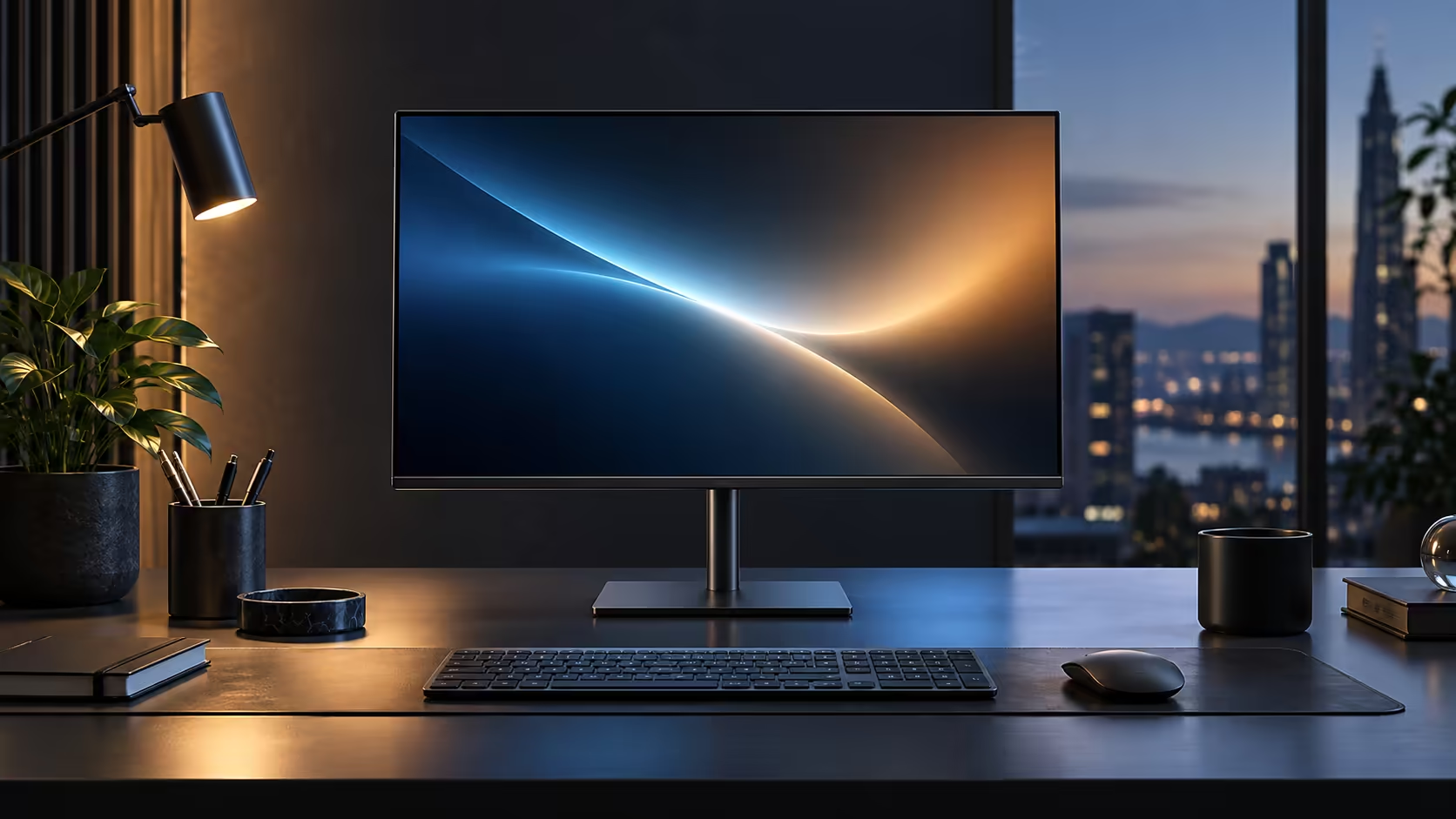
Cables tend to multiply faster than furniture on a home-based desk in South Africa, because a corporate laptop, a home router and a growing pile of accessories were never designed to share one small space cleanly. Building it around a single USB-C cable instead solves that from the start, and the R6,099 Dell Pro 24 Plus P2425DE is built specifically for that job.
Quick Answer
Put the screen at the centre of the desk and let it hold the network, the peripherals and the charging. A cable from the fibre router into the RJ45 port and one USB-C lead to the laptop is the whole rig. Evetech lists that screen at R6,099.
🏠 Why a South African home desk needs this more than most
Local conditions make the one-cable approach worth more here than the convenience argument alone suggests.
Many South African homes run one fibre line shared across work calls, a partner's calls, streaming and general household use through the day. Wi-Fi contention on that shared line is a real and common cause of dropped calls and frozen screen shares, and it is one a wired connection through the monitor's RJ45 port solves directly. A corporate laptop is also frequently a machine you do not own and cannot modify, so a desk setup that works entirely through the laptop's own USB-C port, without installed drivers or admin rights, matters more than it would with a personally owned PC.
🔌 Building the desk around the screen, not the laptop
Treat the monitor as the fixed point on the desk and the laptop as the thing that comes and goes.
Run the fibre router's cable into the monitor's RJ45 socket as a permanent connection. Plug keyboard, mouse and any other regular peripherals into the monitor's downstream USB ports, also as permanent connections. The laptop then only ever needs the single USB-C cable, which carries video, the wired network, USB data and up to 90W of charging all at once. At the end of a working day, unplugging that one cable disconnects everything cleanly, and plugging it back in the next morning reconnects the whole desk in one motion.
🇿🇦 Fitting it into a real South African desk setup
A few practical local touches make this work better in an actual home rather than a showroom demo.
Position the desk close enough to the router, or run a network cable along a skirting board or under a rug, since a wired connection only helps if the cable actually reaches. A gaming desk with a cable management channel keeps the single remaining lead out of sight, which matters more in a home office that doubles as a spare room or a corner of a lounge. Route everything with the comprehensive cable solutions range, and if your household runs two people working from home on separate desks, pricing a second monitor from the same office monitor range keeps both desks identical to set up and troubleshoot.
🧳 What happens when the laptop leaves the desk
A one-cable setup is also the fastest to pack up when the working pattern is not fully at home.
Disconnecting for a trip to the office, a client visit or simply moving to the kitchen table for an hour means unplugging exactly one cable, with the keyboard, mouse and network connection staying exactly where they are on the desk. Returning later and reconnecting that same single cable restores the whole setup without replugging 4 or 5 separate leads in the right order, which matters on the mornings when time before a first call is already tight. For anyone splitting time between a home desk and an office desk during the week, that speed matters more than it sounds, since it removes the friction that otherwise discourages properly disconnecting at all.
Frequently Asked Questions
Does this setup work with a corporate laptop I do not have admin rights on?
Yes. The monitor's hub functions work through standard USB-C without needing any driver installation or elevated permissions.
Will a wired connection through the monitor really help with a shared household fibre line?
Yes. It removes Wi-Fi contention as a cause of dropped calls for that one device, though it cannot increase the total bandwidth of the household package itself.
What happens to my peripherals when I unplug my work laptop for the evening?
Nothing. They stay connected to the monitor and are ready again the moment the single USB-C cable is reconnected.
Is 90W enough for a typical South African home office laptop?
For most 13 to 15-inch business laptops, yes. Larger workstation-class laptops with discrete graphics may need their own charger during heavy tasks.
Will a short power flicker at the wall damage the monitor or the laptop?
No. A brief interruption simply switches the monitor off and on again, the same as any mains-powered appliance, and the laptop's own battery keeps it running through the gap.
Ready to build a South African home office desk around one cable?
Position the monitor as the fixed point on the desk and let the laptop be the thing that simply plugs in.