


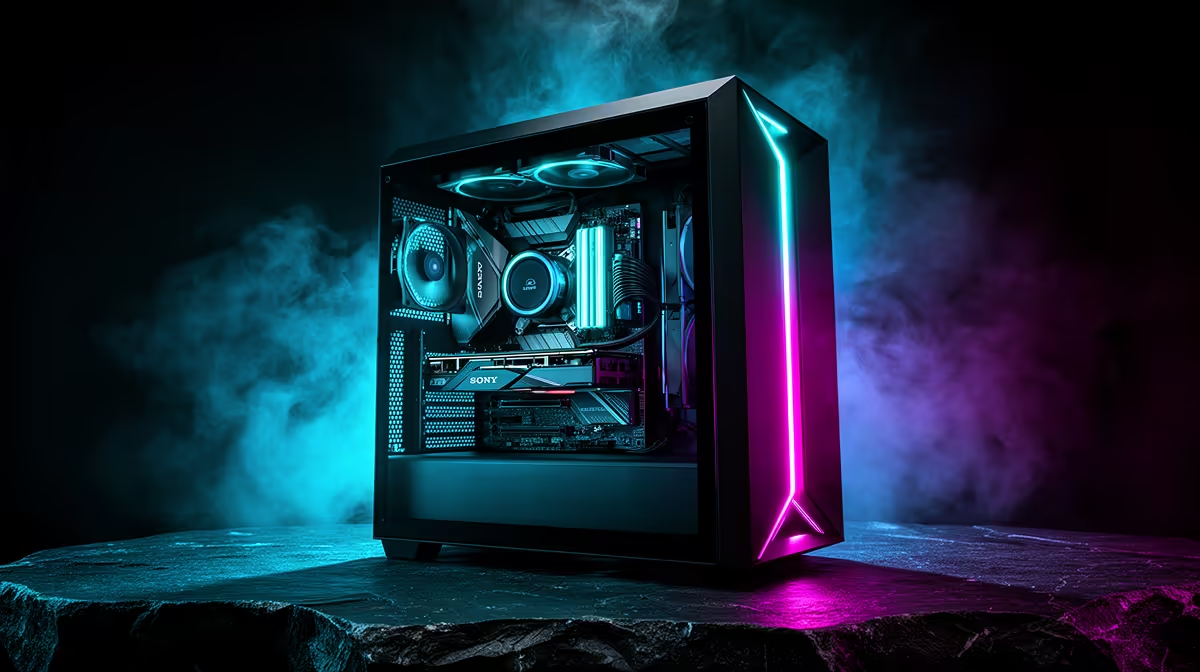
Buying a PC one component at a time feels disciplined because each payment is smaller. The risk appears between those payments: parts sit unused, return windows close and the final machine keeps changing. A full PC versus part-by-part build should therefore be decided by readiness, compatibility and cash flow, not by the romance of collecting boxes.
Quick Answer
Buy the full PC or all essential parts together when you are ready to build, test and use the machine. Buy in stages only when each early purchase has independent value or a short, documented completion plan. Evetech's July 2026 range listed a Ryzen 5 5500 and Intel Arc A380 6GB gaming PC at R11,969, providing a complete dated baseline against which a parts basket can be compared.
🧱 Why staged buying creates hidden risk
A processor, motherboard and memory bought months apart cannot be fully tested as a system until the last required part arrives. A fault discovered then may sit outside an easy return period, even if warranty rights remain. Troubleshooting also becomes harder because every component arrived at a different time.
Compatibility can drift while the plan is incomplete. The chosen motherboard may need a particular BIOS for the processor. A later graphics card may not fit the case or suit the original power supply. Memory kits with the same name can receive internal revisions, making a second matching purchase less certain.
Prices can move in either direction. That uncertainty is not a reason to claim every component will cost more later, but it does mean the final total is unknown. A discounted early part saves nothing if it forces a poor fit or remains unused for a year.
Staged buying also ties up value. Hardware under a bed produces no work, entertainment or test result. If priorities change, the owner may have to sell unopened or lightly used parts before the intended build exists.
🖥️ What a complete system buys
A complete PC arrives as a defined configuration. The processor, board, memory, storage, graphics and power supply can be tested together, and the buyer can judge the system against one performance target.
Assembly and initial configuration may also be included depending on the product. That reduces the chance of bent pins, poor cable routing or an incorrectly seated cooler, although the exact service and warranty terms must be checked for the chosen build.
The July 2026 Evetech listing for a Ryzen 5 5500, Intel Arc A380 6GB gaming PC at R11,969 is useful because it gives the comparison a real number. A self-build basket should include every required item, not only the headline CPU and GPU. Add the case, PSU, motherboard, memory, storage, cooling, wireless connectivity where needed, operating-system plan and assembly materials.
🔩 When buying parts separately makes sense
Part-by-part purchasing remains valid for an experienced builder who understands compatibility and can test each acquisition. It is especially sensible when upgrading a working PC: a new SSD or graphics card can be installed and used immediately while the rest of the system remains intact.
It can also work when one component has an exceptional, verified price and the full build will follow within a short period. Write down the exact remaining parts, maximum total and completion date. If the plan cannot survive on paper, the discount is leading the build.
Custom requirements favour a parts basket. A quiet workstation, compact case, unusual storage layout or carefully selected power supply may not appear in a standard configuration. The builder gains control but also owns the integration and troubleshooting.
Avoid purchasing platform parts too early. CPU, motherboard and memory are tightly linked, so they should usually be chosen together. The same applies to a large graphics card, its case clearance and the PSU connectors required.
Evetech's gaming PC deals establish complete-system options, while the PC best sellers offer another local view. Use those pages as configuration references even if you ultimately build from parts.
✅ A clean decision process
First, define the applications, games, resolution and frame-rate target. Second, create a complete configuration that meets them. Third, compare the full-system price with a parts basket built from equivalent components and services.
Include the value of time and risk honestly. An experienced builder may enjoy assembly and diagnose problems quickly. A first-time buyer may value one tested configuration and a clearer support path more than a small theoretical saving.
Check upgradeability on the complete PC rather than assuming it is closed. Standard desktop parts can leave room for future storage, memory and graphics changes. Confirm motherboard slots, PSU headroom and case clearance before buying.
If the cash is not ready for a complete, usable machine, saving can be better than collecting. The build should begin when it can cross the line from parts to working PC without an open-ended gap.
Frequently Asked Questions
Why is staged PC buying risky?
Parts may remain untested until return windows have passed, compatibility plans can change and the final cost stays uncertain.
Does buying all parts together save money?
Not automatically. It does make the complete cost visible and allows the system to be built and tested at once.
Is it harder to budget part by part?
It can be, because later component prices and priorities are unknown. A fixed complete basket gives the budget a clear finish line.
Can compatibility issues arise from staged buying?
Yes. BIOS support, memory matching, case clearance and power requirements can all be missed when linked parts are chosen months apart.
Is a full PC better for warranty coverage?
It can provide a simpler support path for the configured system, but exact coverage differs. Read the selected PC's terms rather than assuming.
Does buying a full PC limit future upgrades?
Not necessarily. Confirm that it uses standard parts and check spare slots, PSU capacity and physical clearance.
Who should still buy part by part?
Experienced builders, people upgrading a working PC and buyers with genuinely custom requirements can benefit, provided parts can be tested promptly.
Ready to compare complete cost with complete cost? Build one equivalent parts basket, include every required component, and compare it with Evetech's tested gaming PC configurations before the first box is bought.











