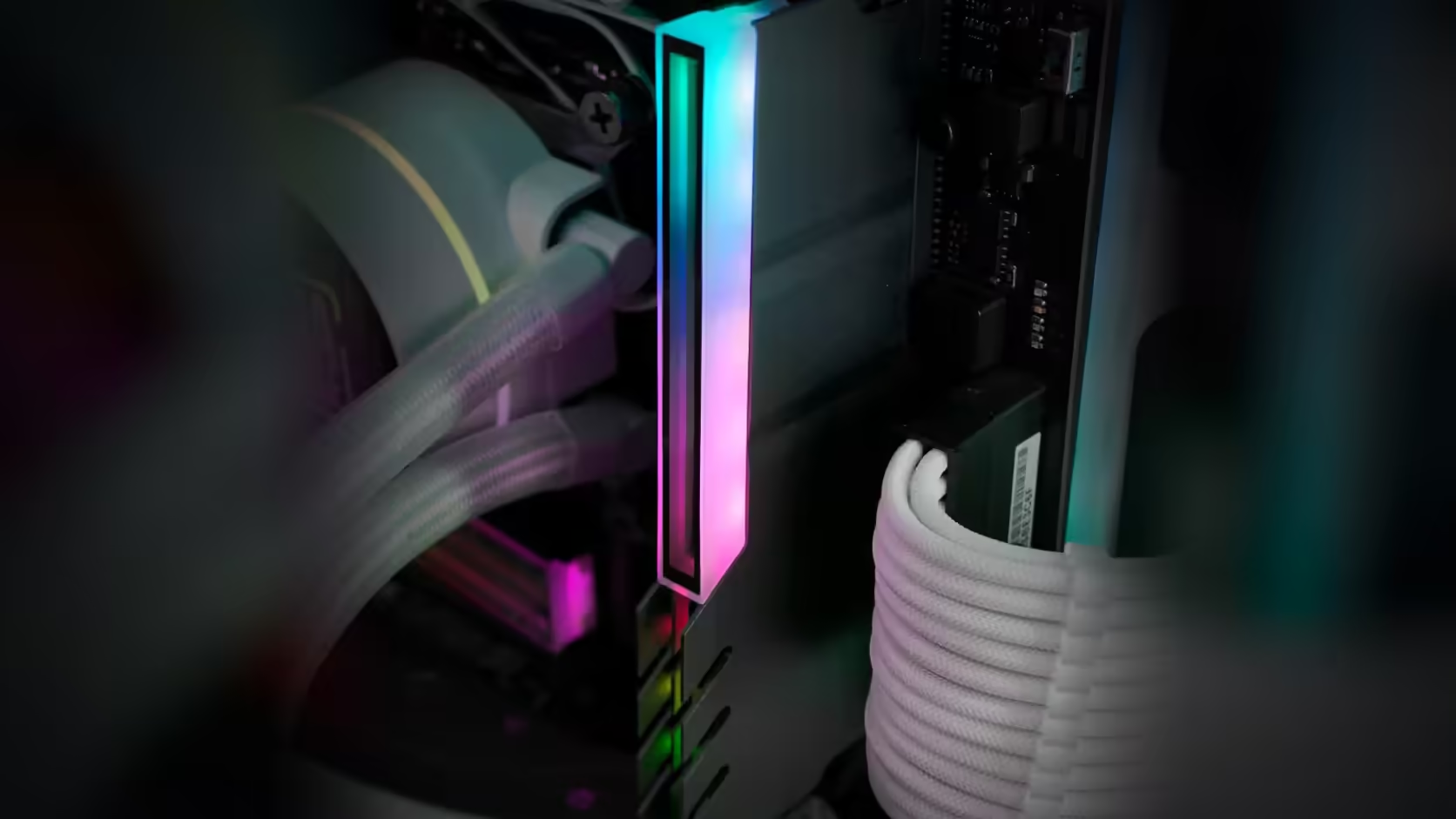
Tower coolers and memory slots share the same tight strip of motherboard real estate, and it is the first slot nearest the socket that usually loses the argument. Before adding a RAM cover to that build, the sensible move is a tape measure, not a guess - because this particular cover publishes no installed height to check against.
Quick Answer
No dimensions are published anywhere in the listing for the AsiaHorse RAM Cover ARGB Heatsink, and it does add height above whatever memory module it sits on at R249 a unit. That means clearance under a tower cooler's fan or fin stack has to be measured against your own case rather than assumed from a spec sheet, especially at the slot closest to the processor socket.
📏 Measure before you order
Start with the slot that matters most: the one nearest the cooler. Measure from the top of the installed module to whatever sits directly above it, whether that is a cooler fin, a fan frame, or the case's side panel in a compact build. A steel rule works, or a folded piece of card cut to the gap and compared against the physical cover once it arrives. Either way, this single number decides whether the cover fits without a trial installation.
Why the listing cannot answer this for you
No height figure is published for this cover, which is common for accessories that ship in several colourways and revisions. That absence is not a red flag on its own, but it does mean the fit question sits entirely with you and your case rather than with a spec you could copy from the product page.
🌬️ Where tower coolers cause the problem
Large air coolers commonly overhang the first DIMM slot with their front fan or the lower edge of the fin stack, because that slot sits closest to the socket the cooler is mounted on. A cover raises the module's effective height into exactly that space. If your board's manual recommends populating slots two and four first for dual-channel memory, that guidance conveniently also tends to skip the tightest slot, which works in your favour here.
Two practical fixes if clearance is marginal
Most tower coolers let the front fan slide higher up the fin stack, which is the simplest way to buy back a few millimetres of memory clearance without touching the cooler mount itself. Where that is not enough, leaving the covered module out of the tightest slot and dressing only the slots with open space above them is a reasonable compromise - a partial finish beats forcing a fit that presses on a spinning fan.
🔧 A one-module test before committing
Before buying covers for every populated slot, fit a single one to the least constrained module and check it against the cooler with the panel back on. That confirms the real installed height against your actual hardware rather than a written figure, and it means any surprise costs you one cover instead of a full set that does not clear.
Once fit is confirmed, both DDR4 and DDR5 boards take the same cover - so whether you are running DDR5 memory on a current platform or DDR4 memory on an older one, the clearance check is the same exercise either way.
🗂️ Keep the result written down
Once a single cover has been trial-fitted and confirmed to clear, write the actual measured gap down somewhere you will find it again - a build notes file, a photo with a ruler in frame, anything more permanent than memory. That number is what tells you, months later when adding a second or third cover, whether the slot you are working on now needs the same check repeated or can be trusted to match the one already confirmed. Boards are not always perfectly symmetrical in how much clearance each slot offers, particularly where a cooler mounts at a slight angle relative to the socket, so treating every remaining slot as already proven is a shortcut worth skipping.
Frequently Asked Questions
Why measure rather than look it up?
Because no dimensions are published for this cover, so the only way to plan the fit is against the space you actually have.
What usually overhangs the slots?
A tower cooler's fan or fin stack, which commonly extends over the first memory slot on many boards.
How do I measure the space?
From the top of the installed module to the underside of whatever sits above it, at the slot closest to the processor.
Does slot order help?
It can. Some builds leave the slot nearest the cooler empty, which removes the tightest clearance from the question.
Is the cooler's specification useful?
Its own clearance figure for memory height is a good starting point, though it describes bare modules rather than covered ones.
Can the cooler fan be raised?
Many tower coolers allow the front fan to be mounted higher, which is a common way to gain memory clearance.
Planning a cooler and memory combination that actually fits?
Check Evetech's current DDR4 and DDR5 memory alongside a cooler with published clearance figures before you commit to either.