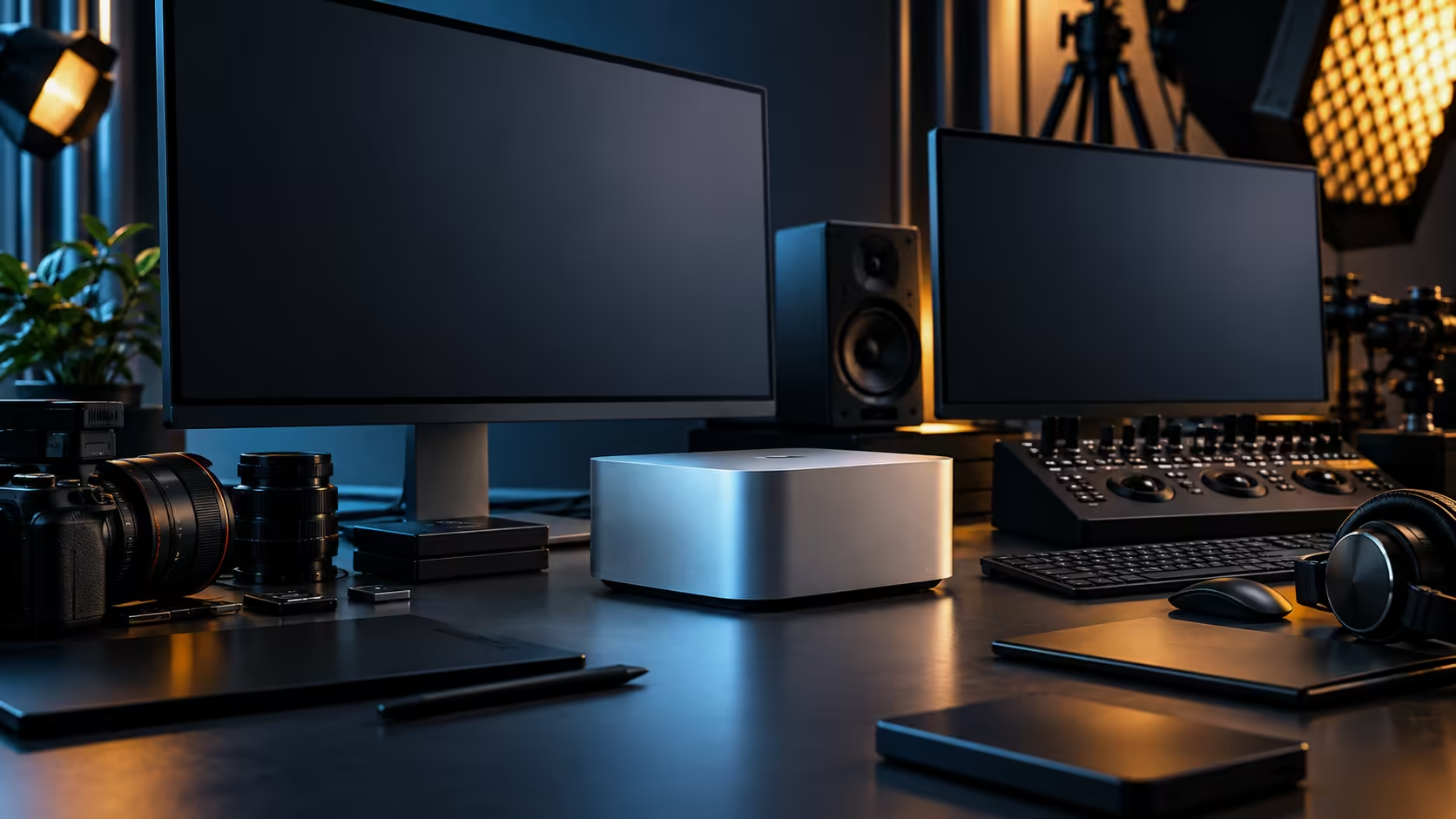
A five-display wall looks impressive in a photo and often turns into the least-used part of a real South African desk within a month. Plan the display count against what the room and the work actually need, and the Mac Studio M5 Max earns its keep instead of becoming an expensive backdrop.
Quick Answer
Plan your display count against the physical connections available, four Thunderbolt 5 ports plus one HDMI output, then against your desk depth and the afternoon heat a home office actually experiences, before assuming the maximum the chip supports is the right target. The exact display ceiling for this chip is stated on Apple's own specification page. The Mac Studio M5 Max carrying that port layout is R49,499, and Evetech backs it with local warranty cover.
🏠 What actually limits a South African home office layout
The constraint is usually the room, not the machine, and it's worth admitting that before buying five monitors.
Desk depth in a typical South African home office, particularly in a townhouse or apartment converted into a workspace, is often the real ceiling on how many screens fit comfortably, well before the port count or the chip's display limit becomes relevant. Afternoon sun through a west-facing window adds glare that makes additional screens less useful than they'd be in a purpose-built studio, and heat building up behind a wall of monitors in an enclosed room compounds whatever cooling challenge the Mac Studio itself already has to manage.
🎬 What a video, AI or 3D workflow actually uses multiple screens for
Before buying toward a number, work out what each additional screen would actually hold.
A typical productive layout for video work puts the timeline on the largest screen, a reference or scopes panel on a second, and perhaps a browser or project management view on a third; a fourth or fifth screen often ends up displaying something that could just as easily live in a window on an existing panel. For AI and 3D work, a dedicated viewport screen alongside a timeline or code editor covers most real workflows without needing to chase the chip's maximum. The monitor range is worth browsing with a specific role for each screen in mind, rather than shopping for a round number.
🖥️ Confirming the actual ceiling before you commit
The number of ports is not the same as the number of screens the chip will drive at once, and that distinction is worth nailing down before spending on monitors.
Apple states the display engine limit per chip tier on its own specification page, and checking that figure directly, rather than assuming from a headline, is the responsible step before buying toward a specific screen count. Resolution and refresh rate both draw from the same bandwidth budget, so a plan built around several 4K panels at 60Hz is a different request from the same panel count at higher refresh rates, and worth confirming before ordering.
🔆 Panel choice matters as much as panel count
An OLED or high-quality panel for the primary screen, paired with more modest panels for secondary displays, is often a better use of budget than five identical monitors.
The OLED monitor range is worth considering for whichever screen carries your primary, colour-critical work, since that's where panel quality actually matters most in a multi-screen layout; secondary screens used mainly for reference material or timelines don't need the same specification to be genuinely useful.
Frequently Asked Questions
How many screens does the Mac Studio M5 Max actually support?
Count the sockets on the case and you get five: four Thunderbolt 5 ports plus HDMI. Whether all five run together at once is governed by the chip's own display engine rather than the socket count alone, so treat five as the connector total, not a confirmed simultaneous figure, until you've checked it against your intended resolution.
What usually limits screen count in a South African home office more than the machine?
Desk depth, wall space and afternoon heat or glare in a converted room are the most common practical limits, often before the machine's own display ceiling becomes relevant.
Should every screen in a multi-monitor setup be the same quality?
Not necessarily. A higher-quality panel for your primary, colour-critical work paired with more modest secondary screens is often a better use of budget than five identical monitors.
Does running more screens affect performance?
Resolution and refresh rate across all connected screens share the same bandwidth budget, so a heavier combination, more panels or higher refresh rates, is worth checking against the chip's stated limits before buying.
Do I need to buy the same monitor five times for a matching desk?
No. A higher-quality panel for your primary, colour-critical work paired with more modest secondary screens is usually a better use of a fixed display budget than five identical monitors bought purely for a uniform look.
Why does local warranty cover matter for a multi-display Mac Studio setup?
A fault on a machine driving your entire workspace is disruptive to have sitting in transit for weeks. Local warranty support resolves issues through a straightforward South African process instead.
Ready to plan a display setup that suits your desk, not just the chip's ceiling?
Map the room and the work first, then choose monitors that match both.