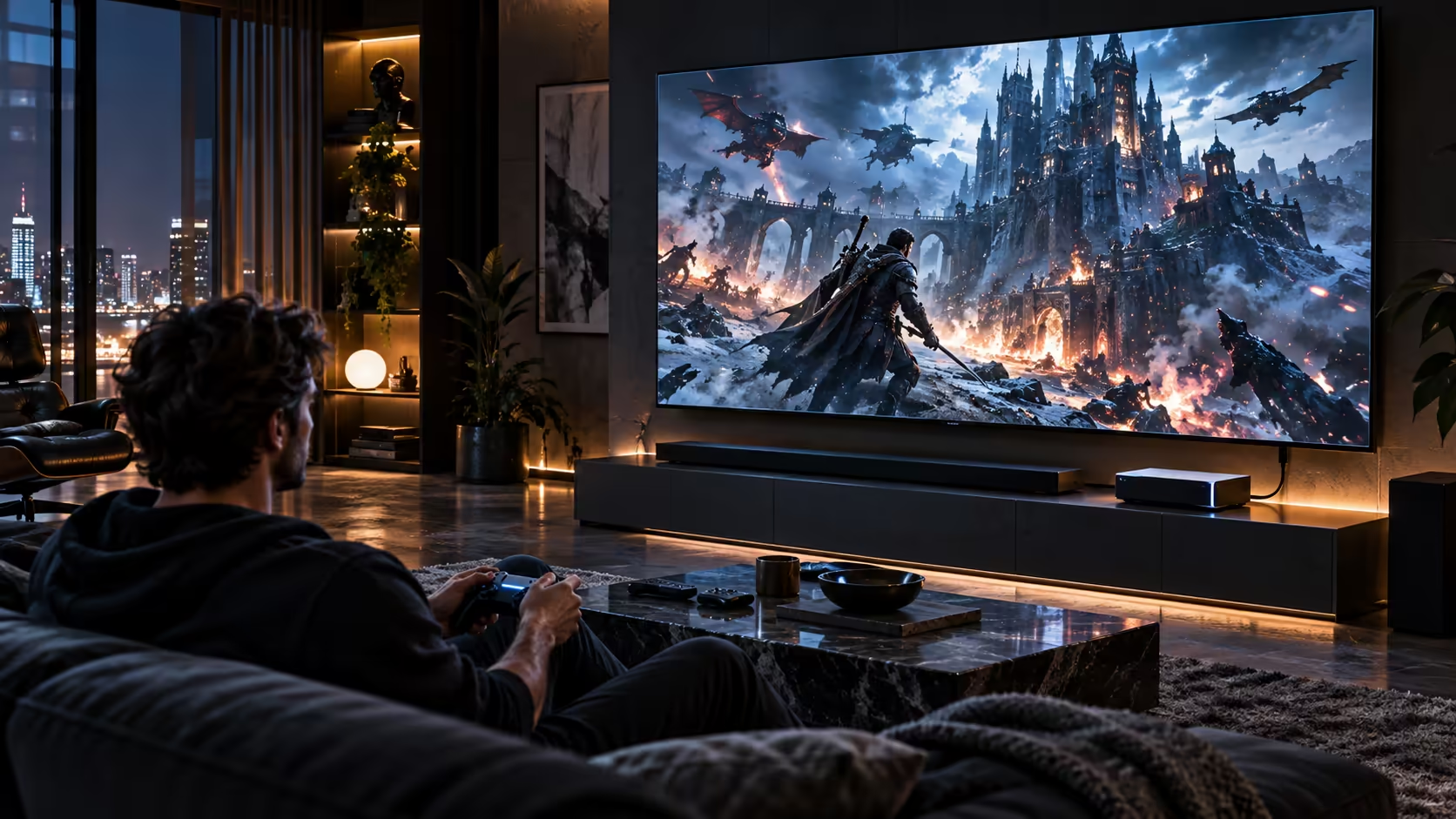
Buying the right HDMI cable for a console and a gaming TV is a five-minute decision that most people overthink in the wrong direction, worrying about connector plating while ignoring the one figure that actually determines whether 4K at 120Hz shows up at all. Sort that figure out first, and the rest of the setup follows easily, with none of the second-guessing that a badge or a jacket colour tends to invite.
Quick Answer
Choose a lead specified for 48Gbps so the console can offer 4K at 120Hz instead of quietly falling back. Plug it into the input your television gives full bandwidth to, then switch that input into its enhanced mode. The Anker 1.8m does the wiring half of that job for R299.
🎮 The console side of the decision is simple
Every current console capable of 4K at 120Hz needs a cable rated for 48Gbps to actually deliver it, and there is no partial credit for a cable that almost meets the figure. The 1.8m Anker lead states 48Gbps outright, along with the 4K120 and 8K60 modes it unlocks, which removes the guesswork of trying to interpret a version number alone.
Length matters here too, more than most buyers expect. Consoles are usually installed within a metre or so of the television, so a 1.8m run leaves enough spare to tuck behind the unit neatly, without the extra cost or clutter of a longer lead bought "just in case."
🔊 Do not forget the audio path back out
If the television passes audio out to a soundbar or receiver over its own HDMI connection, that cable carries data too, using a feature called eARC, and it can become its own bottleneck if it is an old or unrated lead left over from a previous setup. A soundbar limited to basic audio return will not need the full 48Gbps figure, but a modern one supporting object-based surround formats benefits from the same rated cable as the console leg, so give that old cable a proper look before trusting it purely out of habit.
This is easy to overlook because the eARC cable usually sits behind the television, out of sight and untouched for years after the initial install. If your surround sound has never quite matched what the soundbar's own marketing promised, that forgotten cable is worth checking before assuming the speaker hardware itself is the limitation.
🕹️ Controller and headset latency live on a separate connection
None of the HDMI decision touches how a controller or a gaming headset connects, since those run over Bluetooth, a proprietary wireless dongle, or their own wired link entirely independent of the video cable. If input responsiveness is the actual complaint rather than picture smoothness, a wired controller removes wireless latency as a variable, and a wired headset does the same for voice and game audio without touching the HDMI chain at all.
🛒 What to actually put in the cart
One 1.8m 48Gbps HDMI cable from the cable range for the console, checked against the television's own enhanced-mode input, covers the video side of a typical lounge setup for R299. Add a wired controller if input lag during competitive play is the real concern, and a wired headset if voice clarity in party chat matters more than convenience. None of these three purchases depend on each other, so buy only the ones that solve a problem you actually have rather than the full set out of habit.
Frequently Asked Questions
Does the audio cable to a soundbar need the same rating as the console's HDMI cable?
Only if the soundbar supports the newer object-based audio formats that need more bandwidth. A basic soundbar handling standard surround sound rarely needs the full 48Gbps figure.
Will a wired controller improve my picture quality?
No. A controller has no part in the video signal at all; it only affects how quickly your inputs reach the console, which is a separate kind of responsiveness from picture smoothness.
Do I need a new HDMI cable if I already have one rated for HDMI 2.0?
Yes, if you want 4K at 120Hz specifically. An HDMI 2.0 lead caps out around 18Gbps, comfortable for the standard 60Hz mode but well short of what the faster one asks for.
Is a 1.8m cable long enough for a console in a media cabinet?
Usually, if the cabinet sits close to the television. Trace the route the lead has to take around the cabinet's back panel before assuming the standard length falls short.
Can one HDMI cable serve both the console and the soundbar's audio return?
No. These are two separate physical connections in most setups: one HDMI lead runs from the console to the television, and a second from the television's own eARC output to the soundbar, each of the two doing its own job independently.
Ready to wire up your console and TV the right way?
Sort the video cable's rating first, then decide separately whether a wired controller or headset solves your other complaints.