


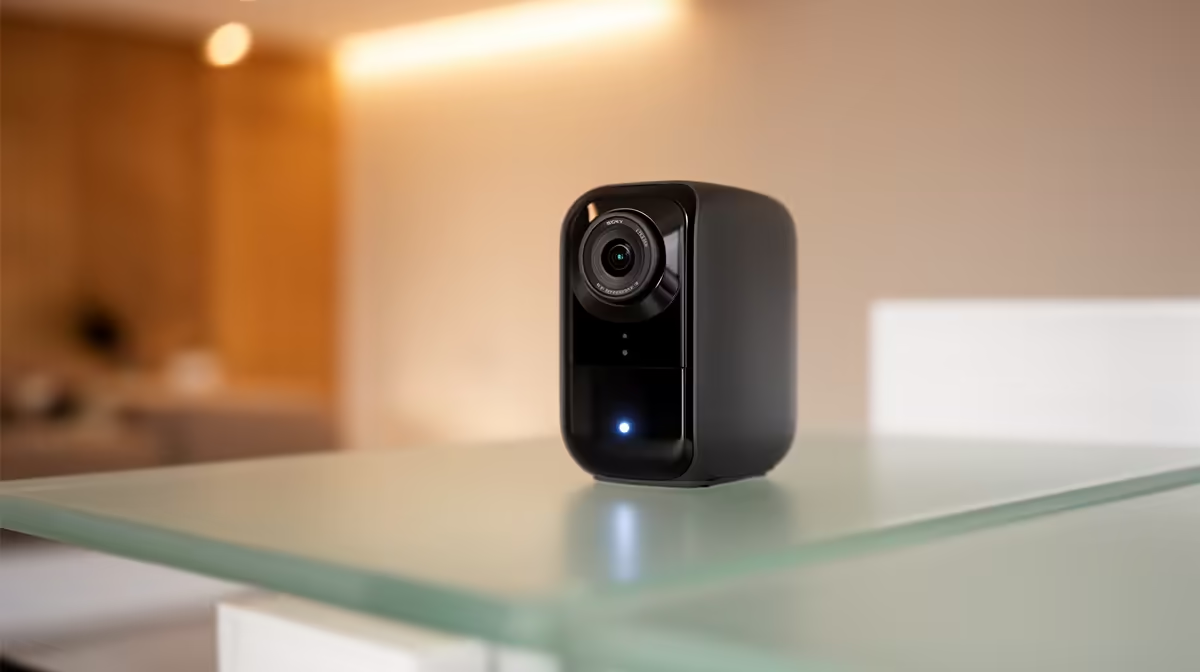
An indoor pet camera commonly disappoints through weak Wi-Fi, poor placement, noisy alerts, glare or unsafe account sharing rather than a faulty camera. Fix the environment and settings methodically before replacing working hardware.
Diagnose one symptom at a time
For disconnects, compare the camera beside the router and at its normal position. For missed motion, test field of view, sensitivity and lighting with the pet moving naturally. For unclear speech or night images, clean the lens, remove backlighting and review app settings.
The TP-Link Tapo C212 indoor Wi-Fi camera is verified at R451. That price does not prove pet-specific features, storage capacity or suitability for every room. Check the current listing for field of view, motion options, audio, night mode, power, storage methods, app support, update policy and warranty before changing the setup.
Use a unique account password and multi-factor authentication where supported. Point the camera away from private spaces, restrict shared access and define retention. Secure the power lead so a pet cannot chew or pull it, and place hardware beyond reach without blocking ventilation.
Replace the camera only after network, placement and configuration tests fail. A router move or narrower alert zone may solve the problem without adding another cloud-connected device.
Move the camera temporarily rather than drilling a second mounting point during diagnosis.
Pro Tip ⚡
Improving indoor pet monitoring? > Compare Evetech cameras after testing placement, Wi-Fi and alert settings.











