


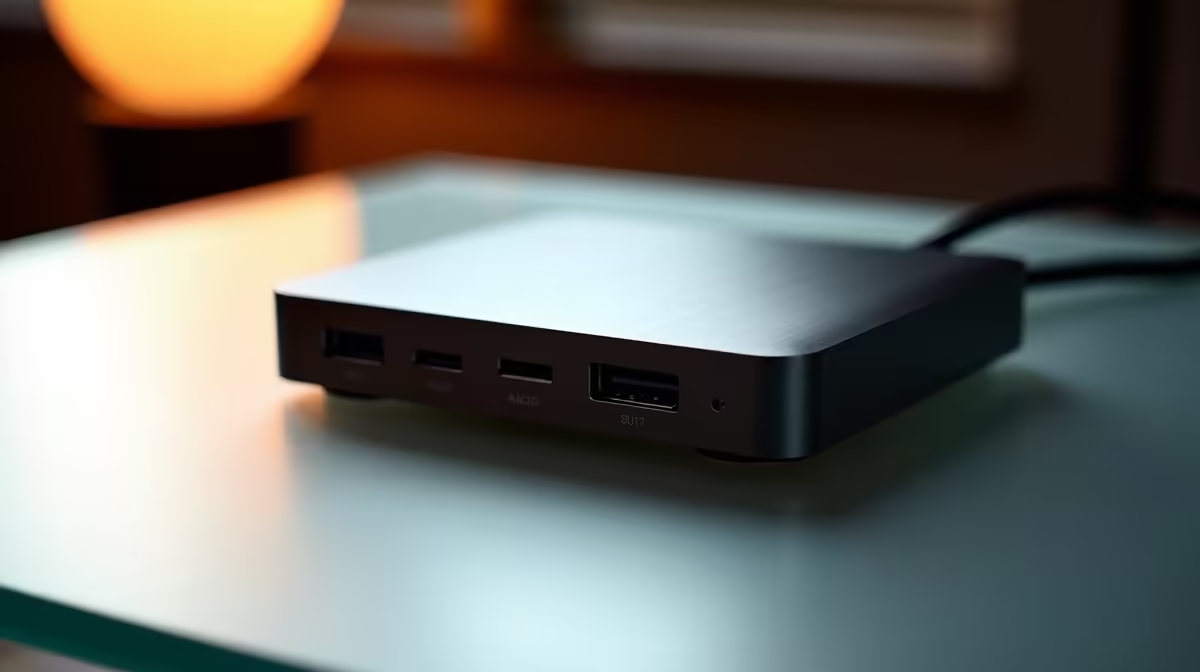
Quick Answer
For budget content creation, the dock that matters delivers a single 4K-60 output, 60-85W of laptop charging and fast USB data over a stable connection, not a wall of unused ports. A USB-C dock in the R1,200-R2,500 band covers most creators; only step up to Thunderbolt 4 or USB4 (R3,500-R6,000) when you need dual 4K screens or high-bandwidth external SSD edits.
What a budget creator actually needs
Match the dock to your laptop's port, not the marketing. A USB-C dock with DisplayPort Alt Mode drives one 4K display at 60Hz, charges the laptop at 60-85W and exposes a few 5-10Gbps USB-A ports for card readers and drives, which is enough for photo editing and 1080p video. The Power Delivery wattage is the spec to check first: a 100W laptop will not fast-charge from a 60W dock, so confirm your charger rating before buying.
When to spend more, and what to skip
Skip the R5,000 docks if you edit on one screen and shuttle files off SD cards; that money buys a faster external SSD instead, which speeds up real work. Step up to a Thunderbolt 4 or USB4 dock only when you need two 4K-60 monitors, 40Gbps throughput for a fast scratch drive, or 90W-plus charging for a powerful editing laptop. Ethernet on the dock is genuinely useful for stable uploads of large project files.
Buying it in South Africa
Evetech ships docks nationwide, and the practical SA choice is a USB-C dock around R1,500-R2,500 with HDMI or DisplayPort, Gigabit Ethernet and 65W-plus charging. Verify the dock supports your laptop's resolution and PD wattage on the product page; a mismatch means no charging or a capped 30Hz screen. Keep the saved budget for a 1TB external SSD that shortens your render and export times.
FAQ
Do I need Thunderbolt for budget content creation?
Usually not. A USB-C dock with DisplayPort Alt Mode handles one 4K-60 screen and fast USB data for photo and 1080p video work. Thunderbolt or USB4 only pays off for dual 4K screens or 40Gbps external drives.
What wattage of charging should the dock provide?
Match it to your laptop's charger. A thin ultrabook is fine on 60-65W, while a powerful editing laptop needs 90-100W to charge while you work, so check the PD rating before buying.
Is Ethernet on a dock worth it?
Yes for creators. A wired Gigabit link gives faster, steadier uploads of large project files and cloud backups than Wi-Fi, which matters when deadlines depend on a finished export landing.
laptop's PD wattage and max display resolution first, then buy the cheapest dock that meets both. Extra ports you never use are wasted rand.











