A vertical GPU mount changes how a card looks and how it breathes, and those are two separate outcomes worth checking separately. Compare temperatures with the card actually in its new vertical position before deciding a riser-based arrangement is a genuine win rather than an appearance upgrade that quietly costs cooling headroom.
Quick Answer
Measure the card's temperatures under the same workload before and after the move to vertical mounting, since the card now sits closer to the side panel and draws air from a narrower gap than it had access to in its horizontal slot. AsiaHorse's PCIe 5.0 riser, priced at R1,299, makes the physical mount possible, but only a direct temperature comparison tells you whether the new position is actually working as well as the old one, or costing you thermal headroom for the sake of appearance.
💨 Why airflow genuinely changes with orientation
A vertically rotated card faces its fans toward the side panel rather than into the open interior of the case, drawing air from whatever gap exists between the card and that panel rather than from the wider space a horizontal card has access to. How much difference that actually makes depends entirely on the size of that gap in your specific case, which is exactly why the only reliable way to know is measuring your own build rather than assuming based on someone else's setup.
What comparison actually settles this
Run the same workload with the card in its original horizontal slot, note the temperatures once they settle, then repeat with the card mounted vertically on the riser, changing nothing else about the build in between. That direct before-and-after comparison, with everything else held constant, is what actually answers whether the move was worth it thermally.
🪟 Panel material makes a real difference
A mesh side panel gives the card's fans considerably more to draw air from than a solid glass panel does, which can make the identical vertical arrangement noticeably better in one case than another purely because of what the panel is made from rather than anything about the riser itself.
If temperatures rise noticeably after the move
That is a real cooling cost attached to the visual gain, and whether that trade-off is acceptable is a judgement worth making with actual figures in hand rather than guessing from how the build looks with the panel on. Panel and case hardware are stocked in the case accessories category, while cables to support the riser itself come from the cable solutions range.
🔌 What the riser itself does and does not claim
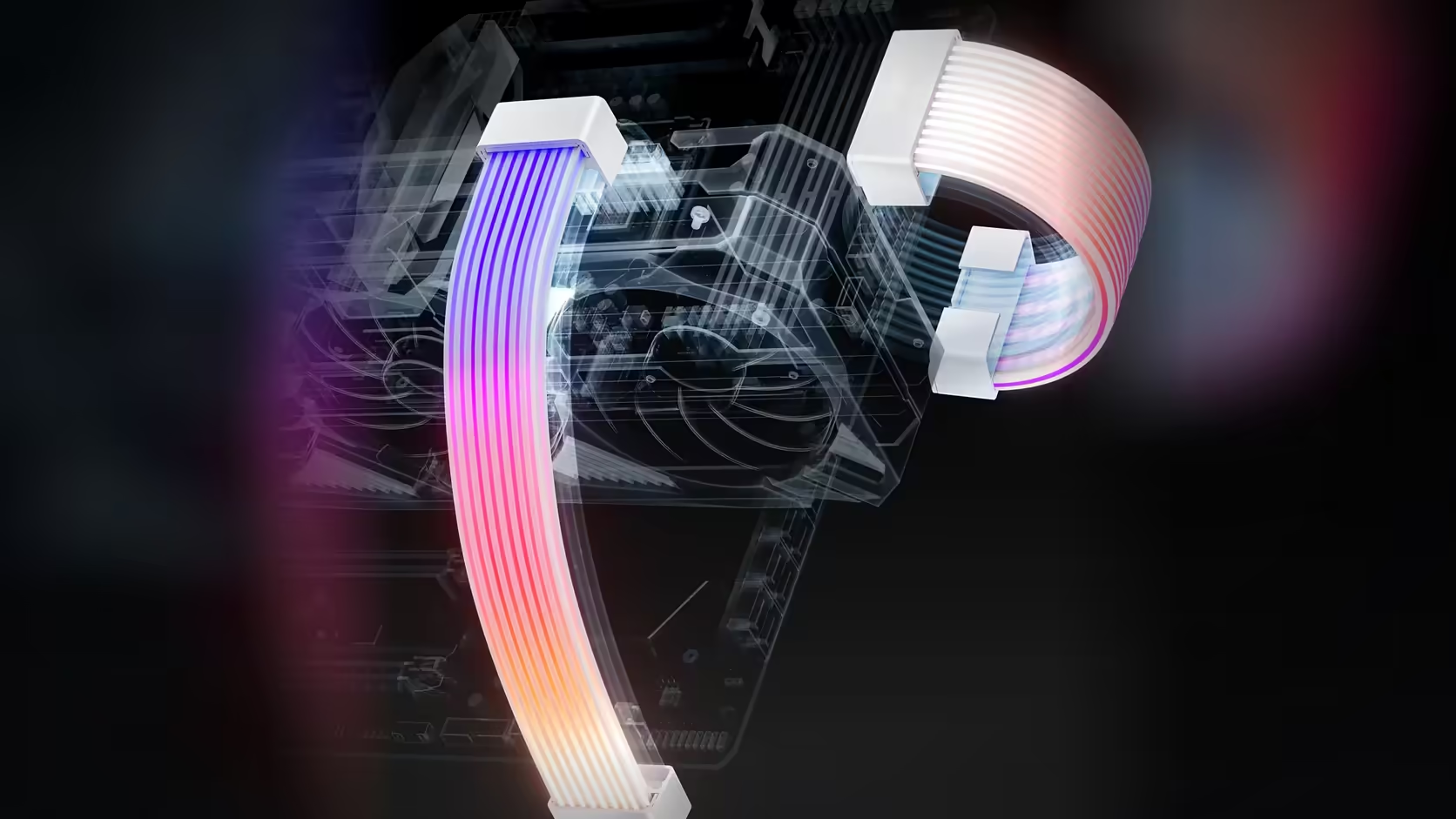
The riser is 200mm long with its slot connector set at a right angle to the ribbon, gold-plated contacts, and EMI-shielded 30AWG wiring inside a protective ABS shell, and it works across PCIe 5.0, 4.0 and 3.0 slots rather than being tied to one generation. A bandwidth figure has never appeared in the manufacturer's own listing for it, so none is claimed here either - the riser's job is carrying the full x16 slot connection out to the vertical mount, and any thermal difference you measure comes from the card's new orientation and the case's own airflow, not from anything the riser is doing to the signal passing through it.
🔄 Reverting is genuinely straightforward
Some mounting brackets allow slightly more distance from the panel, which is the main adjustment lever available if temperatures come back marginally worse than hoped. If the comparison shows the trade-off is not worth it, the card returns to its standard board slot and the riser comes back out - nothing about this change is permanent, and there is no penalty for trying it and reverting.
Frequently Asked Questions
Why does airflow actually change with a vertical mount?
Because a rotated card faces its fans toward the side panel, drawing air from a narrower gap than a horizontally mounted card has access to.
How much difference does the orientation actually make?
That depends entirely on the size of the gap in your specific case, which is why measuring your own build is the only reliable way to know.
What exactly should be compared between the two positions?
Card temperatures under an identical workload, measured before and after the move, with nothing else about the build changed in between.
Does the case panel material matter here?
Yes - a mesh panel gives the fans considerably more to draw from than glass, which can noticeably improve the identical vertical arrangement.
What if temperatures rise noticeably after the move?
Then the visual gain carries a real cooling cost, and whether that trade-off is acceptable is a judgement worth making with actual figures.
Can the mounting position be adjusted to help?
Some brackets allow a little more distance from the panel, which is the main adjustment available if temperatures come back worse than expected.
Is reverting to horizontal straightforward?
Entirely - the card returns to its standard board slot and the riser comes out, with nothing permanent about the change either way.
Weighing up a vertical GPU mount for looks versus cooling?
Browse mounting hardware in the case accessories range and riser cables in the cable solutions category before making the switch.