Building a shiny new 1440p gaming PC is a thrill... until it sounds like a jet taking off from OR Tambo during a tense Warzone match. If your CPU temperatures are climbing faster than the petrol price, you’re not just losing quiet... you're losing performance. Proper cooling for a 1440p gaming PC isn't a luxury anymore; with 2025's powerful mid-range chips, it's the core of a stable, high-framerate experience. 🚀
The New Heat Standard for 1440p Gaming
Gone are the days when a basic stock cooler could handle a mid-range gaming CPU. Processors like Intel's Core i5/i7 and AMD's Ryzen 5/7 series now boost to incredible speeds to deliver those silky-smooth 1440p visuals. The trade-off? They generate a lot more heat. When a CPU gets too hot, it "throttles"—automatically reducing its speed to protect itself. This means frame drops, stuttering, and a frustrating gaming session.
Effective CPU cooling for your 1440p build is the only way to unlock its full potential. Thankfully, the market is filled with powerful and affordable CPU coolers designed to tame these modern silicon beasts.
Choosing Your Weapon: Air vs. AIO Liquid Cooling
The biggest decision you'll make is between a traditional air cooler and an All-in-One (AIO) liquid cooler. Both have seen massive improvements, and the right choice often comes down to your case, budget, and aesthetic preference.
The Case for Air Coolers 🔧
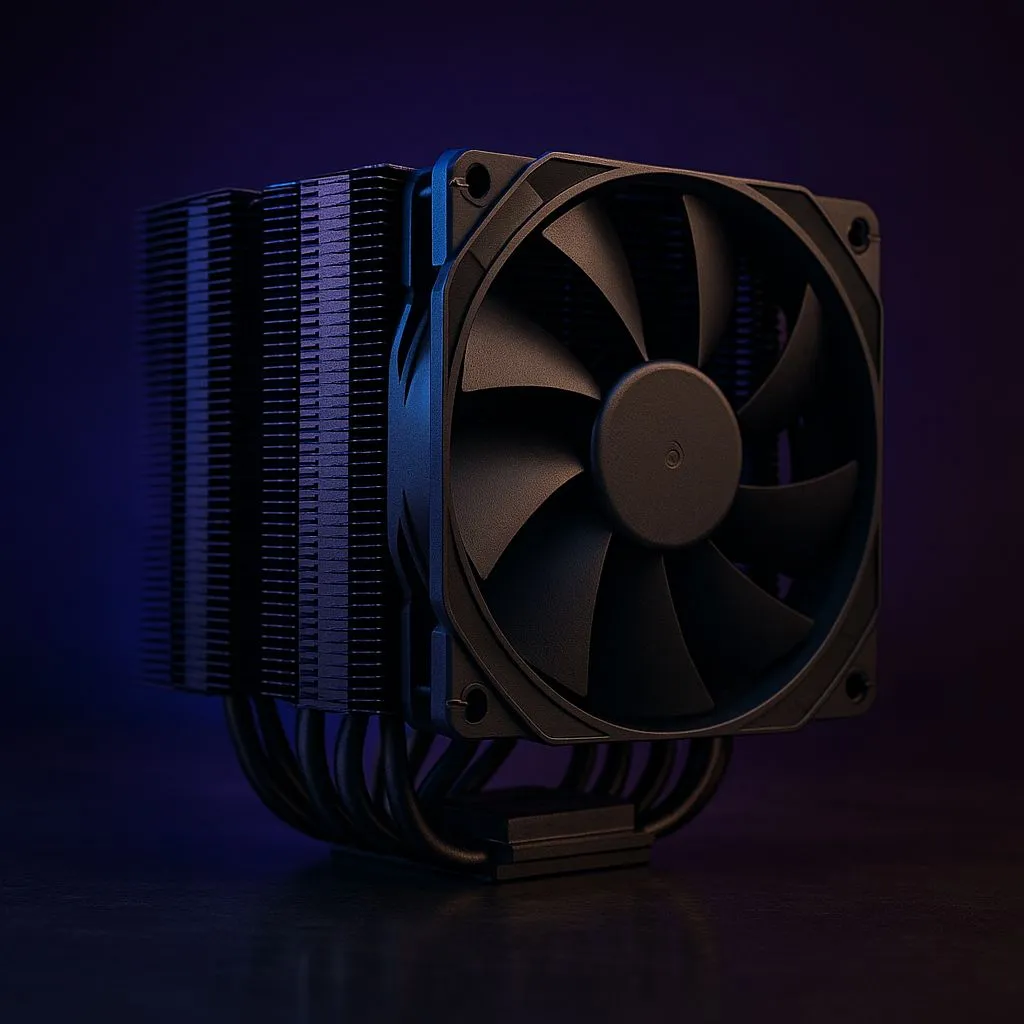
Modern tower-style air coolers are incredibly efficient and reliable. They use a combination of heat pipes and a large fin stack to draw heat away from the CPU, with a fan to dissipate it.
- Pros: Unbeatable reliability (no pumps or liquid), often more affordable, and very quiet at idle.
- Cons: Can be bulky, potentially blocking RAM slots or clashing with tall motherboard heatsinks.
For many mid-range builds, a high-performance air cooler offers fantastic value and peace of mind.
The Allure of Liquid Cooling ✨
AIOs have become the go-to solution for clean, high-performance builds. They use a closed loop of liquid to transfer heat from the CPU block to a radiator, where fans push the heat directly out of your case.
- Pros: Excellent cooling capacity (especially for overclocking), sleek and minimalist look, and less strain on the motherboard.
- Cons: More expensive, more points of potential failure (though modern AIOs are very reliable).
The performance and aesthetic benefits make liquid coolers a dominant choice for anyone serious about their 1440p gaming PC cooling.
Case Compatibility Check 📏
Before buying any cooler, especially a large air cooler or an AIO, check your case's specifications! Look for the 'Max CPU Cooler Height' for air coolers and 'Radiator Support' (top, front, rear) for AIOs. Nothing's worse than getting your new gear home only to find it doesn't fit.
Finding the Right Fit for Your 1440p Rig
So, what's the 2025 standard for a mid-range 1440p machine?
For a modern Core i5 or Ryzen 5/7, we'd recommend at least a 240mm AIO or a premium dual-tower air cooler. This provides enough thermal headroom to let the CPU boost freely without the fans screaming. If you want to future-proof your setup or ensure whisper-quiet operation under heavy load, stepping up is a great idea.
A 360mm radiator offers a larger surface area, allowing fans to spin slower (and quieter) while achieving the same or better cooling. Brands like Corsair have perfected the AIO formula, offering a blend of top-tier performance, reliability, and customisable RGB lighting that looks incredible in any build.
The Final Verdict: Keeping Your 1440p Dream Build Chill
Don't let thermal throttling sabotage your gaming. The right cooling for your 1440p gaming PC is a critical investment that protects your components and guarantees you get every frame you paid for. Whether you choose the steadfast reliability of air or the sleek performance of an AIO, a good cooler ensures your rig stays cool, quiet, and ready for battle.
Ready to Beat the Heat?
A powerful CPU needs a powerful cooler. Don't let high temps throttle your performance. Explore our massive range of CPU coolers and find the perfect solution to keep your 1440p gaming rig running ice-cold.