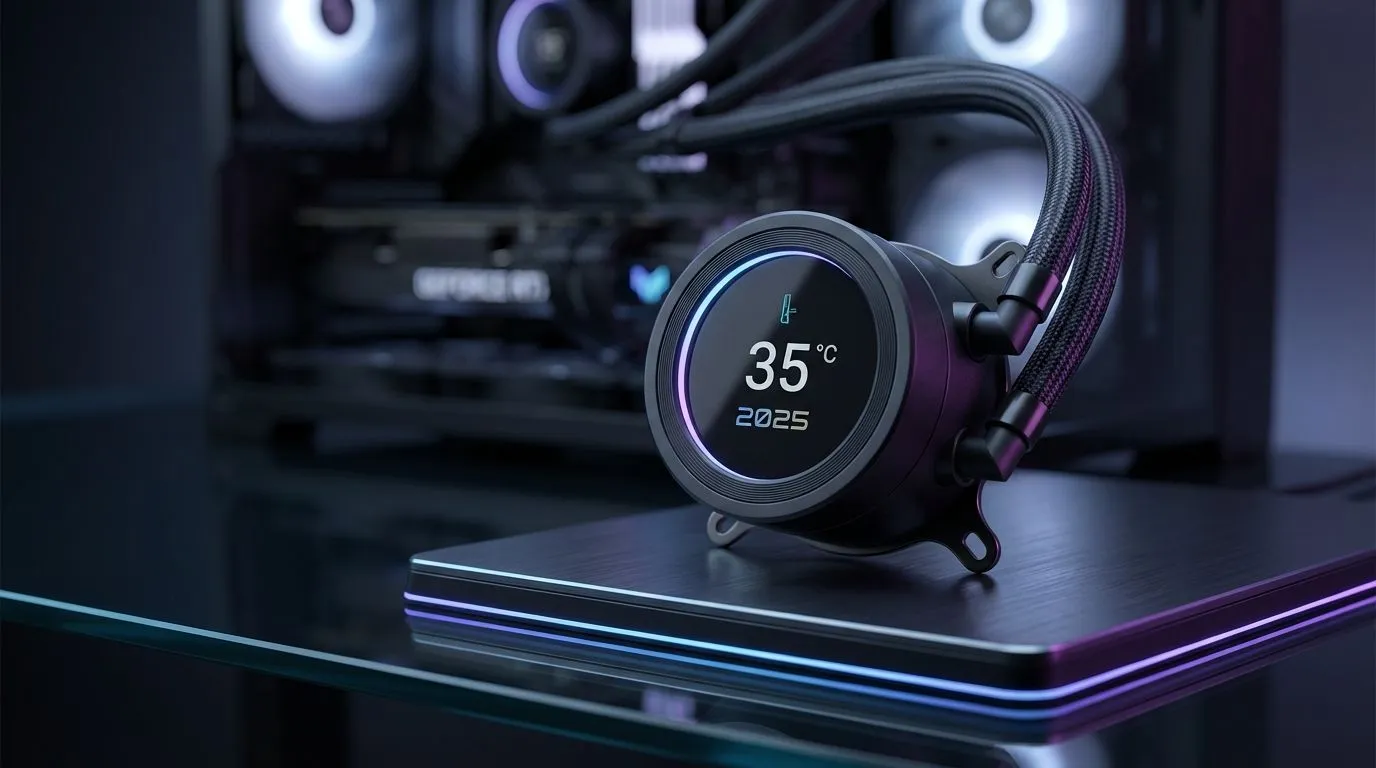
It’s another sweltering South African summer day. The air is thick, the braai is probably planned, and your gaming PC sounds like it’s about to attempt take-off. That sudden frame drop during a clutch moment in Apex Legends? That’s not just bad luck… it’s your hardware crying for help. Properly cooling your PC in 35C heat isn't just a luxury; it's essential for protecting your investment and securing those sweet, sweet victories. 🌡️
Why Your PC Hates a Gauteng Heatwave
When your room feels like an oven, the air your PC uses for cooling is already warm. This makes it incredibly difficult for your components, especially the CPU and GPU, to shed the intense heat they generate under load.
The result? Thermal throttling. This is a built-in safety feature where your hardware intentionally slows itself down to prevent damage. You experience this as stuttering, lower frame rates, and sluggish performance. Ignoring the challenge of cooling your PC in 35C heat can, over time, shorten the lifespan of your precious components.
Quick Fixes for an Overheating PC
Before you start spending, there are a few things you can do right now to improve your PC's cooling performance. These steps are simple but can make a surprising difference.
Master Your Airflow
Think of your PC case as having lungs. It needs to inhale cool air and exhale hot air efficiently.
- Clean Your Filters: Dust is the enemy of airflow. A clogged filter suffocates your components. Give them a clean every month or so.
- Check Fan Direction: Ensure you have a clear path for air. Typically, front and bottom fans pull air in (intake), while rear and top fans push air out (exhaust).
- Cable Management: A chaotic mess of cables can block airflow. Tidy them up with a few cable ties to clear the path.
Pro Tip: Check Your Thermal Paste 🔧
Old, dried-out thermal paste is a common culprit for high CPU temperatures. If your cooler is a few years old, consider reapplying a fresh layer. It’s a cheap fix that can drop your temps by several degrees. A pea-sized amount of a quality paste like Thermal Grizzly Kryonaut is all you need for a perfect application.
The Ultimate Upgrade: Choosing the Right CPU Cooler
If the basic tips aren't enough to survive the summer, it’s time for a hardware solution. The stock cooler that came with your CPU is often just the bare minimum. For serious gaming in SA's climate, upgrading your CPU cooler is one of the most effective investments you can make.
For most builds, modern high-performance air coolers offer fantastic value and reliability, easily handling mid-to-high-end CPUs without the complexity of liquid. They use a combination of heat pipes and a large fin stack to draw heat away from the processor.
However, if you're pushing a top-tier CPU or love overclocking, All-in-One (AIO) liquid coolers are the champions of heat dissipation. They use liquid to transfer heat to a radiator, where fans can expel it much more efficiently. For an enthusiast-level rig facing extreme temperatures, you can’t go wrong with premium options from brands like Corsair, which offer excellent performance and slick RGB aesthetics. If you have the case space, a powerful 360mm AIO provides the maximum surface area for cooling, ensuring your system stays frosty even when the weather isn't. ✨
Ready to Beat the Heat?
A high-performance cooler is a direct investment in your PC's performance and longevity. Stop thermal throttling from stealing your frames. Explore our massive range of CPU coolers and find the perfect solution to keep your rig cool and your gameplay smooth.