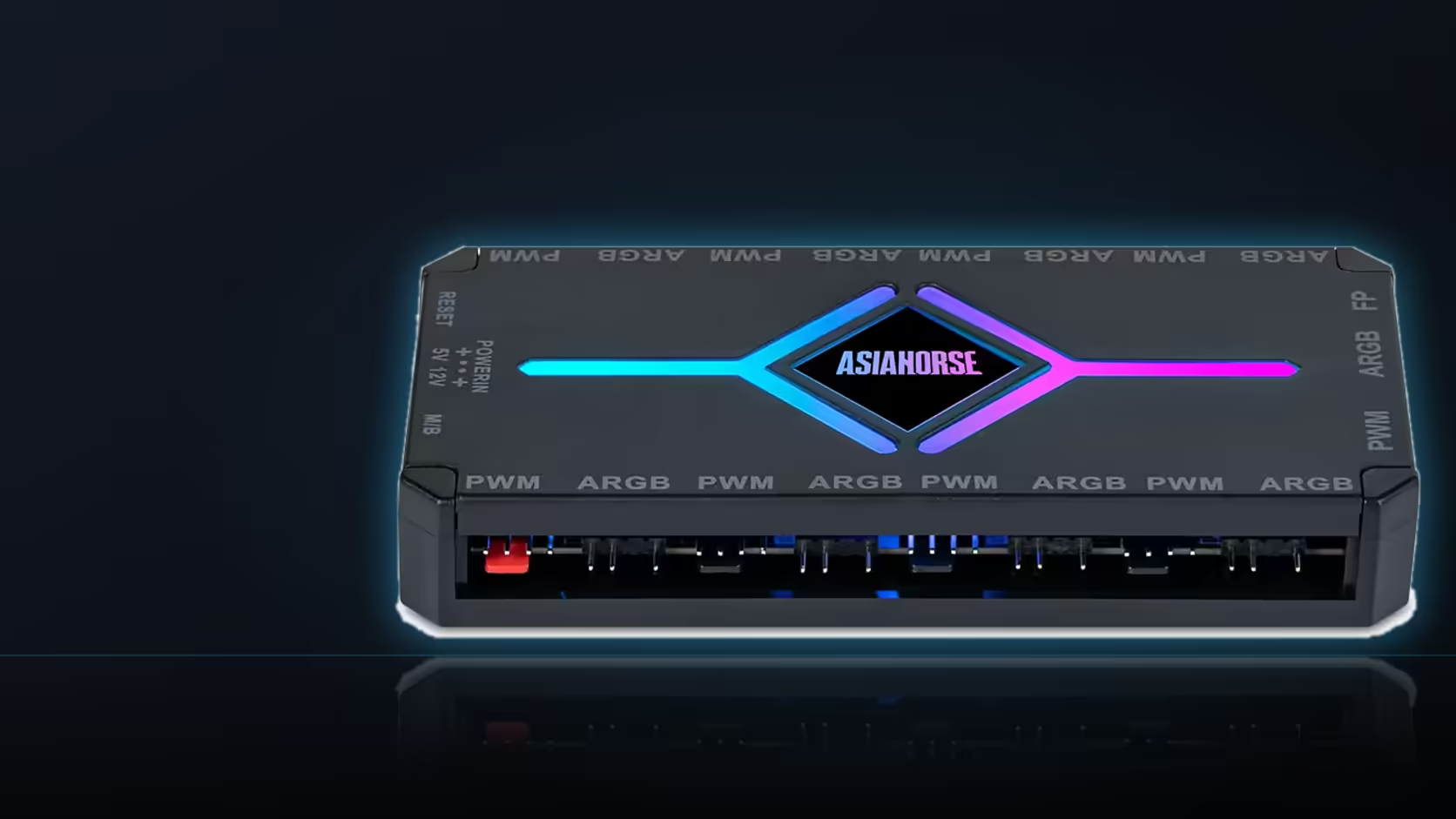
Every build leaves behind a handful of small pieces that seem unimportant right up until the day you need one of them: a remote, a spare hex wrench, an original retention arm swapped out for a cover. A single labelled accessory box is the difference between finding all of that in thirty seconds and tearing the desk apart looking for it.
Quick Answer
Collect the spare parts, remotes, tools and original hardware from your build into one labelled box the moment the build is finished, not months later when you have forgotten what belongs to what. An AsiaHorse Aurora Learn cover's controller and remote, included in a kit priced from around R599, is exactly the kind of small item that goes missing first if it is left loose on a desk.
📦 What actually belongs in the box
Unused pieces from any kit, the ARGB controller's remote, an AM5 mounting hex wrench, the motherboard's original retention arms if you swapped them for a contact frame, and any leftover cable combs from a sleeved extension kit all belong together. None of these are individually valuable, but every one of them is the specific thing you will need the next time the case is open.
📡 Why the remote goes in first
A loose remote is the single most likely item to vanish, sliding under a desk or getting buried in a drawer, and without it the AsiaHorse controller's full library of 124-plus lighting presets becomes effectively unreachable. Motherboard sync is a fallback, but it is a real loss of functionality if the remote genuinely cannot be found when you want it.
🧵 Storing spare cables for later
Passive extension cables keep well in storage, and one bought as part of a kit but not used in the current build is entirely usable years later, provided it is kept flat and somewhere dry rather than coiled tightly or left exposed to damp. There is little reason to discard a spare sleeved extension simply because the current build did not need it.
📦 Keeping the original packaging
Holding onto the retail boxes for directional or handed items is worth the small amount of shelf space it costs, because the product name printed on the box is often the only reliable way to identify which reverse-blade fan or which side-exit cable a spare piece actually is once it is out of context on a shelf.
🗒️ Notes belong with the box too
Your connector map and any build photographs are worth keeping alongside the physical accessory box rather than scattered across different folders or devices, so that everything relevant to a future job on this machine is genuinely in one place when you need it.
🏠 Where the box should actually live
Somewhere dry and, more importantly, somewhere findable months or years later, ideally stored with whatever other documentation you keep for the machine rather than mixed in among general household odds and ends where it will be forgotten.
💰 The resale argument
A machine sold with its original hardware, spare accessories, remotes and documentation intact is a meaningfully better proposition to a buyer than one handed over as bare components, and the labelled box makes that handover simple whenever the day comes to sell rather than keep.
Keep your accessory box updated as you add pieces, whether they come from Evetech's case fans shelf or the broader case accessories range, so nothing gets lost between one build session and the next.
Frequently Asked Questions
What should actually go into the labelled accessory box?
Unused kit pieces, the ARGB controller's remote, an AM5 hex wrench, original retention arms, and any leftover cable combs from a sleeved extension kit.
Why does the remote deserve special attention?
Because a loose remote is the first thing to go missing, and without it the controller's full preset library becomes effectively unreachable.
Do spare cables genuinely keep well over time?
Yes. Passive extensions stored flat and dry remain fully usable years later, so there is little reason to discard one left over from a kit.
Is keeping the original packaging worth the space it takes?
Often yes, since the product name printed on the box is usually the only reliable way to identify a handed or directional item once it is out of context.
Should build notes be stored with the physical box?
Ideally yes, along with the connector map and any photographs, so everything relevant to the build lives in one place rather than scattered around.
Where is the best place to store the box?
Somewhere dry and findable, ideally alongside your other build documentation rather than mixed in with general household items.
Does a labelled box help if the PC is eventually sold?
Considerably. A machine sold with its original hardware, spares and documentation intact is a far stronger proposition than one handed over as bare parts.
Finished a build and not sure where the spare parts should go?
Set up your accessory box now and check Evetech's case accessories range for anything you are still missing.