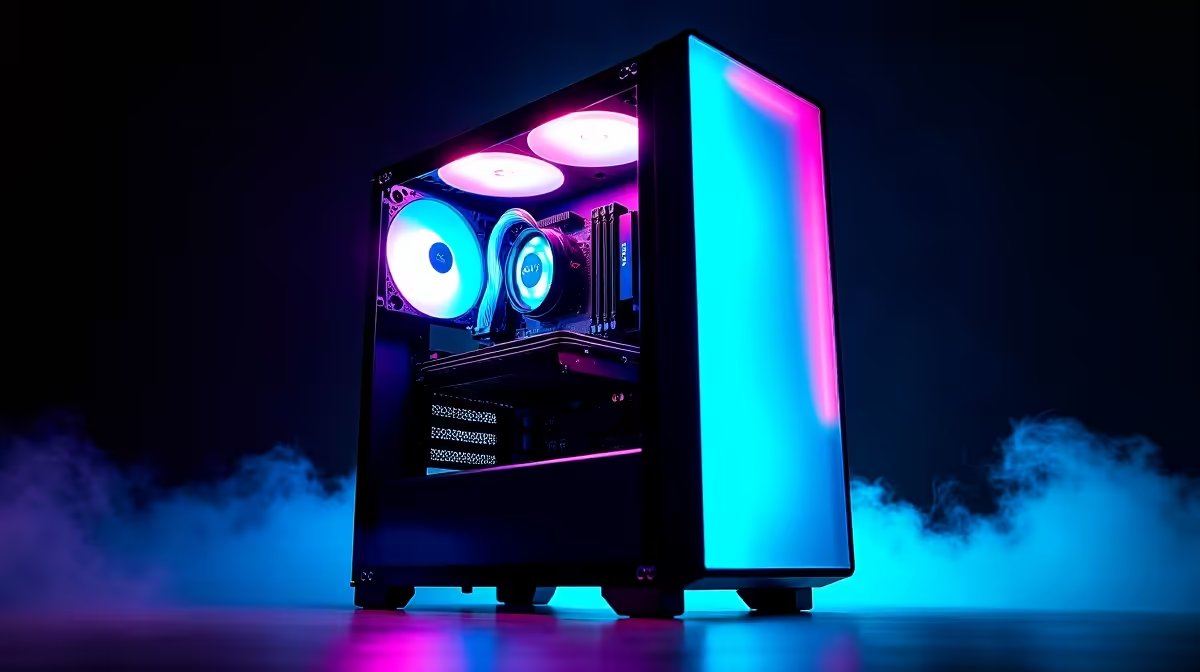
Thinking about building a PC to run AI models like DeepSeek right here in South Africa? You're not just building a computer; you're building a private powerhouse. Forget expensive cloud fees and data privacy concerns. Running AI locally gives you ultimate control and speed for coding, research, or creative projects. This guide will walk you through the essential steps to create your own DeepSeek PC build in South Africa, ensuring you get the performance you need. 🚀
Why Build a Custom PC for DeepSeek?
Before we dive into components, let's clarify what we're building. DeepSeek is a powerful AI model, not a piece of hardware. To run it—and other Large Language Models (LLMs)—effectively, you need a computer with some serious muscle, especially in the graphics card department.
Building a custom PC for this task offers huge advantages:
- Cost-Effectiveness: A one-time hardware investment can be far cheaper in the long run than paying for cloud-based GPU time.
- Privacy & Security: Your data and projects stay on your machine, period.
- Performance: You get dedicated, uncontested access to your hardware's full power, with zero latency.
- Customisation: You can tailor every component to your specific needs and budget.
This isn't just a gaming rig; it's a specialised machine. Let's break down the core parts for a successful build.
Core Components for Your DeepSeek PC Build
Crafting the perfect DeepSeek PC build in South Africa comes down to choosing the right components. While every part matters, the hierarchy of importance is a bit different from a standard gaming PC.
The GPU: Your AI Engine ⚡
The Graphics Processing Unit (GPU) is the single most important component. AI models rely on the GPU's parallel processing power and, crucially, its video memory (VRAM).
- VRAM is King: The size of the AI model you can run is directly limited by your GPU's VRAM. For serious work with models like DeepSeek, aim for a minimum of 12GB, with 16GB or even 24GB being ideal.
- NVIDIA's CUDA Advantage: Currently, NVIDIA GPUs have a massive software advantage with their CUDA platform, which is the industry standard for AI development. For a smoother, more supported experience, exploring powerful NVIDIA GeForce gaming PCs is the recommended starting point. The RTX 40-series, for example, offers excellent performance for this kind of workload.
While NVIDIA is the top choice, AMD is making strides. Their high-VRAM cards can offer great value, but be prepared for a bit more software tinkering. Many AMD Radeon gaming PCs pack a serious punch if you're up for the challenge.
CPU, RAM, and Storage: The Supporting Cast
While the GPU does the heavy lifting, the rest of your system needs to keep up to prevent bottlenecks.
- CPU (Processor): You don't need the absolute best CPU on the market, but a modern processor with 6 or more cores (like an AMD Ryzen 5 or Intel Core i5) will ensure smooth operation, especially when preparing data and managing the operating system.
- RAM (System Memory): Don't confuse this with GPU VRAM. You'll need at least 32GB of fast DDR4 or DDR5 RAM. This gives your system enough breathing room to load the AI model and handle large datasets without constantly swapping to your storage drive.
- Storage (SSD): AI models and their datasets are massive. A fast NVMe SSD is non-negotiable. A 1TB drive is a good starting point, but 2TB will give you more flexibility. The speed of an NVMe drive dramatically reduces loading times, getting you to work faster.
Software Setup Pro Tip 🔧
Once your hardware is assembled, installing the right software is key. For NVIDIA GPUs, make sure to install the latest NVIDIA Studio Driver, not just the Game Ready Driver. Then, install the NVIDIA CUDA Toolkit. This provides the core libraries that AI frameworks like PyTorch and TensorFlow need to communicate with your GPU.
Assembling Your Rig in South Africa
Once you have your parts, the final assembly is key. If you're new to PC building, take your time and follow a detailed guide.
One critical local consideration is power. With an unexpected outage, a high-quality Power Supply Unit (PSU) from a reputable brand is essential to protect your expensive components. Consider pairing it with an Uninterruptible Power Supply (UPS) to avoid losing work during an outage. ✨
If building from scratch seems daunting, there's another excellent option. Opting for professionally assembled workstation PCs can save you time and guarantee stability, as they are often built and tested specifically for demanding professional workloads like AI development. This approach provides a solid foundation for your DeepSeek PC build journey.
Ready to Build Your AI Powerhouse?
Building a custom PC for AI can seem complex, but the power and freedom it unlocks are incredible. Whether you start with a powerful pre-built machine or spec out your own dream rig, Evetech has you covered. Start your custom PC build with our advanced configurator and bring your AI projects to life.