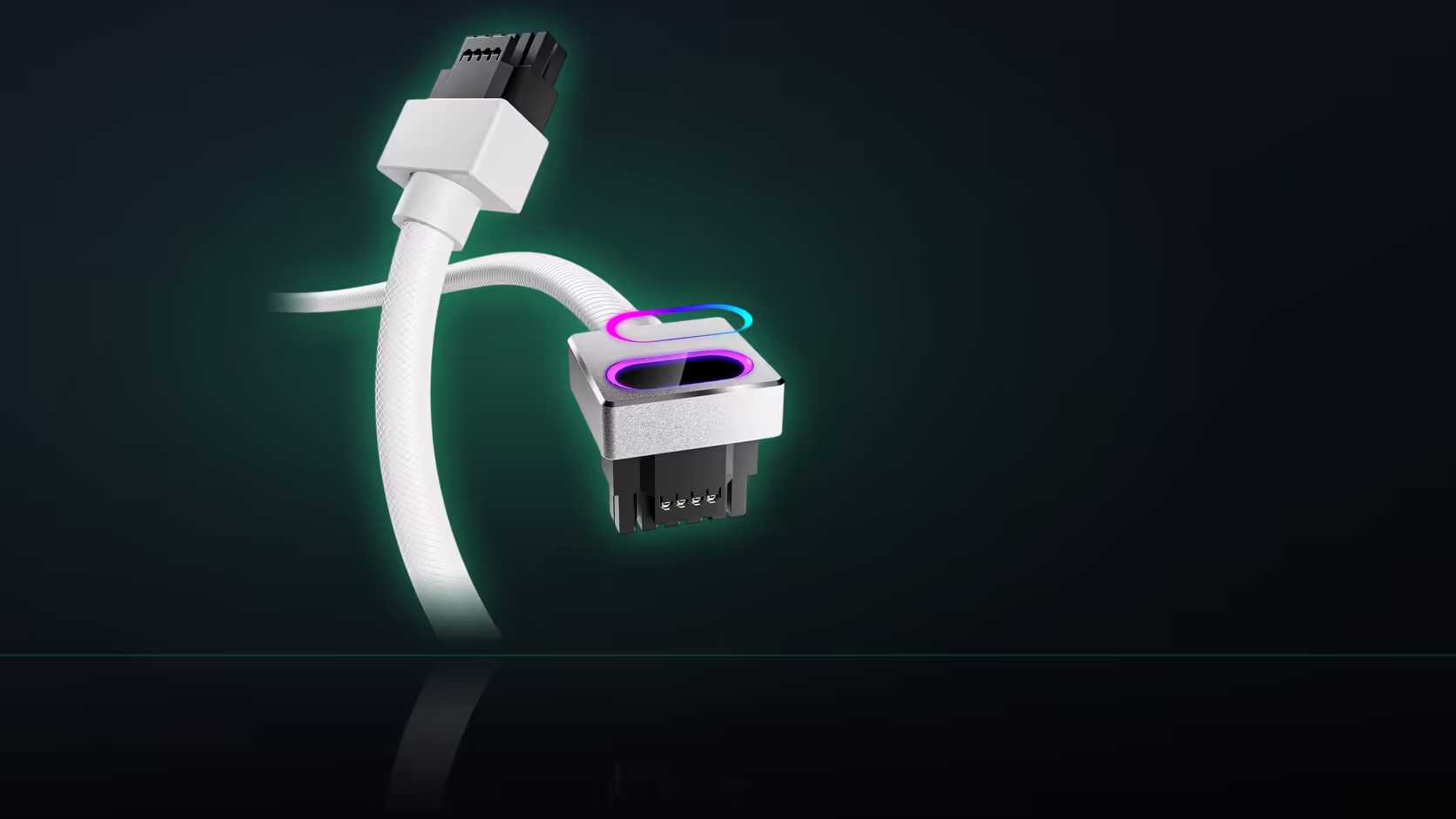
A general sense of "what power supply I own" is not the same thing as knowing it precisely, and for the Hydrus 16-pin cable that gap actually matters. The compatibility caution AsiaHorse publishes names brands directly, which means documenting your exact model - before checking anything else - is the first genuinely useful step.
Quick Answer
Write down your power supply's exact brand and model before evaluating an AsiaHorse Hydrus 16-pin (12VHPWR) cable pairing, R699 in black or white. AsiaHorse's caution names Lian Li and Sharkoon specifically, so a vague sense of what you own is not enough - the label on the unit carries the detail, and reading it now saves guessing later.
Why memory is not a reliable source here
Power supplies are often bought years before a cable upgrade like this comes up, or arrived as part of a prebuilt machine you never personally selected. It is entirely normal to know roughly what you are running without being certain of the exact model line, and that gap is precisely where a brand-specific caution like this one can slip through unnoticed.
Where the model is actually printed
The label sits on the unit itself, typically on a side face, becoming visible once the case panel nearest the power supply is removed. It generally carries the brand, the model name, and often the wattage and efficiency rating in the same place - everything worth noting is usually printed together in one spot.
What specifically to record
Brand and exact model name matter most, given the caution's framing, but it is worth also noting the socket types visible on the modular panel while you have the case open. All three pieces of information - brand, model, sockets - feed directly into whether this cable is a sensible fit for that specific build.
Why wattage is a separate question
The unit's wattage is worth having on hand for other reasons - general system planning, future upgrade headroom - but the cable question itself turns on the native port and the brand, not on how many watts the supply is rated to deliver overall. Do not let a high wattage figure stand in for confirming the socket actually exists.
If the label is hard to read
Faded or obscured labels happen, particularly on units that have been in service a while. Order records from wherever the supply was purchased, or the original retail packaging if it survived, usually carry the same model information. A clear photograph of the modular panel is also genuinely useful on its own - it shows exactly which sockets exist without needing the specification sheet at all.
Worth keeping for next time
Recording this once, alongside your other build notes, saves repeating the same identification exercise the next time a cable question, an upgrade, or a troubleshooting conversation comes up. It is a small piece of documentation with a surprisingly long shelf life.
Why a photo beats a memory jog
A single photograph of the modular panel, taken while the case is already open, does more work than any note written from memory later. It settles the socket question permanently and gives you something to compare against if the specification sheet is ever ambiguous about wording. Store it alongside whatever else you keep for the build - a folder of receipts, a notes app, even just the camera roll - so it surfaces the next time a cable or upgrade decision needs the same answer.
What this saves you from
The alternative to documenting the supply properly is guessing under time pressure, usually at the point of actually ordering a cable, when a wrong assumption about brand or socket type is the difference between an order that arrives and works, and one that arrives and does not fit. Five minutes spent now, with the case already open, is considerably cheaper than working it out later from a half-remembered model name.
Once your supply is confirmed and clear of the Lian Li/Sharkoon caution, browse comprehensive cable solutions for the cable itself, and graphics card accessories covers whatever else the build still needs.
Frequently Asked Questions
Where is the power supply model number usually printed?
On the label attached to the unit, typically on a side face, visible once the nearest case panel is removed.
What details are worth recording besides the model name?
Brand, exact model, and the socket types visible on the modular panel, since all three feed into this cable's fitment question.
Why does documenting this matter so much for this particular cable?
Because AsiaHorse's caution turns on brand specifically, and supplies are often bought years before a cable question like this comes up.
Does the power supply's wattage rating matter for this check?
It is useful for other reasons, but the cable question turns on the native port and the brand, not on total wattage capacity.
What if the label on the unit is unreadable?
Order records or original packaging usually carry the model, and a photograph of the modular panel identifies the sockets directly.
Is a photo of the modular panel genuinely useful?
Very - it answers the native 16-pin question directly, without needing to track down the supply's own specification sheet.
Should this information be kept anywhere beyond a one-off check?
Keeping it with your build notes saves repeating the exercise next time a cable or upgrade question comes up.
Ready to document your exact power supply before deciding on this cable?
Pull the side panel and read the label, then browse Evetech's power supply range if a change turns out to be the better move.