


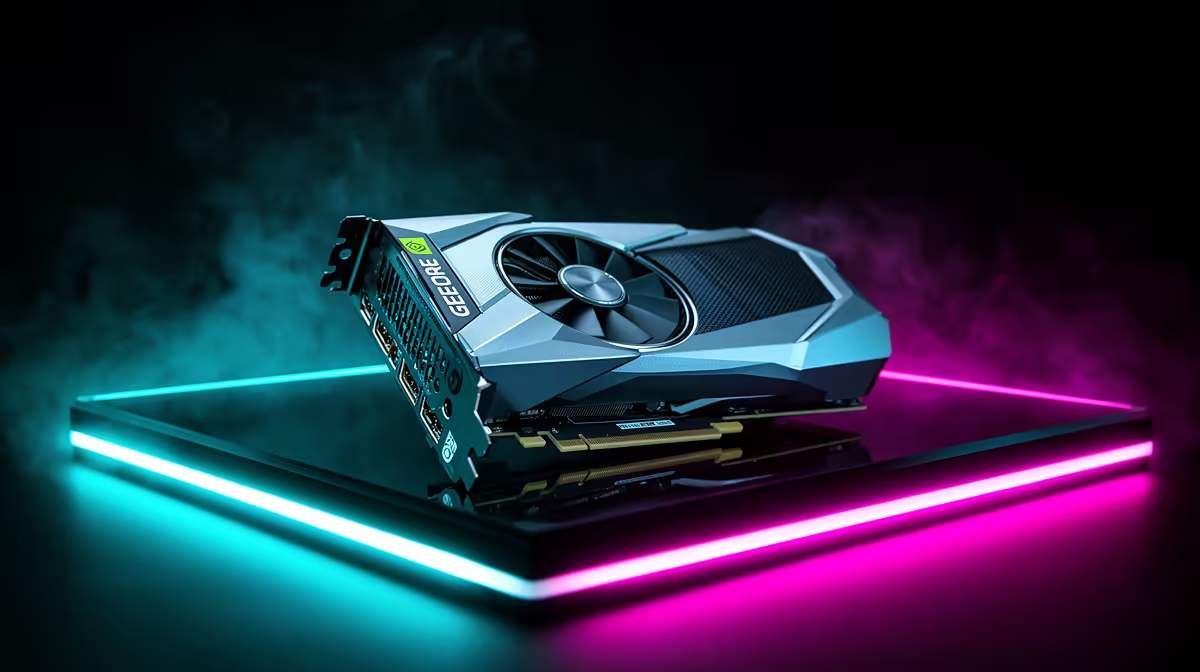
Stuttering in Dragon Ball Sparking Zero on the RTX 5090 is typically a shader-cache, background-task, or storage problem rather than raw performance, and it responds well to a few targeted fixes.
Quick Answer
Smooth out Dragon Ball Sparking Zero stutter on the RTX 5090 by letting shaders pre-compile, clearing the shader cache, moving the game to an SSD, and disabling background overlays. Frame pacing tightens up noticeably afterwards.
First Moves To Kill The Stutter
Let Dragon Ball Sparking Zero finish compiling shaders on first launch rather than quitting early, then clear the shader cache if stutter persists. Make sure the game lives on an SSD, not a mechanical drive, and disable overlays that hook into the frame pipeline on the RTX 5090. Most of these steps take under 30 minutes and need at least 15GB of free SSD space for a clean verify.
Driver And Runtime Checklist
A clean driver state fixes more than any single tweak. Use a fresh stable driver install, keep Windows updated, and confirm Visual C++ and .NET runtimes are present. On the RTX 5090, a driver mismatch is the most common root cause behind stuttering.
Background Software And Overlays
Overlays, capture tools, and aggressive antivirus can interfere with Dragon Ball Sparking Zero. Disable Discord, browser, and recording overlays, then add the game folder to your antivirus exceptions. Re-enable them one at a time afterwards to spot the culprit.
FAQ
Do I need to reinstall Dragon Ball Sparking Zero to fix this?
Not usually. Try verifying files, updating drivers, and clearing overlays first. A full reinstall is the last resort for cases that survive every other step.
Could thermals be causing stuttering on the RTX 5090?
They can. If temperatures climb past 85C you may see throttling or instability. Improve airflow, and on handhelds tune the TDP rather than forcing the top power mode.
Is stuttering an issue with Dragon Ball Sparking Zero itself or my setup?
Almost always the setup. Drivers, runtimes, overlays, and storage are the usual culprits, and the game runs fine once those are sorted on the RTX 5090.
Pro Tip
Keep a stable GPU driver and current runtimes installed before troubleshooting Dragon Ball Sparking Zero further.











