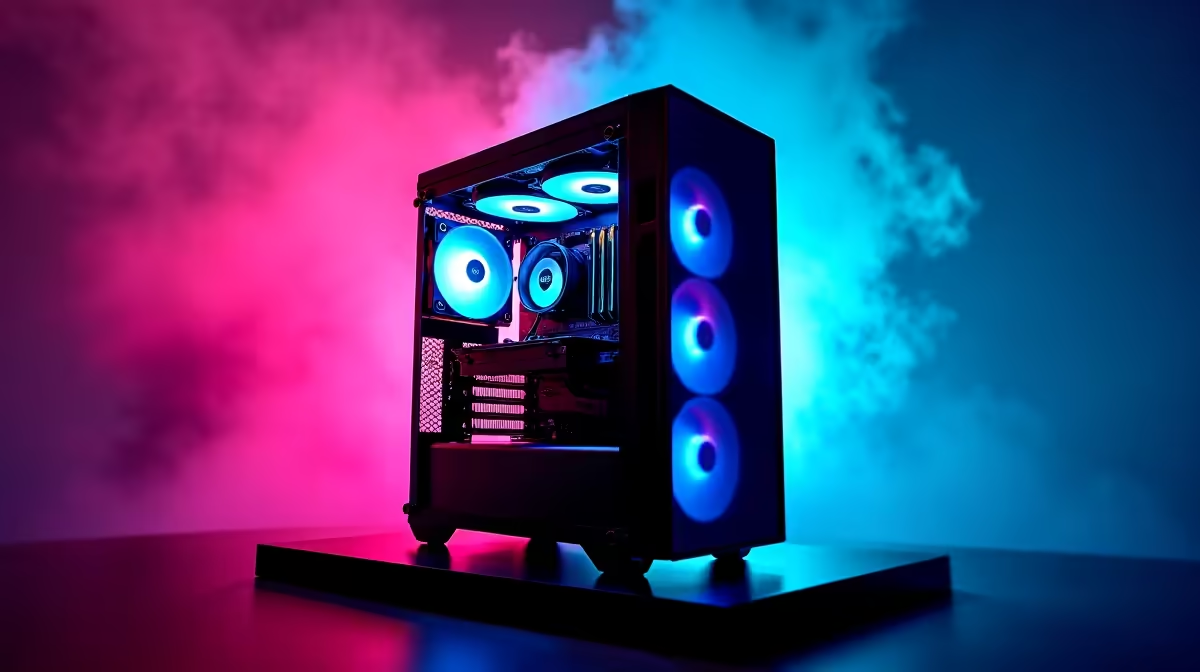
Competitive esports rewards consistency over eye-candy. In CS2, Valorant and Apex what wins rounds is a high, stable frame rate feeding a fast monitor, not ultra textures. An R20,000 eMalahleni build can hit those numbers if you spend in the right order.
Quick Answer
Spend about R20,000 on a Ryzen 5 or Core i5, an RTX 4060-class GPU, 16GB of fast RAM and a 1080p 144Hz monitor, and you will see well over 200fps in CS2 and Valorant. The high refresh panel turns those frames into the smooth, responsive feel that matters in ranked play.
Frame Rate First, Then Refresh Rate
A card that pushes 240fps is wasted on a 60Hz screen, so the GPU and monitor must be matched. An RTX 4060 paired with a 144Hz panel hits the genre's sweet spot, and you can step up to 240Hz later by swapping only the screen once the budget allows.
Where To Save Without Losing Performance
16GB of RAM is fine for esports titles, so do not overspend on 32GB you will not use here. A 500GB NVMe SSD holds the OS and a couple of competitive games comfortably; you save real money by skipping storage and memory you do not need for this narrow workload.
Peripherals That Actually Affect Aim
A low-latency mouse and a 144Hz-plus monitor change your results more than another GPU tier. Leave R1,500 to R2,000 of the budget for a light mouse and a large cloth mousepad, since consistent tracking beats raw horsepower in a five-round clutch.
FAQ
Is an RTX 4060 enough for competitive shooters?
Yes. It pushes well past 200fps at 1080p in CS2, Valorant and Apex, which is exactly the range a 144Hz or 240Hz monitor is built to display.
Should I buy 16GB or 32GB of RAM for esports?
16GB is enough for competitive titles. Put the money you save toward a higher-refresh monitor or a better mouse, both of which affect your play more directly.
Does a 144Hz monitor really make a difference?
Yes. Once your PC sustains over 144fps, a 144Hz panel shows every extra frame, making tracking and flicks noticeably smoother than on a 60Hz screen.
Pro Tip
Cap your frame rate a few fps below your monitor's refresh and enable a low-latency mode; it keeps input lag tight and the frame pacing rock steady in ranked matches.