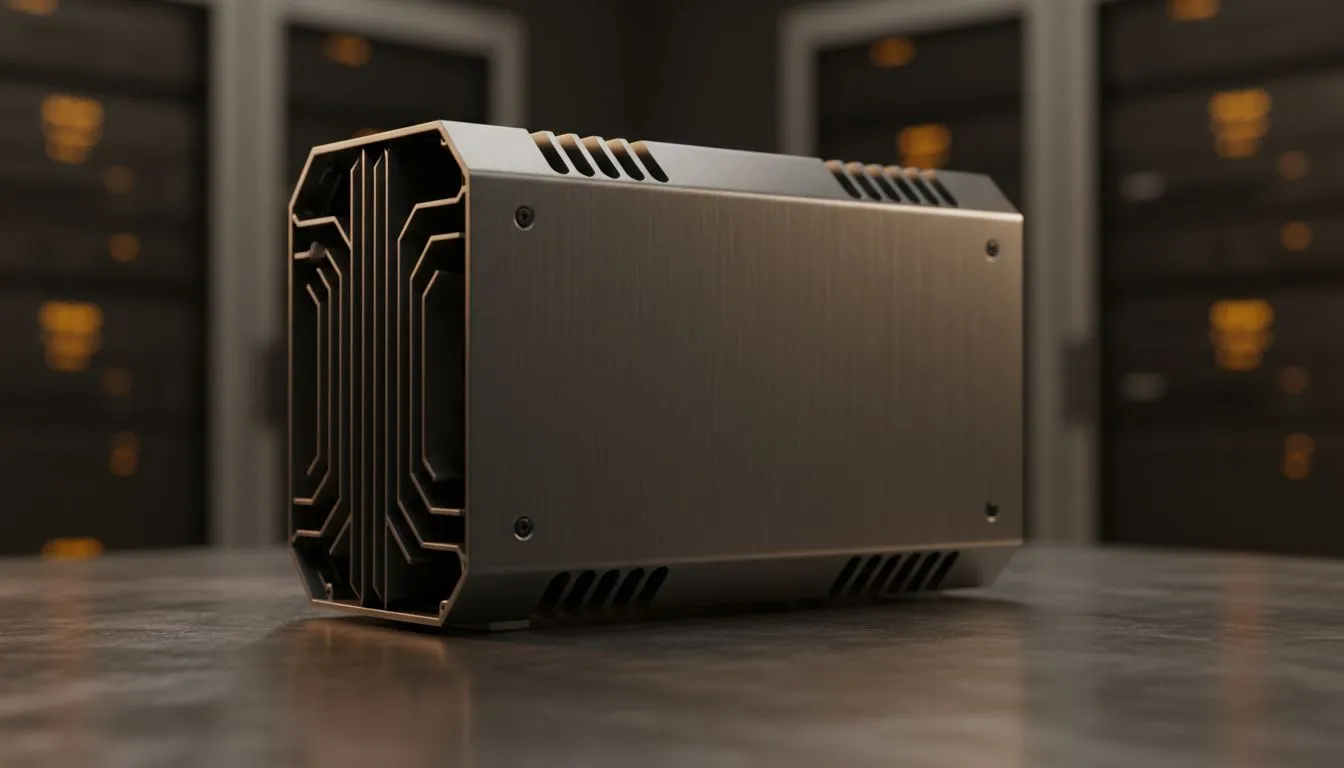
Tired of your PC sounding like a jet engine during a late-night gaming session in Jozi? Imagine pure, uninterrupted immersion… where the only sounds are in-game. A completely silent, 0dB PC isn’t just a myth for audio engineers anymore. This ultimate guide to a fanless PC build in 2025 will show you how to achieve blissful silence, component by component, turning your high-performance rig into a whisper-quiet masterpiece. 🚀
Why Go Fanless? The Sound of Silence
Before we dive into the hardware, let's talk about the "why". The most obvious benefit of a fanless PC is the complete elimination of noise. For streamers, musicians, or anyone working from a home office in Cape Town, this means crystal-clear audio recordings without background hum.
But the advantages don't stop there:
- Less Dust: No fans mean no active intake pulling dust and pet hair into your chassis. This leads to a cleaner system that requires less maintenance.
- Zero Distractions: For intense focus during competitive play or deep work, removing the constant drone of fans can be a massive productivity and performance boost.
- Increased Reliability: Fans are mechanical parts with a limited lifespan. By removing them, you eliminate a common point of failure.
The Heart of Your Silent Build: CPU Cooling
The biggest challenge in any fanless PC build is taming the heat from your processor without active airflow. Your choice of CPU cooler is absolutely critical. You have two main paths to a 0dB setup: truly passive air cooling or a smart semi-passive liquid cooling system. The journey to silence begins with choosing the right CPU cooler for your specific needs.
Truly Passive: The Air Cooling Giants
For a genuine 0dB experience at idle and under light load, a massive passive heatsink is your go-to. These are enormous blocks of aluminium and copper designed to dissipate heat through sheer surface area. They work best with lower-power CPUs (think Intel's non-K or AMD's non-X series) and require a case with excellent natural ventilation, like one with a lot of mesh. When looking at a massive air cooler, ensure it physically fits in your chosen case!
The Hybrid Approach: Semi-Passive AIOs
What if you want both silence and high performance? Enter the semi-passive liquid cooler. A modern All-in-One (AIO) liquid cooler with a 0-RPM fan mode offers the best of both worlds. The fans on the radiator remain completely stationary and silent during low-load tasks like browsing or watching videos. Only when you fire up a demanding game or start rendering a video do they spin up.
For top-tier CPUs, pairing them with a large 360mm radiator ensures the fans spin at a very low, often inaudible, speed even under heavy load. Many premium options from brands like Corsair feature this intelligent fan control, giving you power when you need it and silence when you don't. ✨
Airflow is King ����
Even in a fanless build, airflow is crucial. Use a case with plenty of mesh panels (top, front, and back) to allow heat to escape via natural convection. Meticulous cable management isn't just for looks; it prevents cables from trapping pockets of hot air, which is critical for passive cooling efficiency.
Choosing Other 0dB Components
A silent CPU cooler is just the start. To complete your ultimate 0dB guide, you need to address the other noise-makers in your system.
- Graphics Card (GPU): Look for models with a 0-RPM fan mode. Most modern GPUs from NVIDIA and AMD now include this feature, keeping the fans off until the GPU hits around 50-60°C. For a truly fanless build, you'll need to opt for a lower-power card specifically designed with a passive heatsink.
- Power Supply (PSU): Just like GPUs and AIOs, many high-quality PSUs offer a "hybrid" or "eco" mode where the fan doesn't spin under a certain load percentage. A fanless PSU is the ultimate choice, but a semi-passive one is a fantastic and often more affordable alternative.
- Storage: This one is easy... stick to Solid State Drives (SSDs). With no moving parts, they are completely silent, unlike the clicking and whirring of old-school mechanical hard drives.
A fanless PC build for 2025 is more achievable than ever. It's a rewarding project that results in a powerful, clean, and beautifully quiet machine perfect for any South African home or office. 🔧
Ready to Build in Blissful Silence?
A fanless PC build is the ultimate expression of clean, quiet power. Whether you're going fully passive or creating a whisper-quiet beast, the journey starts with the right parts. Explore our massive range of CPU coolers and find the perfect foundation for your 0dB masterpiece.