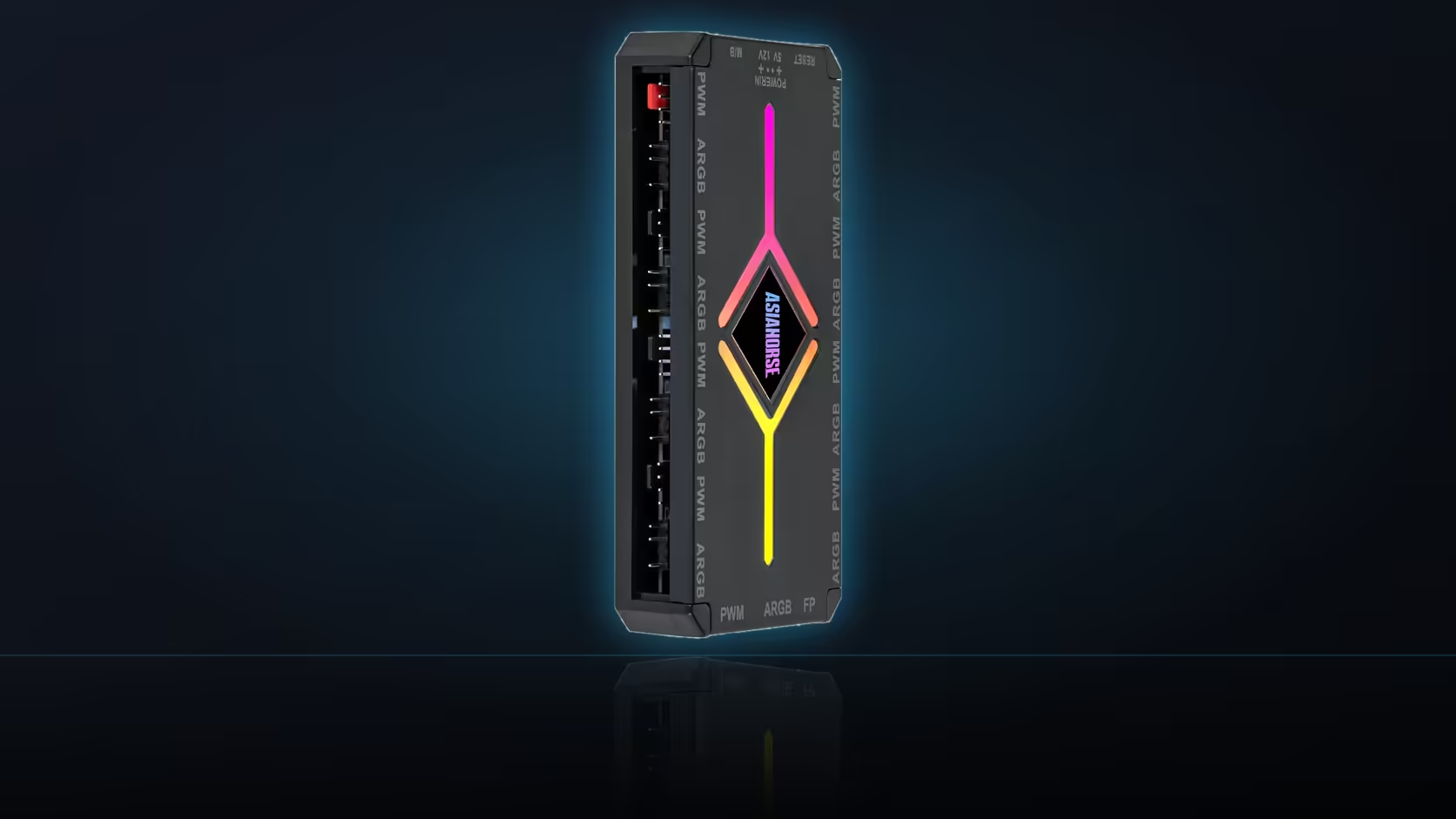
Ordering several AsiaHorse products at once is easy. Working out a sensible fitting order once the box arrives is the part nobody tells you about, and getting it backwards usually means pulling something you just installed back out to reach whatever should have gone in first.
Quick Answer
Fit in this order: anything touching the board directly, then fans and the hub, then power cables, then cosmetic covers last. Roughly: contact frame (R299, AM5 only) and memory or drive covers first, fans and the ASH-S1 hub (R349) next, sleeved or lit cables after that, and Aurora-style covers (R599-R699) once everything underneath is routed and settled.
🔧 Start with anything that touches the board
Whatever mounts directly to the motherboard goes on first, before the cooler and before the graphics card go anywhere near their slots. On an AM5 build, that means the Pulsar contact frame - it replaces the stock retention arms entirely, and doing that swap with the board already sitting in the case, cooler mounted and cables routed nearby, is far more awkward than doing it on a bare board before anything else is in the way. The same logic applies to memory and M.2 covers: if a large air cooler is going to overhang the memory slots, or a graphics card is going to sit over the M.2 header, both covers are easier to fit before either of those parts goes in.
🌀 Fans and the hub next
With the board-level parts settled, fans and the ASH-S1 hub are the next sensible stage. Fan positions determine a lot of what happens afterwards - where cables need to route to reach each mount, and where the hub itself can physically sit, since it mounts magnetically and needs a steel panel within reach of the fans it is serving. Fitting the hub at this stage, before cable runs are locked in, means you can plan those runs around where the hub actually ended up rather than working around cables that are already tied down.
🔌 Then the power cables
Sleeved extensions and lit cables come after the fans and hub are settled, because their routing depends on what those earlier parts occupy. A four-piece kit or a Hydrus lit cable needs a clear path from the power supply to its destination, and that path is easier to plan once you know exactly where the hub sits and which fan cables are already running through the same channel. This is also the stage to connect anything the hub or board headers need to drive - ARGB leads for fans, sync leads for lit cables - so test the system here if you are going to test it at all mid-build.
🎨 Covers go on last
Cable covers are the most cosmetic layer in the range and the most order-sensitive for a different reason: they clip over runs that need to already be routed and settled. Fit an Aurora cover before the cable underneath it is finalised, and you will likely be unclipping it again once you realise the run needs adjusting. The same logic applies to the memory cover and the drive heatsink if they were not already handled at the board-level stage above - though both are simple enough to fit at almost any point, they add the least risk if left until the functional and structural work is done.
✅ Testing between stages
A quick power-on test after the functional stage - board, cooler, memory, fans, hub - and before the purely cosmetic stage narrows any fault to a smaller set of recent changes. If something misbehaves after covers go on, you know immediately it is one of a handful of new connections rather than any of the earlier work. It is not essential to split the build across two sessions to do this, though leaving a short pause after the first power-on rather than working straight through both stages tends to catch problems while they are still easy to isolate.
Once everything is fitted and tested, a final pass through Evetech's case fans and case accessories ranges is worth doing anyway, since it is common to spot one more gap - a header with nothing plugged into it, or a run that could still take a cover - only once the build is fully assembled and running.
Frequently Asked Questions
What goes in first when several AsiaHorse parts arrive together?
Anything touching the board directly, such as the AM5 contact frame, since the cooler needs to be off to fit it regardless of build order.
Where do fans and the hub sit in the sequence?
Right after the board-level parts, since fan positions and the hub's mounting point shape most of the cable routing that comes afterwards.
Then what comes next?
Power extensions and lit cables, since their routes depend on what the fans and hub have already occupied in the case.
Why do covers go on last?
Because they clip over cable runs that need to be routed first, so fitting a cover early usually means redoing the work once the run underneath changes.
Should the machine be tested between stages?
Testing after the functional parts and before the cosmetic parts narrows any fault to a smaller, more recent set of changes.
Does the M.2 cover follow the same rule?
It goes on before the graphics card if the slot sits underneath it, since a top M.2 slot becomes hard to reach once the card is installed.
Can everything be fitted in one session?
It can, though allowing a short pause after the first power-on test is more comfortable than working through every stage without stopping.
Got a stack of AsiaHorse accessories to fit?
Browse Evetech's case range to make sure you have the mounting points and clearance this build order assumes.