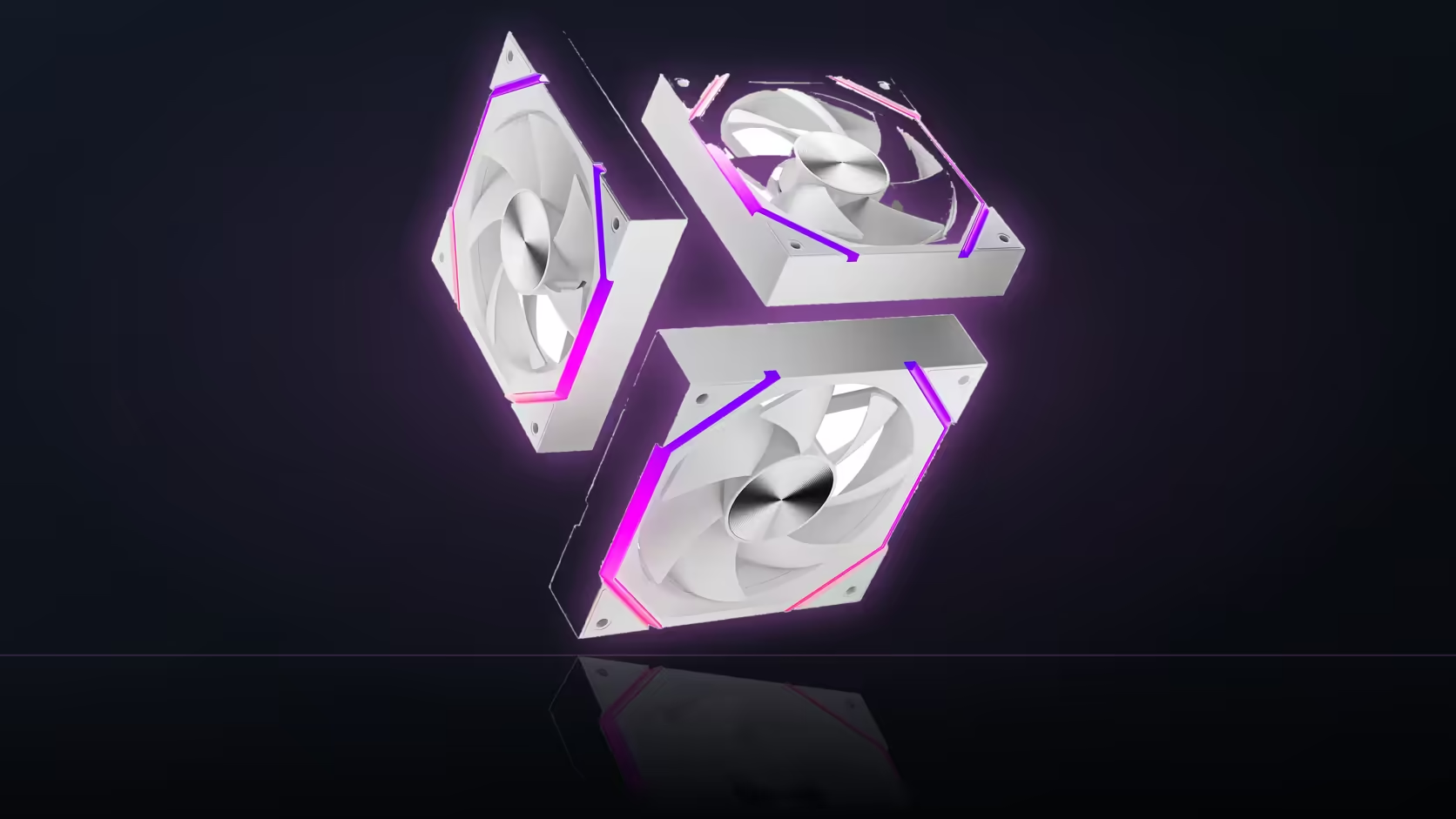
Before touching a single curve point for a Nyota A12 trio, there's a setting worth confirming first: whether the fan header itself is actually in PWM mode. Skip that check and every later tuning step is guesswork.
Quick Answer
Motherboard fan headers can run in either PWM or DC voltage mode, and a four-pin fan like the Nyota A12 needs PWM mode selected to behave predictably. This is usually a per-header toggle inside the BIOS fan control screen, alongside the curve itself. Confirming the mode first makes the rest of the tuning process actually mean something. This fan ships as a three-pack only, priced at R499 and offered in black or white.
⚙️ PWM versus voltage mode, in plain terms
PWM control sends a dedicated signal down the fourth pin to set speed, which is exactly how a 4-pin fan like the A12 expects to be driven. Voltage mode instead varies the actual supply voltage to the fan - a method built for 3-pin fans that have no separate speed-control wire at all.
Put a four-pin PWM fan on a header running voltage mode and the result is unpredictable: it might run flat out, ignore the curve entirely, or behave inconsistently between reboots. None of that is a faulty fan - it's a header set to the wrong mode for the hardware plugged into it.
Where to check it
Most BIOS fan control screens list each header individually and offer a mode selection alongside the curve editor - look for an option labelled PWM, DC, or Auto next to the header the A12 chain is plugged into. Auto-detection exists on many boards, but it isn't universal, so treating it as guaranteed is a mistake worth avoiding.
🔗 The chain carries one signal to three fans
Because the A12's three fans link their PWM cables together, the mode set on the header applies to the entire chain at once - there's no way for one fan in the row to run PWM while another runs voltage mode. Confirm the header once and the setting covers all three.
The ARGB lighting is a separate connection entirely, usually configured through the board's own software rather than the BIOS, and it has no bearing on whether the PWM mode is set correctly.
Confirming it worked
Once PWM mode is selected and a curve is set, the direct test is watching the reported RPM change as you adjust the curve - a real move within the 800 to 2000 RPM range confirms the header is reading the fan correctly. If the number never shifts, that's the sign to revisit the mode setting before assuming the fan itself is at fault.
🧩 Setting up the rest of the row
With the header mode confirmed, the fan curve itself is where the actual day-to-day behaviour gets decided - how aggressively the fans ramp, and at what temperature. That's a separate step, but one that only produces predictable results once the header is correctly set to PWM in the first place.
📋 Why this check is worth doing before the case goes back together
Confirming header mode takes under a minute, but it's the kind of step that's far cheaper to do before the panel is closed and cables are tied down than after. A wrongly configured header doesn't always announce itself clearly - a fan running flat out on voltage mode can sound like a working fan that's simply loud, rather than a fan stuck ignoring its curve entirely. That ambiguity is exactly why confirming the mode directly, rather than judging it by ear once the build is finished, saves a second teardown later.
It's also worth checking each header the A12 chain might be moved to if a build gets reshuffled down the line - motherboards don't always apply the same mode across every header by default, so a chain that behaved correctly on one header can hit voltage mode unexpectedly if it's replugged elsewhere without rechecking the BIOS screen first.
Frequently Asked Questions
What's the practical difference between PWM and voltage mode?
PWM uses a dedicated signal wire for speed control; voltage mode varies the supply itself, which suits 3-pin fans rather than 4-pin ones like the A12.
Where do I find the header mode setting?
In the BIOS fan control section, usually next to the curve editor for that specific header.
What happens if the mode is set wrong?
A four-pin fan on voltage mode can run unpredictably or ignore the curve, which looks like a faulty unit but isn't.
Do boards always detect the correct mode automatically?
Many attempt to, but auto-detection isn't guaranteed on every board, so confirming manually is worth the minute it takes.
Does the mode setting apply to all three chained fans at once?
Yes - the linked PWM cable means whichever mode is set on the header governs the entire three-fan chain.
How do I confirm the setting actually took effect?
Adjust the curve and watch for a real RPM change within the 800 to 2000 RPM range as the direct test.
Does this affect the ARGB lighting too?
No - lighting runs over a separate 5V 3-pin connection and is unaffected by the PWM header mode setting.
Get the header mode confirmed first, then work through Evetech's case fans and case accessories selection to finish wiring up the row.
Setting up fan headers for a new build?
Have a look through Evetech's case and motherboard range to match headers to your fan count.