


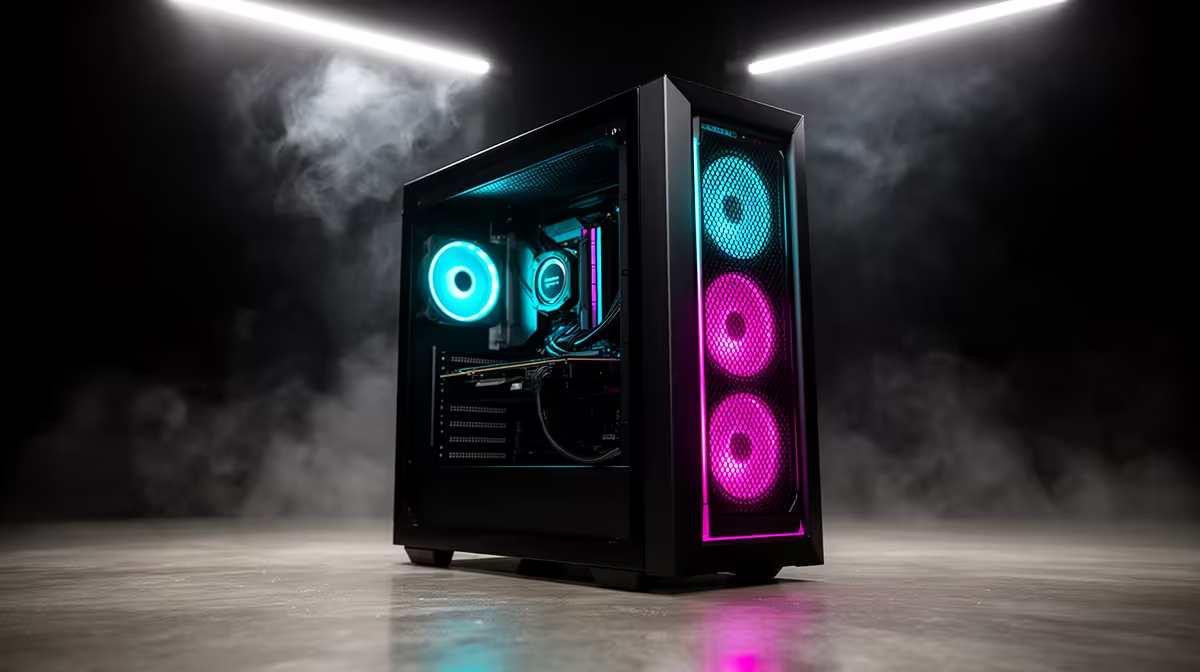
The first week with a new gaming PC should be ordinary enough to enjoy and structured enough to expose a marginal part. You do not need a punishment loop at unsafe settings. Confirm the delivered specification, update supported software and test storage, memory, temperatures, ports and your real games while the delivery record is still fresh.
Quick Answer
Start with a visual inspection and component inventory. Run memory and drive-health checks, then a short CPU/GPU load at supported defaults while watching temperature and clocks. Test every purchased port, sleep/wake, restart and cold boot. Finish with the games and peripherals you actually use. Save the baseline and report repeatable faults promptly. A retailer's easy-return window varies; CPA quality rights and online cooling-off are separate legal routes with their own periods.
📦 Day 1: Record what arrived
Photograph the carton and chassis, save the serial number and compare CPU, GPU, RAM and storage against the invoice. Check for loose external parts, bent panels and shipping damage before powering on.
Create a recovery drive or note the manufacturer's recovery process. Save the invoice outside the new PC.
Evetech's PC best-seller page and broader best-selling range provide the original configuration context to archive.
💾 Day 2: Check memory and storage
Run a reputable memory test at the supported shipping configuration. Inspect drive health, capacity and interface, then copy a large folder and verify it opens. A peak SSD benchmark alone does not test every workload.
Look in Windows Event Viewer for repeated storage, hardware or unexpected-shutdown errors. One harmless warning is less important than a pattern matched to a visible failure.
🌡️ Day 3: Load the PC without abusing it
Use a known CPU and GPU benchmark for a limited run while monitoring temperature, clock speed, power and fan behaviour. Keep factory-supported settings. Stop for burning smell, electrical noise, rapid thermal shutdown or visible artefacts.
High temperature needs context from the specific CPU, cooler and room. Throttling, crashing and incorrect cooler contact are stronger evidence than one internet temperature target.
🔌 Day 4: Touch every port and wireless link
Test front and rear USB, audio, Ethernet, Wi-Fi and Bluetooth where included. Connect the monitor to each intended GPU output. Check microphone input, sleep/wake and device reconnection.
Use a known-good cable before reporting a dead port. Record which connector fails and with which device.
Run one wired and one wireless network speed check against another known device on the same connection. The goal is consistency and link stability, not claiming the internet package's headline speed at every hour.
🎮 Days 5 and 6: Play the actual library
Run a demanding game, a lightweight competitive title and any work application central to the purchase. Watch frame time and stability after the PC has warmed up. Test the headset, controller and second monitor you plan to keep attached.
A synthetic test can pass while one game exposes a driver issue; a single broken game can also mislead you about healthy hardware. The combination gives better evidence.
🔄 Day 7: Repeat cold boot, restart and recovery
Shut down fully, leave the PC off and cold-boot it. Restart several times, enter sleep and wake it, then confirm updates complete without a boot loop. Verify that backups and recovery keys are stored elsewhere.
Review the week's notes. A repeatable fault should be reported with dates, screenshots and selected remedy. Normal fan ramp, first-boot memory training and temporary update activity may be expected; compare the manual and supported behaviour.
🧾 Keep store policy and statutory rights separate
Ask for the seller's current return process and time window, but do not treat it as the only protection. ECTA cooling-off for eligible online goods and the CPA six-month implied quality warranty answer different questions.
Evetech's best sellers can remain the current category reference while your saved invoice proves the exact delivered product.
Frequently Asked Questions
What should you test first on a new gaming PC?
Confirm physical condition and delivered components before updates or stress testing change the baseline.
How do you check for a faulty drive early on?
Inspect health data, verify capacity and interface, transfer files and watch for repeatable storage errors.
Should you test every port and connector?
Yes, especially those included in the purchased specification and needed for your normal setup.
Is high idle temperature a red flag?
It needs context. Check background activity, room temperature, cooler operation and whether the CPU throttles under supported load.
How long is a typical easy-return window?
Policies vary. Read the seller's current terms; statutory cooling-off and defect rights have separate rules.
Should you test with the exact games you plan to play?
Yes. Real games expose workload, driver and peripheral interactions synthetic tools may miss.
What counts as a returnable fault versus normal behaviour?
Repeatable supported-setting failure, wrong specification or unsafe behaviour is stronger than a preference or one unexplained warning.
Want the first week of a new gaming PC to create confidence and a useful baseline? Compare systems at Evetech, then save the delivered specification and work through the seven-day test at supported settings.











