


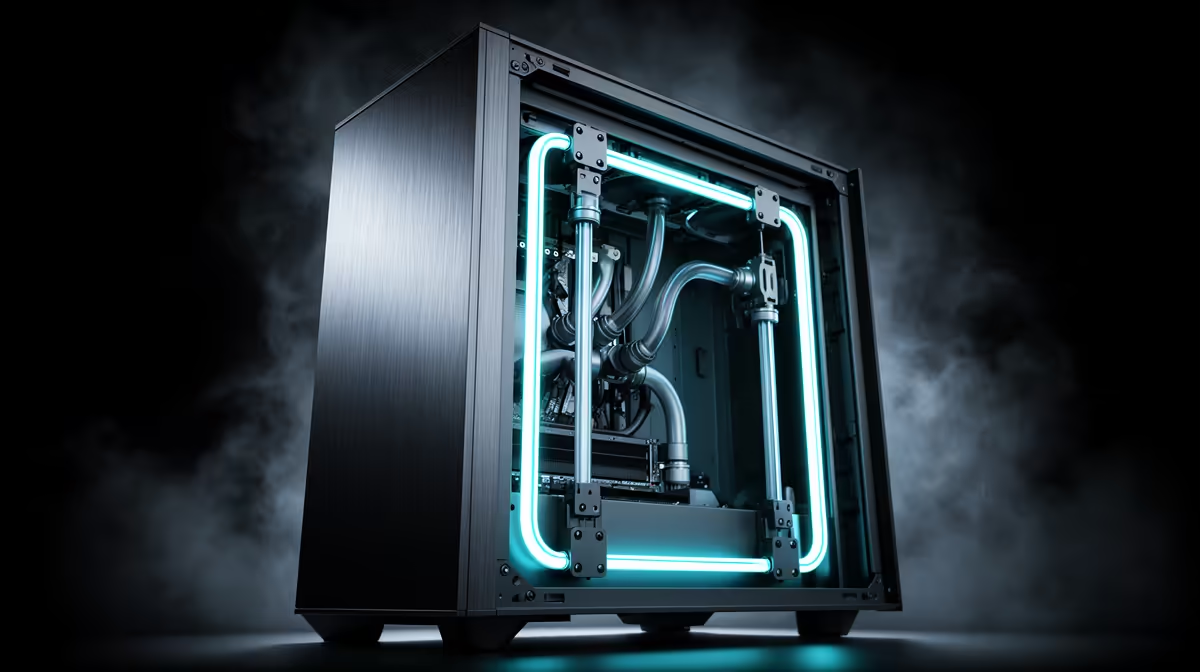
Halfway through mounting a front radiator, plenty of builders discover the fittings will not clear the graphics card, or the fan shroud is a few millimetres too thick for the bay. These clashes are common enough in compact builds that they deserve a proper troubleshooting approach rather than trial and error. An atx mid-tower case with generous front-bay dimensions avoids most of this before it starts, and the EINAREX Pulse P100 is built with exactly that clearance math worked out.
Quick Answer
Front-radiator clearance problems usually come down to graphics card length eating into the same depth the radiator needs, or fan thickness pushing the assembly further back than expected. The Pulse P100 sidesteps both by supporting 360mm of front liquid cooling alongside 330mm of GPU clearance, all in a case priced at R1,499.
🔧 Where the Clash Actually Happens
A front-mounted radiator and a long graphics card compete for the same horizontal space inside the case, since both sit roughly in the middle third of the chassis depth. When a case advertises radiator support without accounting for GPU length in the same measurement, builders find that fitting one forces a compromise on the other. This is the single most common cause of front-radiator fitment issues in mid-tower builds, and it only shows up once both parts are being installed together rather than tested separately.
Measuring Before You Buy Either Part
Before ordering a radiator or a new graphics card, measuring the case's front bay depth alongside its GPU clearance figure together, rather than reading them as two separate specs, avoids most surprises. On the Pulse P100, the 360mm front liquid cooling support and 330mm GPU clearance are both accounted for in the same internal layout, so a full-length radiator and a long card can coexist without either one being sacrificed.
📏 Fan Thickness Adds Up Faster Than Expected
Radiator fans are not all the same depth, and slim fans versus thicker high-static-pressure models can change how far a radiator assembly protrudes into the case. Stacking a radiator, its fans and a dust filter can add 50mm or more to the total depth compared to the radiator alone, which is where builders following only the radiator's rated size run into trouble. Checking the combined thickness of radiator plus fans against the case's stated front-bay clearance, rather than just the radiator's size, prevents this kind of mismatch.
Where the 3 Pre-Installed Fans Fit Into This
The Pulse P100 ships with 3 RGB fans already installed, which are separate from any front radiator a builder might add later. Depending on the build, these can be repositioned to the top or rear as exhaust once a front radiator takes over intake duty, rather than competing for the same front mounting points.
🧊 Cable and Cooling Space Around the Radiator
Once a radiator is fitted, tubing and pump cables still need somewhere to route without blocking the same airflow path the radiator depends on. The 24mm of cable-management space behind the motherboard tray on this chassis gives radiator tubing and pump cables a path that does not cut across the front intake area, which matters more with a liquid cooling setup than with simple air cooling. Builders who route these cables through the open case body instead often end up with reduced airflow exactly where the radiator needs it most.
🎮 Confirming GPU Fit Alongside the Radiator
Even with 360mm of front radiator support, a graphics card near the upper end of the 330mm clearance limit can still create a tight fit once a radiator, its fans and a dust filter are all mounted at the front. In practice this means measuring both the radiator stack's depth and the graphics card's length against the same internal volume, rather than treating them as unrelated purchases. Doing this check before finalising parts avoids a rebuild partway through.
Frequently Asked Questions
Why does my front radiator not fit even though the case supports 360mm cooling?
The radiator rating alone does not include fan and dust filter thickness, so the combined stack may exceed the space left once a graphics card is also installed.
Does a longer graphics card reduce front radiator clearance?
Yes, GPU length and front radiator depth both draw from the same internal volume, so a longer card can leave less room for a thick radiator assembly.
Can the 3 pre-installed fans be moved if I add a front radiator?
Depending on the build, these fans can be relocated to the top or rear of the case to serve as exhaust once a front radiator handles intake.
Is 360mm of front radiator support enough for most all-in-one coolers?
Yes, 360mm covers the vast majority of all-in-one liquid coolers sold for mainstream gaming builds.
Should I measure fan thickness separately from the radiator itself?
Yes, adding the radiator's depth to its fans and any dust filter gives a more accurate total than judging the radiator alone.
Does cable routing space matter more with a liquid cooling setup?
It does, since radiator tubing and pump cables need a clear path that does not interfere with the front intake airflow.
Before finalising a radiator or GPU purchase, it is worth checking the exact clearance figures for this chassis against both parts together rather than separately. Builders wanting a different case size or layout can compare against other cases in the EINAREX lineup before committing. For repositioning airflow once a front radiator is fitted, additional case fans can help rebalance exhaust at the rear or top of the case.
Ready to fix a front-radiator fitment issue? Pop over to the ATX Pulse P100 case from Evetech directly priced simply at R1,499. It's sized to avoid the usual front-radiator clearance clashes in mid-tower builds.











