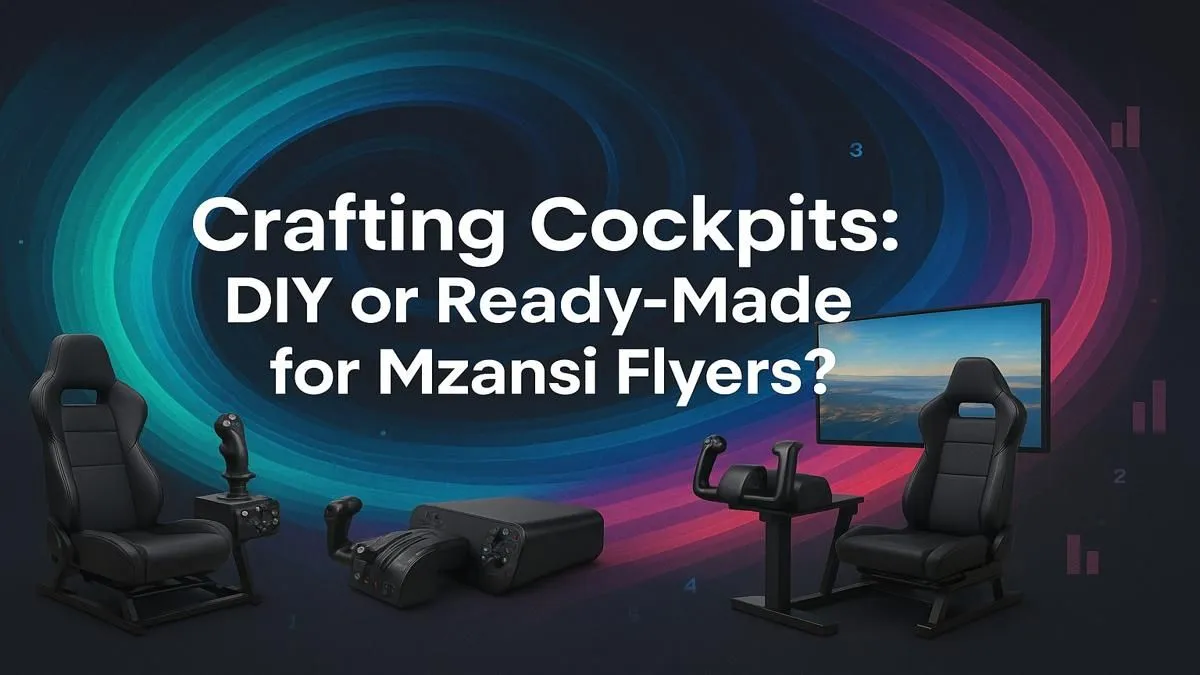
So, you've spent hours soaring over a digital Drakensberg in Microsoft Flight Simulator, and the keyboard and mouse just aren't cutting it anymore. You're dreaming of a proper flight simulator cockpit, a setup that makes you feel the pull of the yoke and the rumble of the landing gear. But here in South Africa, what’s the best approach? Do you roll up your sleeves for a DIY project or invest in a ready-made rig? Let's break it down.
Building Your Dream Flight Simulator Cockpit: The DIY Route 🔧
The DIY path is a rewarding journey for the hands-on simmer. It’s about more than just saving a few Rand; it’s about creating a flight simulator cockpit that is uniquely yours, tailored to your exact preferences, from the button layout to the seat position.
The biggest advantage is customisation. You choose every single component. You can start small, perhaps by mounting a yoke to your desk and upgrading your seat to something more ergonomic from a solid range of gaming chairs available in South Africa. Over time, you can add rudder pedals, a throttle quadrant, and instrument panels. This phased approach makes the cost more manageable.
However, be prepared for a significant time investment. Sourcing parts, ensuring compatibility, and the actual construction can take weeks, if not months. You’ll need some basic technical skills and a fair bit of patience. The initial satisfaction of getting your first set of Thrustmaster controls working is immense, but troubleshooting a non-responsive switch can be equally frustrating.
Ready-Made Flight Sim Rigs: Instant Take-Off 🚀
If your time is limited or you prefer a guaranteed, polished experience, a ready-made flight simulator cockpit is the perfect solution. These rigs are engineered for immersion and compatibility right out of the box. Everything just… works.
The primary benefit is convenience. You get a professionally built, stable platform designed specifically for flight simulation hardware. The ergonomics are sorted, the cable management is clean, and you can go from unboxing to your first flight in a fraction of the time it takes to build from scratch. This plug-and-play approach lets you focus on flying, not fixing.
Of course, this convenience comes at a higher initial price. You're paying for the research, development, and assembly done by experts. While less customisable than a full DIY build, many ready-made systems are modular, allowing for future upgrades. The most crucial part, the PC powering it all, needs to be top-notch. A dedicated Microsoft Flight Simulator gaming PC is the heart of any serious setup, ensuring smooth frame rates even over detailed cityscapes.
Pro Tip for Ultimate Immersion ✨
your display is one of the most critical decisions for your flight simulator cockpit. A triple-monitor setup offers an incredible panoramic view, but can be complex to align perfectly. For a seamless, wrap-around experience without the hassle of bezels, consider a single ultrawide. A high-quality [curved monitor](https: www.evetech.co.za buy-curved-monitors x 1588) can make you feel like you're truly sitting in the pilot's seat.
Essential Gear for Your South African Flight Simulator Cockpit
Whether you build or buy, every great flight simulator cockpit relies on the same core components. Getting these right is the key to a truly believable experience.
- The Engine (Your PC): Don't skimp here. Microsoft Flight Simulator is demanding. A powerful CPU and a high-end graphics card are non-negotiable for high settings and smooth gameplay.
- The Windscreen (Your Display): This is your window to the world. As mentioned in our tip, immersion is everything. Whether you go for a single large screen, an ultrawide, or a multi-monitor array, ensure it has good colour accuracy and a high refresh rate. Explore the full range of PC monitors to find the perfect fit for your space and budget.
- The Controls (Yoke, Pedals, Throttle): This is your physical connection to the aircraft. A good quality yoke and rudder pedals provide the tactile feedback that makes simulation feel real.
- The Fuselage (Seat & Frame): For long-haul flights, comfort is key. A sturdy, adjustable frame and a comfortable seat will prevent fatigue and keep you focused on your flight plan.
Ultimately, the choice between a DIY or a ready-made flight sim setup comes down to your personal priorities: time, budget, and your desire for customisation. Both paths can lead to an incredible home cockpit that will provide countless hours of airborne adventure.