


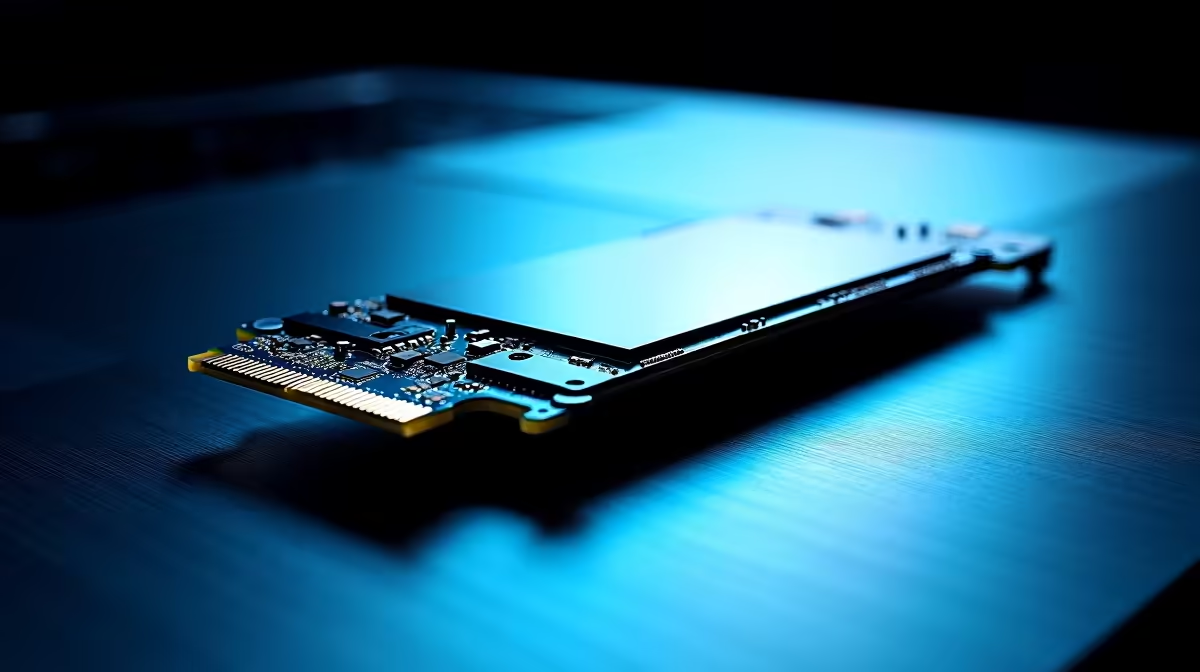
Load shedding might pause your gaming session... but running out of drive space kills the fun completely. South African gamers know the absolute pain of downloading a massive 150GB update on a standard fibre line. You never want to delete your favourite titles just to make room. So when choosing your next motherboard, a major question arises. Do you need four M.2 slots or more SATA ports for your rig? 🚀
The Need for Speed with Four M.2 Slots
NVMe drives have completely transformed how we build and experience computers. Plugging these tiny drives directly into the motherboard means zero cable clutter and blistering read speeds. If you are building a top-tier system today, having four M.2 slots is a massive advantage. You can dedicate one blazing-fast drive exclusively to your Windows operating system. A second drive can hold massive AAA games... while the remaining slots wait for future storage upgrades. Gamers browsing the best gaming PC deals frequently look for these multi-M.2 motherboards to ensure lightning-fast load times. Modern PCIe bandwidth ensures you never wait long to drop into a competitive match.
Why More SATA Ports Still Make Perfect Sense
Do not write off the classic SATA connection just yet. While M.2 drives offer pure speed... traditional SATA hard drives and solid-state drives provide unbeatable capacity for your hard-earned Rand. If you hoard 4K movies, raw video footage, or massive indie game libraries, having six or more SATA ports is vital. A massive 8TB mechanical hard drive costs a fraction of an equivalent NVMe drive in ZAR. It makes perfect financial sense to mix fast M.2 boot drives with high-capacity SATA storage for bulk files. Creating a local backup server with multiple SATA drives is also incredibly cost-effective. Keep an eye on our weekly specials to grab reliable bulk storage drives at fantastic prices. 🔧
Storage Management Pro Tip ⚡
Always install your operating system and your most-played competitive games on your primary M.2 NVMe drive. Move your offline single-player games, media files, and daily backups to your larger SATA drives. Windows allows you to easily map different default save locations to keep your NVMe drives from filling up too quickly.
Which Storage Setup Fits Your PC Build Best?
Your final motherboard choice depends entirely on your daily workload and overall budget. Content creators, video editors, and hardcore enthusiasts should absolutely lean towards motherboards featuring four M.2 slots. The sheer data transfer speed saves hours of rendering time over a year. However... budget builders and dedicated data hoarders will benefit far more from a board loaded with SATA ports. Future-proofing your system means thinking about how your digital library will grow over the next three to five years. Mobile users face a very different challenge. Upgrading space on the go is notoriously tricky, so choosing the right base storage is crucial when browsing laptops for sale in South Africa. Always plan your storage needs carefully before you purchase your core components. ✨
Ready to Build Your Dream Rig? Whether you need the blistering speed of four M.2 slots or the massive capacity of endless SATA ports, Evetech has the perfect foundation for your build. Explore our massive range of PC components and design a machine that never runs out of space.











