That moment your PC fan screams louder than your Discord squad during a final-round clutch... We've all been there. Especially during a sizzling South African summer. But what if your cooling system wasn't just fighting today's heat, but was ready for tomorrow's demanding games? Future-proof PC cooling is more than just a luxury; it’s a smart investment in performance and longevity. Let's dive into the future-ready tips to keep your gaming PC frosty. ❄️
Why Future-Proof PC Cooling is Non-Negotiable
Modern CPUs from Intel and AMD are absolute powerhouses, but they generate serious heat to deliver that performance. When a CPU gets too hot, it "thermal throttles"—intentionally slowing itself down to prevent damage. This means dropped frames, stuttering, and a frustrating gaming experience.
As games become more complex and CPUs get even more powerful, having a robust cooling solution is the only way to guarantee you're getting the performance you paid for. Investing in a solid cooling system today ensures your rig can handle the next generation of hardware and software without breaking a sweat. Choosing the right CPU cooler is the first step towards a stable, high-performance machine.
The Big Choice: Air Coolers vs. AIO Liquid Coolers
The core of any cooling strategy comes down to this choice. Both have their place, but for true future-proofing, one often has the edge.
When to Stick with Air
High-end air coolers are reliable, simple to install, and offer fantastic performance for their price. They use a combination of heat pipes and a large fin stack to draw heat away from the CPU. For mid-range builds or gamers who value simplicity and long-term reliability, a quality air cooler can be a perfect fit. You can find some great value coolers from Gamdias that punch well above their weight.
When to Upgrade to an AIO 🚀
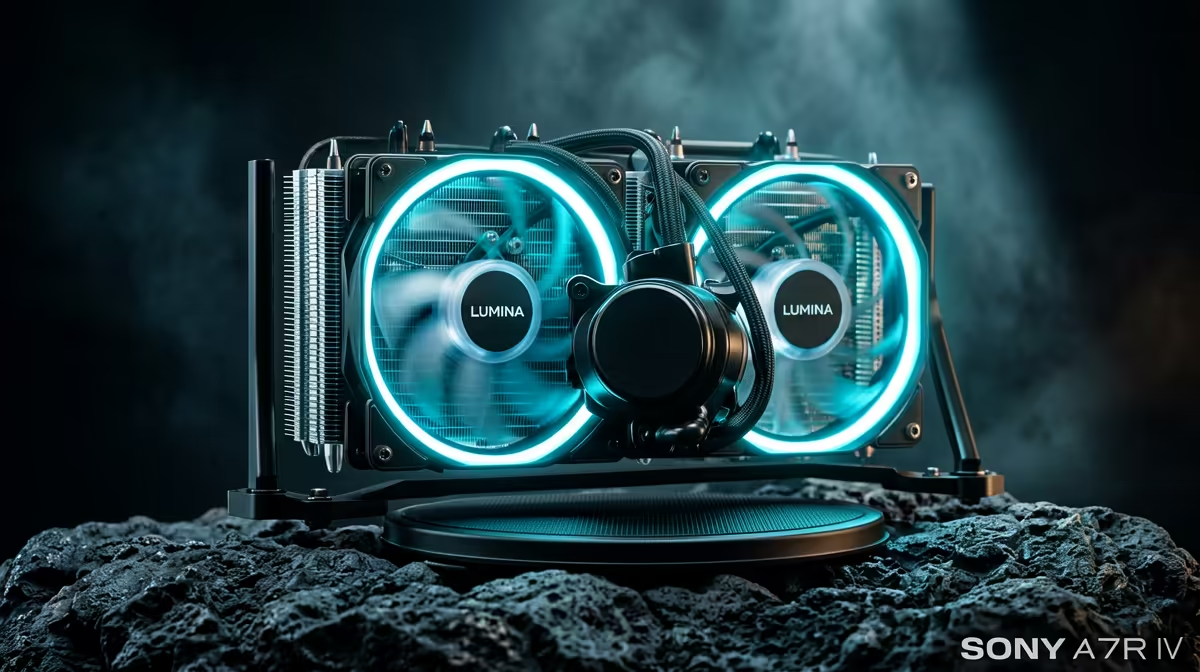
All-In-One (AIO) liquid coolers use a closed loop of liquid to transfer heat from the CPU to a radiator, where it's expelled by fans. They generally offer superior cooling performance, especially for overclocked or high-core-count CPUs. This extra thermal headroom is crucial for future-proofing. If you're running a top-tier CPU or plan to upgrade soon, an AIO is the smarter long-term choice. Brands like Corsair are famous for their performance, and you can find many top-tier options from Corsair to handle extreme heat loads.
Measure Twice, Buy Once! 📏
Before you buy that massive air cooler or 360mm AIO, check your PC case specifications! The two most important numbers are 'CPU Cooler Clearance' (for air coolers) and 'Radiator Support' (for AIOs). There’s nothing worse than getting your exciting new part only to find it doesn’t fit. A quick check saves a lot of hassle.
Future-Ready Tips for Your Next Cooler
Thinking ahead is key to a successful build. Here’s what to consider for a truly future-proof PC cooling setup.
Socket Compatibility is Key
CPU sockets change every few years (think LGA 1700 for Intel or AM5 for AMD). The best cooler manufacturers provide mounting kits for new sockets, sometimes for free. When choosing a cooler, look for brands known for supporting their products long-term. This ensures that when you upgrade your motherboard and CPU in a few years, your premium cooler can come along for the ride. For example, many of these powerful Gamdias AIO liquid coolers already include brackets for the latest sockets.
Radiator Size and Performance
With AIOs, size matters. While a 120mm AIO is better than a stock cooler, it won't offer much of a future-proofing advantage.
- 240mm Radiators: This is the sweet spot for most gamers. It offers a significant performance jump over air cooling and fits in most modern ATX cases. You'll find many popular 240mm AIO coolers that provide an excellent balance of price and performance.
- 360mm+ Radiators: This is for enthusiasts, overclockers, and those running the hottest flagship CPUs. If you want maximum cooling potential and your case supports it, a 360mm radiator provides the most thermal headroom for today and tomorrow.
Ultimately, effective cooling isn't just an accessory; it's the foundation of a powerful and long-lasting gaming PC.
Ready to Beat the Heat?
A cool PC is a fast PC. Protecting your investment with a future-proof cooling solution ensures you get every drop of performance you paid for. Explore our massive range of CPU coolers and find the perfect match to keep your rig running at peak performance.