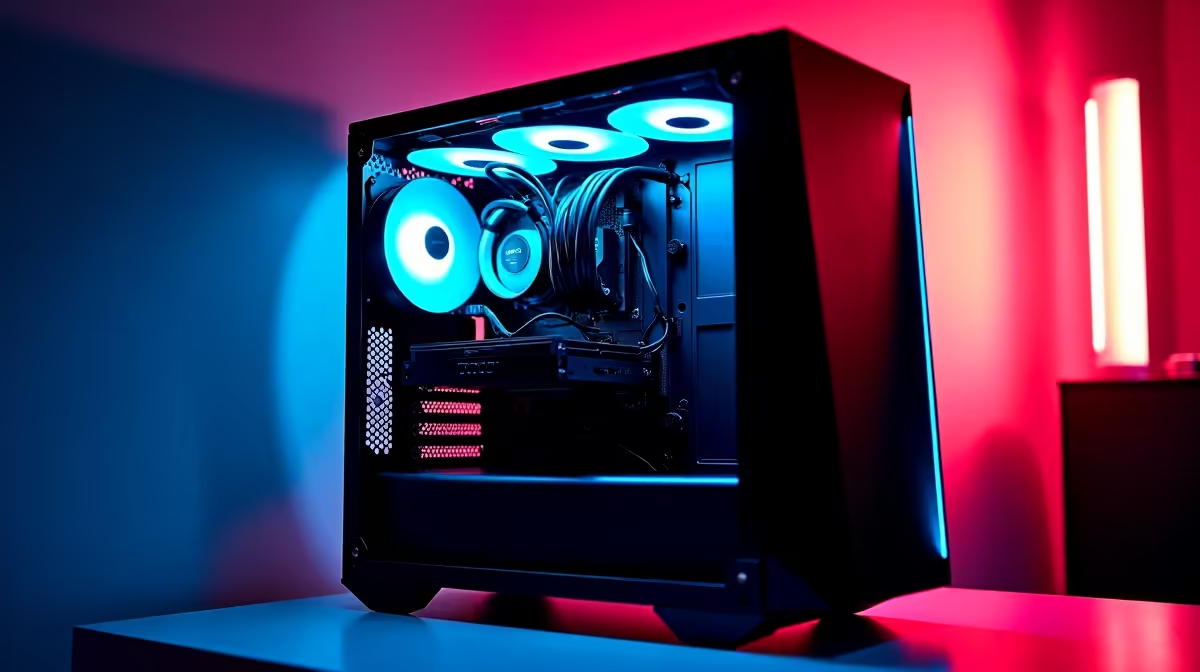
You’ve done it. You’ve saved up, picked your parts, and that shiny new R10,000 gaming rig is ready to be born. But before you can dominate in Apex Legends or explore the vastness of Starfield, there’s one final boss to defeat: the cable monster. Excellent gaming PC cable management isn’t just for showing off on Reddit; it's a critical step that directly impacts your PC's performance, cooling, and future-proofing. Let's untangle why.
More Than Just Looks: The Performance Benefits of Clean Cable Management
That chaotic "rat's nest" of cables inside your PC case does more than just look messy. It actively harms your performance by choking your components. The single biggest reason for tidy gaming PC cable management is airflow. 💨
Your case fans are designed to pull cool air in and push hot air out, creating a wind tunnel over your CPU and GPU. When cables block this path, pockets of hot air get trapped. This leads to higher temperatures, forcing your components to thermal throttle—that’s a fancy way of saying they slow down to avoid overheating. The result? Lower frame rates, stuttering, and a shorter lifespan for your precious hardware. A clean setup also prevents dust from settling on cables, where it can act as an insulator and make cooling even less efficient, a vital consideration for even the most effective budget gaming PCs.
The Upgrade & Maintenance Payoff
Think about the future. Your R10k build is awesome today, but in a year or two, you might want to slot in a new graphics card or add more storage. Good luck doing that if you have to wrestle with a tangled web of power connectors and SATA cables first.
Proper cable management makes future upgrades and maintenance a breeze. Need to swap out a faulty fan or add an M.2 SSD? No problem. When every cable has a clear, logical path, troubleshooting becomes ten times easier. This organised approach is a hallmark of quality builds, from entry-level rigs to the most powerful PCs under R20k, ensuring they're easy to live with long-term.
Quick Tips for Better Gaming PC Cable Management
Ready to tame the beast? Achieving a clean build is easier than you think. It just requires a bit of patience and planning. Here are a few tips to get you started on your gaming PC cable management journey.
First, plan your routes before you even install the motherboard. Most modern cases have channels and tie-down points behind the motherboard tray—use them! Work from the biggest cables (like the 24-pin motherboard connector) to the smallest (like front-panel audio). Using zip ties or reusable Velcro straps is essential for grouping cables together neatly. You can see this expert approach in action across our wide range of pre-built PC deals, which often serve as great inspiration.
Pro Cable Routing Tip 🔧
Always route your CPU power cable (the 4+4 pin connector) before installing your motherboard. Pass it through the cutout at the top-left of the case first. Trying to squeeze it in after the motherboard is screwed down is one of the most common and frustrating mistakes new builders make. It saves a massive headache!
When Professional Cable Management Makes Sense
Let's be honest: while rewarding, managing every cable perfectly can be a time-consuming and sometimes frustrating task. You just want to get to the gaming, right? That’s where a professionally assembled PC shines. ✨
When you invest in a high-performance machine, you expect every component to run at its peak. For the most demanding setups, like our custom PCs above R20k, flawless cable management isn't a luxury; it's a necessity for guaranteeing stability and optimal cooling under heavy loads. It removes the guesswork and ensures your investment is protected by expert hands.
Ready for a Flawlessly Built PC?
Mastering PC cable management is rewarding, but if you'd rather spend your time gaming than routing cables, we've got you covered. Our expert technicians ensure every build is clean, cool, and ready for battle. Explore our best gaming PC deals and get a rig with perfect cable management, straight out of the box.