Beat the Heat with the Ultimate Gaming PC Summer Cooling Checklist
South African summers are famously brutal. When the mercury hits 35 degrees in Pretoria, your PC feels every bit of that heat. Thermal throttling isn't just a nuisance... it is a slow death for your expensive components. If your fans sound like a jet engine, it is time for a proper Gaming PC Summer Cooling Checklist. Let's keep your frame rates high and your temps low. 🔧
Optimise Your Case Airflow and Pressure
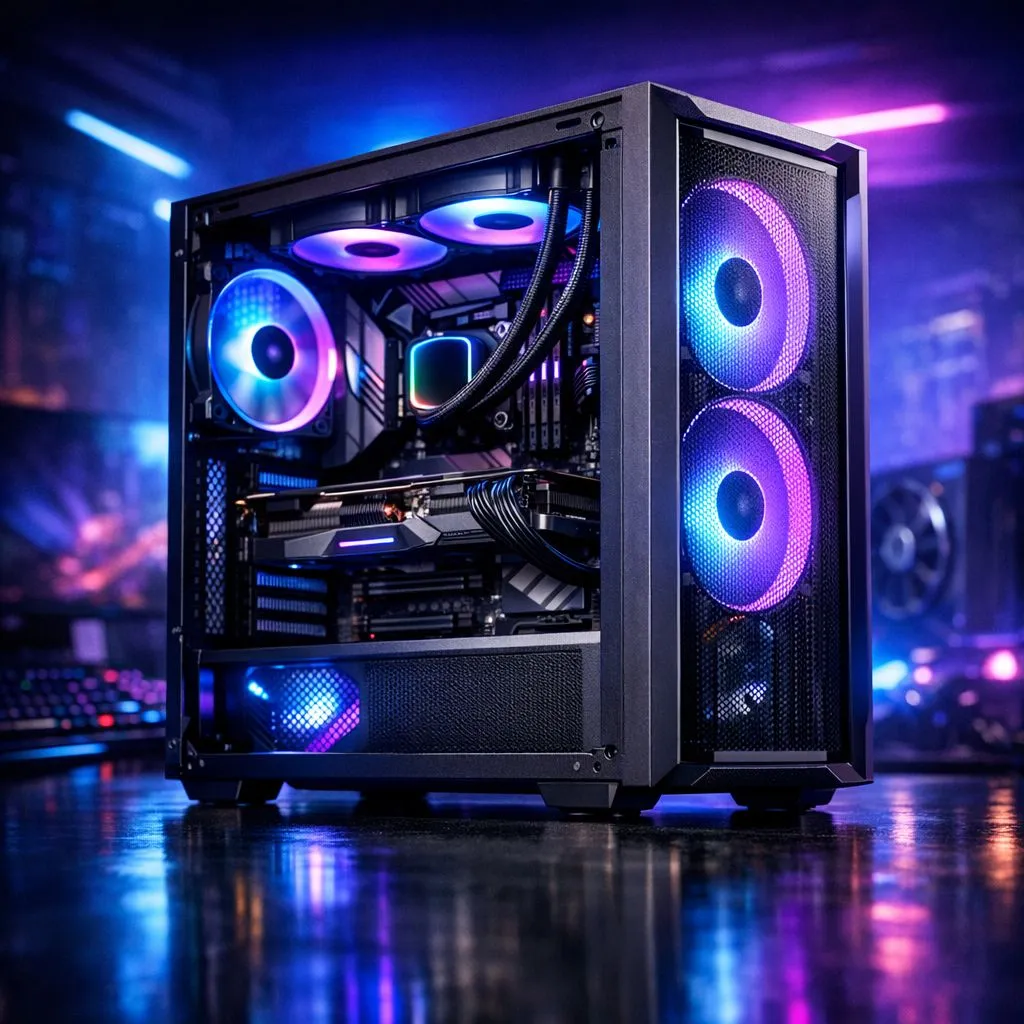
Airflow is the foundation of a cool system. You need to ensure that cool air enters the front and warm air exits the rear. If your case is tucked into a desk cupboard, it is likely recycling hot air. Move it to an open space with at least 10cm of clearance on all sides.
Many gamers overlook the importance of a dedicated Air Cooler to manage internal temperatures. A high-quality heatsink pulls heat away from the silicon much faster than standard stock units. This keeps your boost clocks stable during those long summer sessions in Durban or Cape Town. ⚡
Upgrade Your CPU Thermal Management
The processor is the brain of your rig and the primary heat source. If you are still using the cooler that came in the box, you are leaving performance on the table. Browsing a comprehensive range of cpu coolers is the quickest way to lower your temps by 10 to 15 degrees.
For most mid-range builds, the thermal engineering from Deepcool offers a perfect balance of noise levels and cooling capacity. Their towers are designed to dissipate heat efficiently even when the ambient room temperature is climbing. 🚀
Summer Maintenance Tip ⚡
Use a can of compressed air to clear out dust filters every two weeks during the summer months. Dust acts like a thermal blanket, trapping heat inside your case and forcing your fans to work harder than necessary.
Choose the Right Fan Size and Brand
Size matters when it comes to fans. Larger fans can move more air at lower speeds, which keeps your room quieter. Most modern chassis are designed to be equipped with 120mm Fans for maximum compatibility.
If you are looking for high performance without the premium price tag, consider the budget-friendly options from EINAREX. These units provide reliable static pressure to push air through dense radiator fins or cramped drive cages. Keeping your components under 80°C during a heatwave is the goal for any serious local gamer. ✨