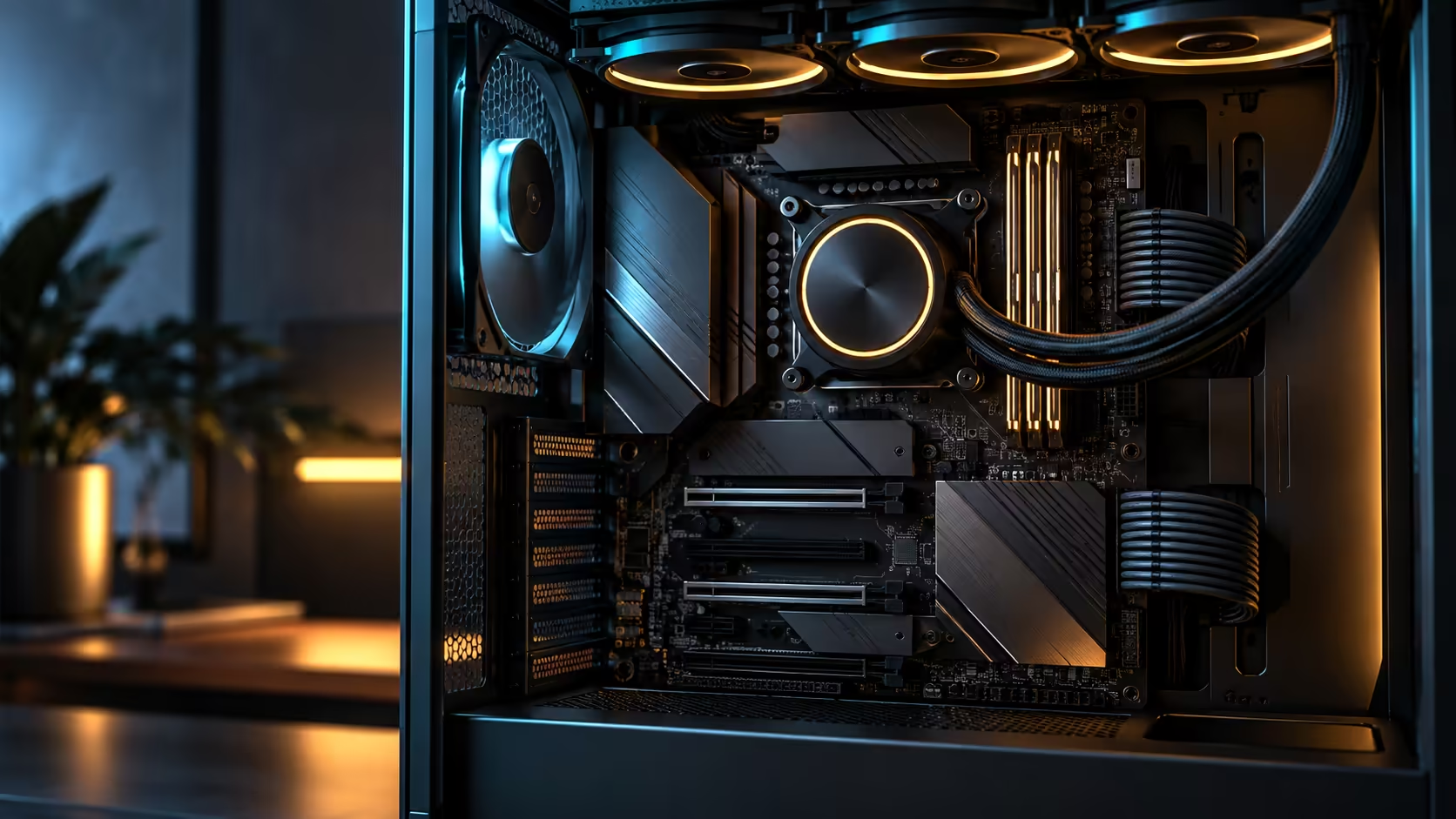
A messy storage layout rarely comes from too few drives; it comes from buying drives before deciding what each one is actually for. A multi-drive storage layout that stays clean over years of use starts with roles, not capacities, on whatever model you settled on from the AMD board range, and the roles decide which physical slot each drive belongs in.
Quick Answer
Assign a specific role to each drive before buying it: boot, active project, cache, game library, archive. This R54,999 board gives you five onboard M.2 sockets, covering that exact five-role list without needing anything else, and an add-in card fitted into one of its two PCIe 5.0 x16 slots extends the layout further by borrowing lanes that would otherwise serve the graphics card at full bandwidth.
🗂️ Why "role first, drive second" beats buying by capacity
Buying storage by capacity alone tends to produce a pile of similar-looking drives with no clear job, which is exactly how a build ends up with three partially-full drives and no clean answer to "where does this file go". Assigning roles first, boot, active project, cache, library, archive, forces a decision about what each drive is for before it is ever purchased, and that decision is what keeps the layout legible months later.
Boot needs speed and reliability more than raw capacity, since the operating system and installed applications rarely fill a modern drive. Active project storage benefits most from the fastest available speed, since this is the drive you interact with constantly during real work. Cache, if your workflow uses one, wants speed and write endurance over capacity. Game library wants capacity at a reasonable speed, a 2TB or 4TB drive suits most collections comfortably, since load time gains from the fastest tier are marginal for most titles. Archive wants capacity above all else, since it is written once and read rarely.
🔌 Fitting five roles into five onboard sockets
With exactly five common roles and five onboard M.2 sockets, this board's storage layout maps cleanly without forcing any role to share a drive with another. Assign your fastest available drive to the active project role, since that is where speed is felt daily, and place archive or library drives in whichever sockets the manual's lane-sharing diagram marks as shared, since those roles rarely need full uncontested bandwidth anyway.
Browsing the current SSD range with roles already decided turns the shopping process into filling five defined jobs rather than five open-ended capacity decisions, which is a noticeably faster way to build a parts list.
🧱 What extends the layout beyond five drives
Once a genuine sixth role appears, a second cache tier, a dedicated backup destination, or a growing library that has outrun a single drive, an add-in card fitted into a PCIe 5.0 x16 slot is how this board extends past its onboard count. That card draws its lanes from the graphics slot's shared pool, so it is worth fitting a new role there specifically rather than fitting it as a first resort, since the trade-off against graphics bandwidth is real even though it is usually small.
A Gen 5 drive makes the most sense for whichever role actually benefits from the extra sequential throughput, typically the active project or a dedicated render-cache role, rather than for archive duty where the speed will sit unused.
🧹 Keeping the layout clean over time
Revisit the role list once every 12-24 months rather than letting drives accumulate ad hoc. A drive originally bought for archive that has quietly become the de facto cache drive, because it happened to have free space, is exactly the drift that turns a clean layout back into a mess. Naming drives in your operating system to match their assigned role, rather than leaving them as default drive letters, is a small habit that keeps the original plan visible every time you open a file browser.
Frequently Asked Questions
How many drive roles should a typical build plan for?
Five is a practical number for most builds: boot, active project, cache, library and archive, which maps cleanly onto this board's five onboard sockets.
Should I buy the fastest drive available for every role?
No. Speed matters most for boot and active project roles; library and archive roles benefit far more from capacity than from peak throughput.
What happens once I need a sixth drive?
An add-in card fitted into a PCIe 5.0 x16 slot extends the count further, though it draws lanes that would otherwise serve the graphics card.
Does adding storage always cost graphics performance?
Only if the add-in route is used and only to the extent the graphics card actually needed that slot's full bandwidth, which varies by card and workload.
How often should I review my storage layout?
Roughly once a year, since roles drift as usage patterns change, and revisiting the plan keeps the layout matching how you actually use the machine.
Ready to plan a storage layout that still makes sense in a year?
Assign a role to every drive before buying it, then fill the five onboard sockets before reaching for the add-in route.