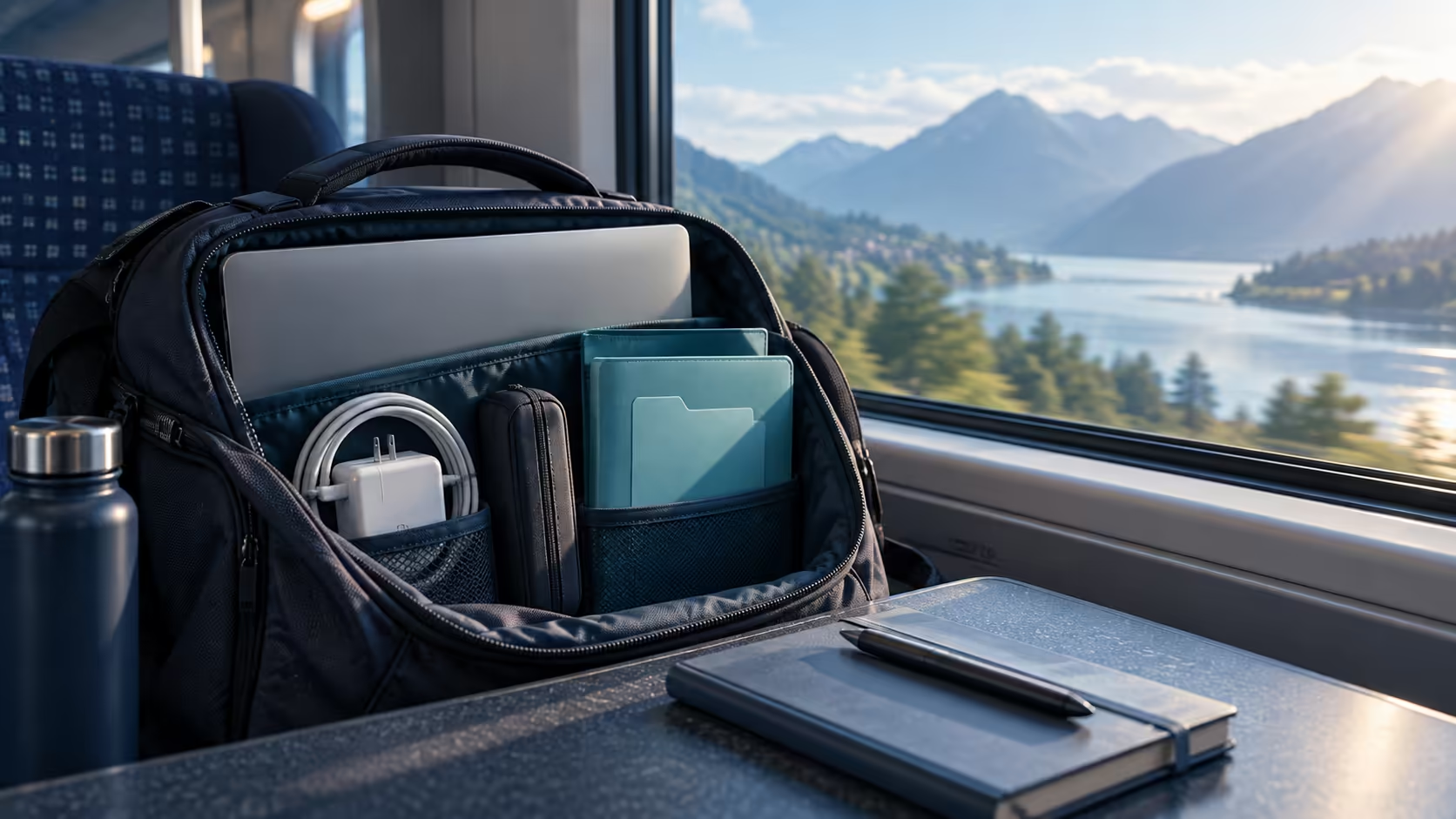
A thin laptop is only one part of a comfortable trip. Googlebook travel planning should include what goes into the bag, which files survive a disconnected journey and how you will charge at the destination. Getting those details right at home saves a surprising amount of last-minute frustration.
Quick Answer
Google's launch specifications place Googlebook chassis weights at roughly 1.00kg to 1.29kg, excluding your travel kit. Prepare essential documents offline and match charging accessories to the exact laptop requirements. The most useful first step costs R0: pack and weigh the complete bag, then open your trip files with the connection disabled.
🎒 Measure the load you actually carry
Google lists ASUS Googlebook 14 and XPS Googlebook at 2.2lb, Acer Googlebook 14 at 2.51lb, HP Googlebook 14 at 2.74lb and Lenovo Googlebook 15 at 2.84lb. Converted and rounded, those figures run from around one kilogram to 1.29kg. They help compare chassis portability; they do not measure the finished bag.
Make a packing pile before selecting accessories. Put the laptop, charger, charging lead, sleeve and headset together. Add the adapter you genuinely require at the destination, rather than every adapter in the drawer. A compact device with a bulky collection of extras can be less convenient than expected when you walk between terminals or meeting rooms.
For an illustrative calculation, a 1.0kg laptop plus 0.3kg of charging equipment and a 0.4kg bag becomes a 1.7kg carry system. Those accessory weights are an example, not measurements of a Googlebook bundle. Weigh your own equipment to make the comparison relevant to your journey.
Fit matters as much as weight. A sleeve must accommodate the actual chassis dimensions, not just a diagonal screen label. Browse Evetech laptop backpacks with the device dimensions beside you. Keep hard plugs away from the screen and avoid a compartment that presses tightly on the lid when other belongings are packed.
📁 Build a small, verifiable trip folder
Collect tickets, accommodation details, the agenda and the documents you intend to work on. Use recognisable filenames such as trip-agenda-final.pdf instead of depending on search to distinguish several identical downloads. Keep sensitive documents only where they are needed, with the device protected when you leave it unattended.
There are two different preparations: obtaining the file and ensuring an application can use it without a connection. A cloud shortcut may look like a file while still needing a server. Exporting a document as a PDF can provide a reliable reading copy, but it will not preserve all editing functions of the original project.
Before departure, disconnect from Wi-Fi and open the selected files. Scroll through a PDF beyond its first page, open a photograph at useful size and try a disposable edit in the application you plan to use. Close and reopen that edit to confirm it saved locally. Reconnect afterwards and establish where the finished work will synchronise.
Do this while there is time to fix missing fonts, app sign-in requirements or incomplete downloads. A hotel connection may involve a portal, congestion or an account that you cannot access immediately. Preparing a modest set of known-good files is more useful than downloading a huge folder that you never checked.
🔌 Treat charging as a matched connection
A USB-C plug can carry different combinations of power, data and video. For charging, the laptop's requirements, the charger's supported outputs and the cable rating must agree. USB Power Delivery defines negotiation between compatible equipment; the shape of the connector alone does not establish the result.
Keep the supplied charger as your baseline until a smaller replacement is confirmed suitable. Read the destination input-voltage and plug requirements as well as the laptop-side specification. A physical travel plug adapter changes the connection to a socket; it does not automatically convert voltage or certify the charger for every country.
If you also charge a phone from a multi-port adapter, check how its output changes when both ports are occupied. The large wattage on the packaging may describe a combined maximum. A compatible laptop could receive less power when another device is connected. This is why a full charging rehearsal should use the actual kit you plan to carry.
For extra storage, portable external SSDs may be worth considering after checking the host connection and supported file system. Keep the drive and cable together and retain another copy of essential work elsewhere. Carrying both copies in the same bag does not protect against losing that bag.
Frequently Asked Questions
How much do the first Googlebooks weigh?
Google lists the launch models at approximately 1.00kg to 1.29kg before chargers and accessories.
Does a lightweight Googlebook mean a lightweight bag?
No. Add the charger, sleeve, adapters, headset and anything else you actually carry.
Can I rely on hotel Wi-Fi for my documents?
Download and open essential files before travel. A room with Wi-Fi may still have poor service or a sign-in portal.
Will any USB-C charger power a Googlebook?
Connector shape does not establish the required power profile. Match the laptop documentation, charger output and cable rating.
Pack for the journey you are taking.
Choose laptop bags and portable accessories at Evetech around your measured kit and confirmed device requirements.