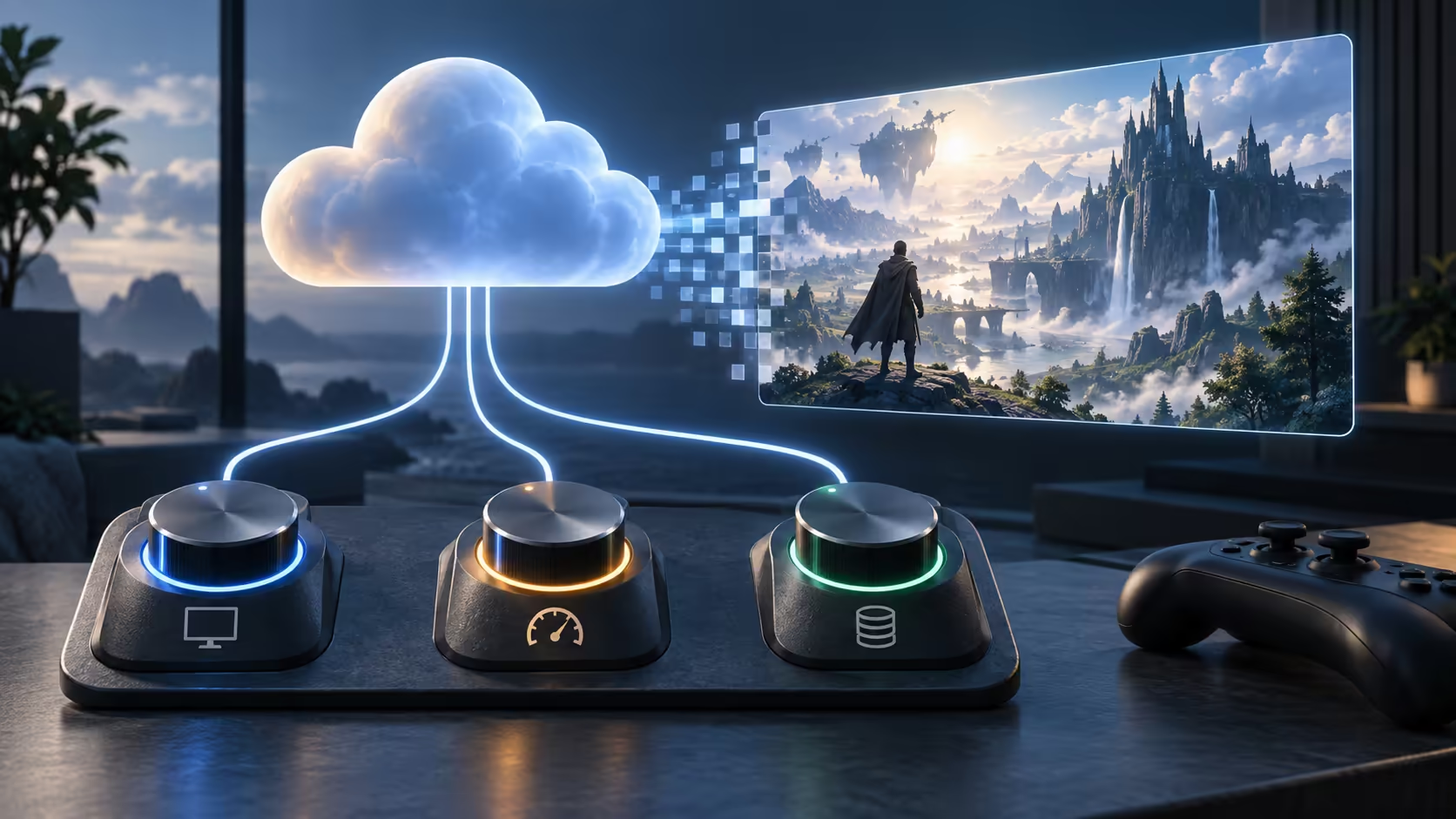
A sharper cloud stream is not always a smoother one. Googlebook cloud gaming settings balance image quality against the connection carrying a continuous video feed and your controls. Understanding resolution, frame rate, bitrate and latency separately makes it easier to choose settings that suit the session.
Quick Answer
Start with a supported client and service tier, then choose a stream your connection can sustain consistently. Lower resolution or bitrate can reduce data demand, while network delay requires a separate check. Use your own Rand data tariff when estimating cost; a hypothetical R10 per GB would make a 9GB hour cost R90, not a quoted gaming-service price.
🎮 Separate the four controls
Resolution is the number of pixels in each frame. More pixels can improve detail, especially on a larger display, but the stream must carry enough information to preserve them. A high-resolution feed starved of bitrate may show compression artefacts that undermine the expected benefit.
Frame rate describes how often a new image arrives. A higher cadence can make motion appear smoother where the service, client and display support it. It does not remove network delay. A stream can deliver many frames per second while still responding late to your input because the route to the server is slow.
Bitrate is the amount of data transmitted per second. It is a useful lever for balancing quality and consumption, but the configured limit and actual average can differ. Complex motion may require more information than a quiet menu. Avoid estimating every session from a single momentary reading.
Latency is delay through the path between input and response. It includes more than your local Wi-Fi signal strength. Server distance, routing and processing contribute. A faster wireless link at home cannot erase a long route to the service, though an unstable home connection can certainly make matters worse.
📡 Establish the supported service path
Google describes selected PC games on Googlebook through GeForce NOW rather than claiming native installation of every Windows game. Check the game catalogue, ownership requirement, client support and membership conditions for the service you will actually use. An advertised game name is not a universal licence or local access promise.
NVIDIA publishes bandwidth and latency requirements, with settings varying by client and membership. Regional services can have their own plans and availability. South African users should follow the applicable local service information instead of assuming a launch promotion in another country supplies the same tier and settings.
Begin a practical trial with other large transfers paused. Use the service's connection test where offered, then play a representative scene rather than judging a static menu. Record delay, visible breakup and whether the stream changes quality. Repeat at the time you usually play, because a quiet morning is not necessarily representative of a busy evening.
If the home link is the weak point, compare wireless networking options after checking placement and interference. A new router should solve an identified local requirement, not serve as a guess about a remote server problem.
📊 Turn bitrate into a data plan
The basic arithmetic is bitrate in megabits per second multiplied by seconds, then divided by eight to convert bits to bytes. Using decimal units, a constant 20Mbps for an hour is about 9GB. At 10Mbps, the same simple calculation gives roughly 4.5GB. These are illustrative sustained-rate calculations, not measured Googlebook consumption.
Allow for variation and overhead. The application may adapt its stream, audio also consumes data and other devices may be active. If you have a capped connection, compare the service estimate with your provider's usage record after a short session. That gives you a practical starting point for a longer evening.
Choose one adjustment at a time. If the picture breaks up when other traffic begins, try a lower demand and repeat the same activity. If the image is stable but response remains delayed, resolution alone may not be the main issue. Changing everything together makes it impossible to know which adjustment helped.
Match the display to what the supported stream can deliver. Browse gaming monitor options for your wider setup, but confirm the Googlebook output path and service limits before paying for capabilities the chain cannot use. A panel's maximum refresh rate is not a guarantee that the cloud client will supply it.
Keep a small record of the settings that worked for a particular connection. Your home fibre and a mobile hotspot may need different choices. The useful target is a repeatable, affordable session, not the highest number visible in a menu.
Frequently Asked Questions
Does higher streaming resolution improve game response?
Not necessarily. It increases image demands; latency depends on the end-to-end network and processing path.
How much data does a 20Mbps stream use?
At a constant 20Mbps, the arithmetic is about 9GB per hour before additional overhead. Actual usage varies with the stream.
Is 60fps the same as 60ms latency?
No. Frames per second describe image cadence, while milliseconds describe delay. They measure different parts of the experience.
Will every GeForce NOW tier offer the same settings?
No. Resolution, frame-rate and device support depend on the membership, client and regional service.
Build the gaming setup around a stable stream.
Compare networking and display options at Evetech after checking the service, connection and output modes you can actually use.