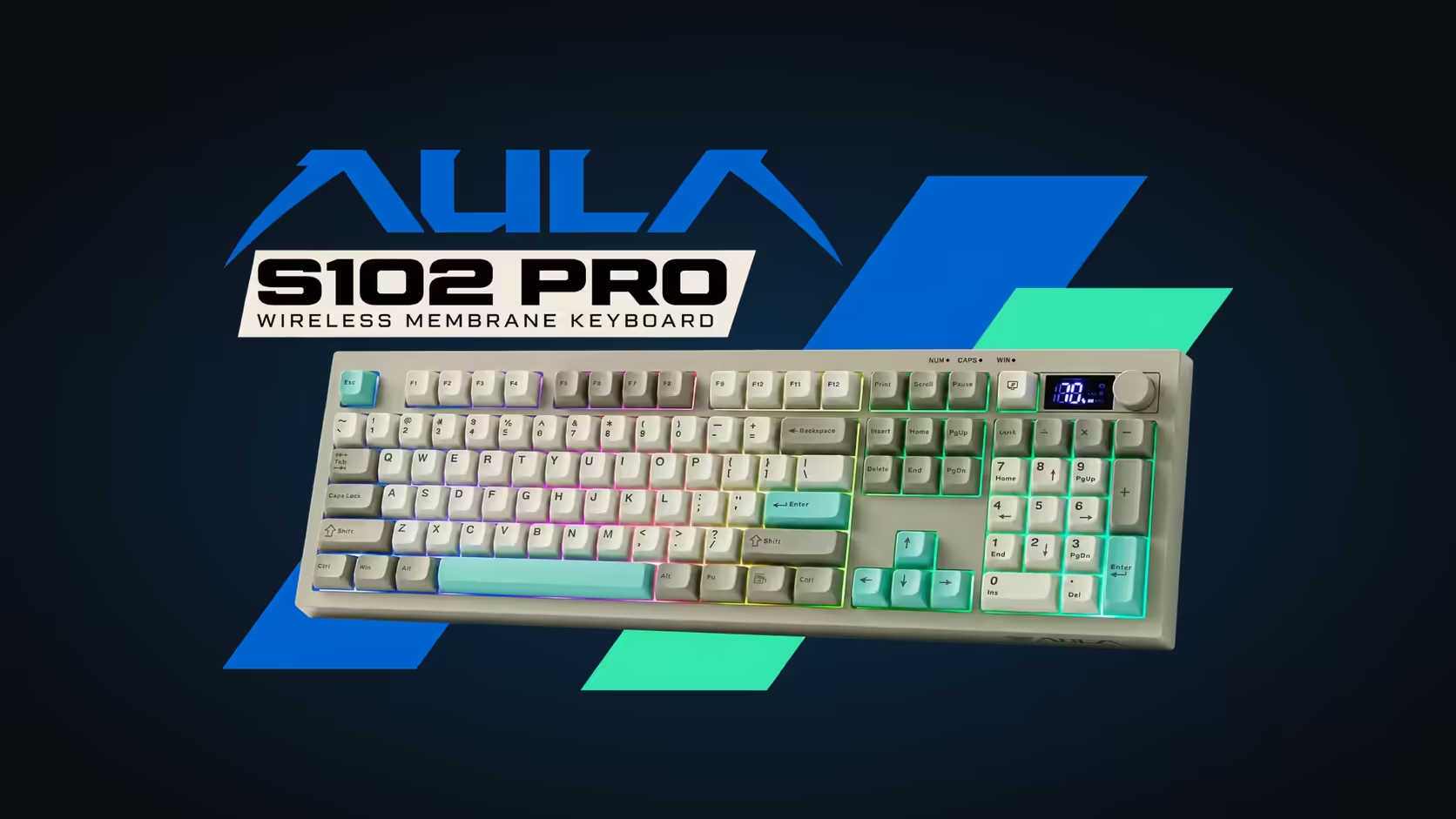
Hot-desking changes what you need from a keyboard. It is no longer something that lives on one desk plugged into one computer; it has to connect quickly to whatever machine you are sitting at today, and it has to tell you clearly what it is talking to. The S102 PRO has three connection options and a small screen that reports the active link, which makes it well suited to a hot-desking wireless keyboard routine. It just needs a little planning.
Quick Answer
For hot-desking, pair the AULA S102 PRO over Bluetooth to the laptop you carry, and keep its 2.4GHz receiver in a fixed desk PC you use regularly. Bluetooth remembers two devices, a TFT readout confirms where your typing is going, and the bundled USB-A to USB-C lead is the fallback when all else fails. A 1 Year Local Warranty through Evetech comes with it. Evetech's price for the S102 PRO is R299.
🧭 Plan your connections before you move
The S102 PRO gives you three ways in:
- A 2.4GHz receiver, which plugs into one computer.
- Bluetooth, with room for two paired machines.
- A plain cable, USB-A on one end and USB-C on the other, for plugging straight in.
The trick with hot-desking is to assign each method a role, rather than re-pairing every morning.
A setup that works for most people
- Pair your own laptop over Bluetooth, since it is the machine that moves with you.
- Use the second Bluetooth pairing for another device you use often, such as a tablet or a home computer.
- Leave the receiver plugged into a desktop at the desk you use most, if your office has one.
- Keep the cable in your bag for any shared computer where neither wireless option is practical.
That way your laptop is ready wherever you sit, and you only fall back to the cable for the odd unfamiliar machine.
📺 Knowing which link you are on
The biggest risk with a multi-device keyboard is typing into the wrong computer. The S102 PRO's answer is a little TFT display naming the current link and the remaining charge. Make a habit of glancing at it when you sit down. It takes a second and saves a message typed into the void.
AULA's product page does not list the key combinations for moving between Bluetooth slots and the receiver, so check AULA's instructions for the S102 PRO and keep a photo of the relevant page on your phone until switching becomes muscle memory.
💻 Mac and Windows desks
Hot-desk offices often mix operating systems. The S102 PRO copes with both. For a Mac, press Fn + S; for Windows, Fn + A. When you move from a MacBook to a Windows desktop, flip the mode so the modifier keys behave as expected. It is worth building this into the same sit-down routine as checking the screen.
🎒 Carrying a full-size board
As a 100% board with its own numpad and F-keys, the S102 PRO is more to carry than a compact one. The trade-off is a proper layout wherever you sit, which matters if your work involves numbers and spreadsheets. A few practical points:
- Carry it in a padded laptop bag compartment or a sleeve, so the keycaps do not take knocks.
- Keep the cable in a side pocket; it doubles as your charging lead.
- The membrane design has no individual switches to damage in transit, and it is quiet in an unfamiliar open-plan area.
Battery through a long day
With no published runtime to plan around, the on-screen percentage is your guide. If it gets low mid-day, plug the cable into the computer at your desk. AULA's charging rule, computer ports yes, USB wall adapters no, happens to suit hot-desking well: every desk has a computer.
Lighting also plays a part. The RGB backlight's brightness is adjustable through Fn shortcuts, and a dimmer setting is a sensible choice when you are relying on battery all day.
Find the S102 PRO in Evetech's office keyboards. If your team needs a keyboard and mouse issued together, there is a separate keyboard and mouse bundles category at Evetech. Pricing is shown on the product page.
Frequently Asked Questions
Should a laptop that moves use the receiver or Bluetooth?
Bluetooth. It needs no receiver, so your laptop connects wherever you sit, and the receiver can stay in a fixed desktop.
How many machines can share it over Bluetooth?
Two, on top of the 2.4GHz receiver and the cable.
How can I tell which link it is using right now?
Glance at the TFT display. It names the live link and shows how much battery is left.
Is a full-size keyboard practical to carry?
It is bigger than a compact board, but a padded sleeve makes it easy, and you get a full number pad at every desk.
What about switching between Mac and Windows desks?
Swap modes as you swap machines: Fn + S for macOS, Fn + A for Windows.
Will the battery last a long day of moving around?
There is no rated runtime, so keep an eye on the percentage and top up from the desk computer when it drops.
Moving desks every day?
Explore Evetech's office keyboard range and see how the S102 PRO keeps up with a flexible workday.