


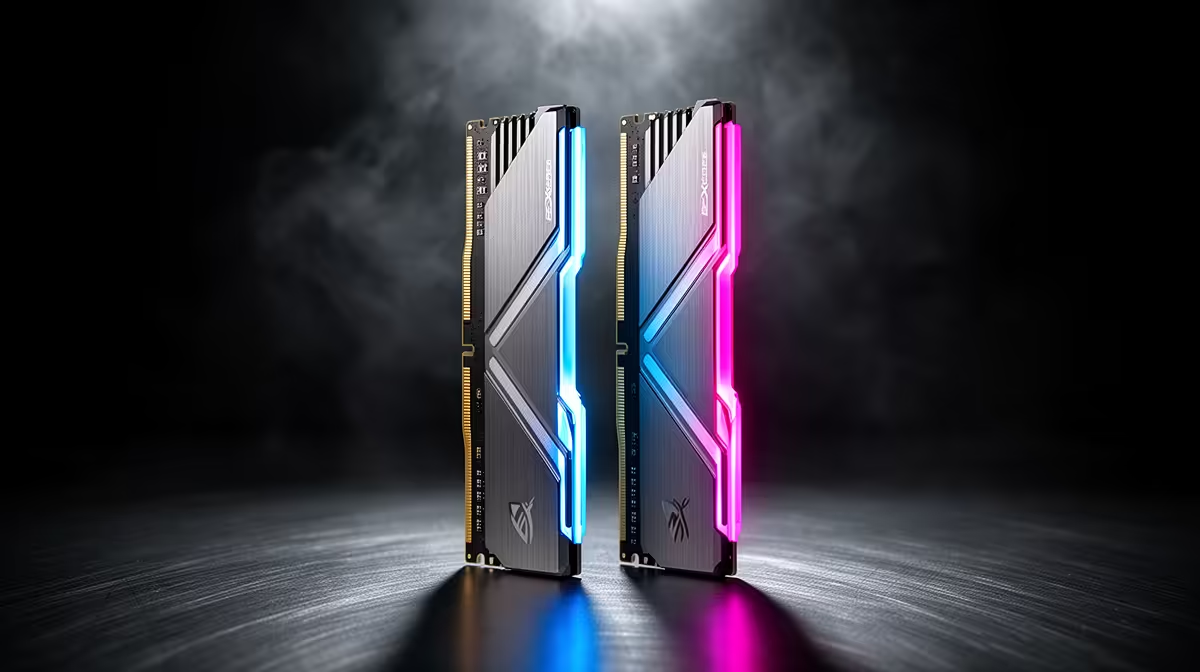
DDR5 choices come down to capacity, speed and the profile you enable, and matching those to the workload matters more than chasing the highest number on the box.
Quick Answer
For an SA gaming setup, DDR5-6000 at CL30 is the value sweet spot on current platforms, roughly R1,300 to R2,600 for 32GB. Tight latency helps frame-time consistency more than a higher raw speed with loose timings.
Speed, Latency And Real Gains
On current platforms DDR5-6000 at CL30 is the value sweet spot, balancing speed and tight timings. Latency (the CL number) affects frame-time consistency, while raw speed helps bandwidth-hungry tasks. For an SA gaming setup, a tight CL30 kit feels smoother than a faster kit with loose timings, and pushing far past the sweet spot brings sharply diminishing returns.
How Much Capacity You Need
16GB is the floor for modern gaming, but 32GB is the comfortable sweet spot that handles a game plus a browser, chat and a stream without stutter, which is why it suits an SA gaming setup. Step to 64GB only for heavy video editing, large datasets or virtualisation. Always run two sticks for dual-channel bandwidth; a single large stick leaves real performance on the table.
Fit, Heat And Longevity
Confirm the kit's height clears a tall air cooler, since some heatspreaders foul big towers. Two sticks usually clock higher and more reliably than four, so a 2x16GB kit beats four smaller modules for headroom. A lifetime warranty and a known brand make a DDR5 kit a safe long-term part of the build for an SA gaming setup.
FAQ
How much DDR5 do I need for gaming?
32GB (2x16GB) is the comfortable sweet spot, handling a game plus a browser and chat without stutter. 16GB still works for pure gaming, while 64GB is reserved for heavy creative or virtualisation work.
What speed and latency should I buy?
DDR5-6000 at CL30 is the value sweet spot on current platforms, balancing speed and tight timings. Pushing far higher brings diminishing returns, so the sweet spot suits most builds best.
Do I need to enable EXPO or XMP?
Yes. DDR5 runs at a slow default until you switch on the EXPO or XMP profile in BIOS. Without it the kit runs well below its rated speed, so this step is essential to get what you paid for.
Buy 32GB of DDR5-6000 CL30 in dual channel from your board's QVL, then enable the EXPO or XMP profile in BIOS so it runs at rated speed.











