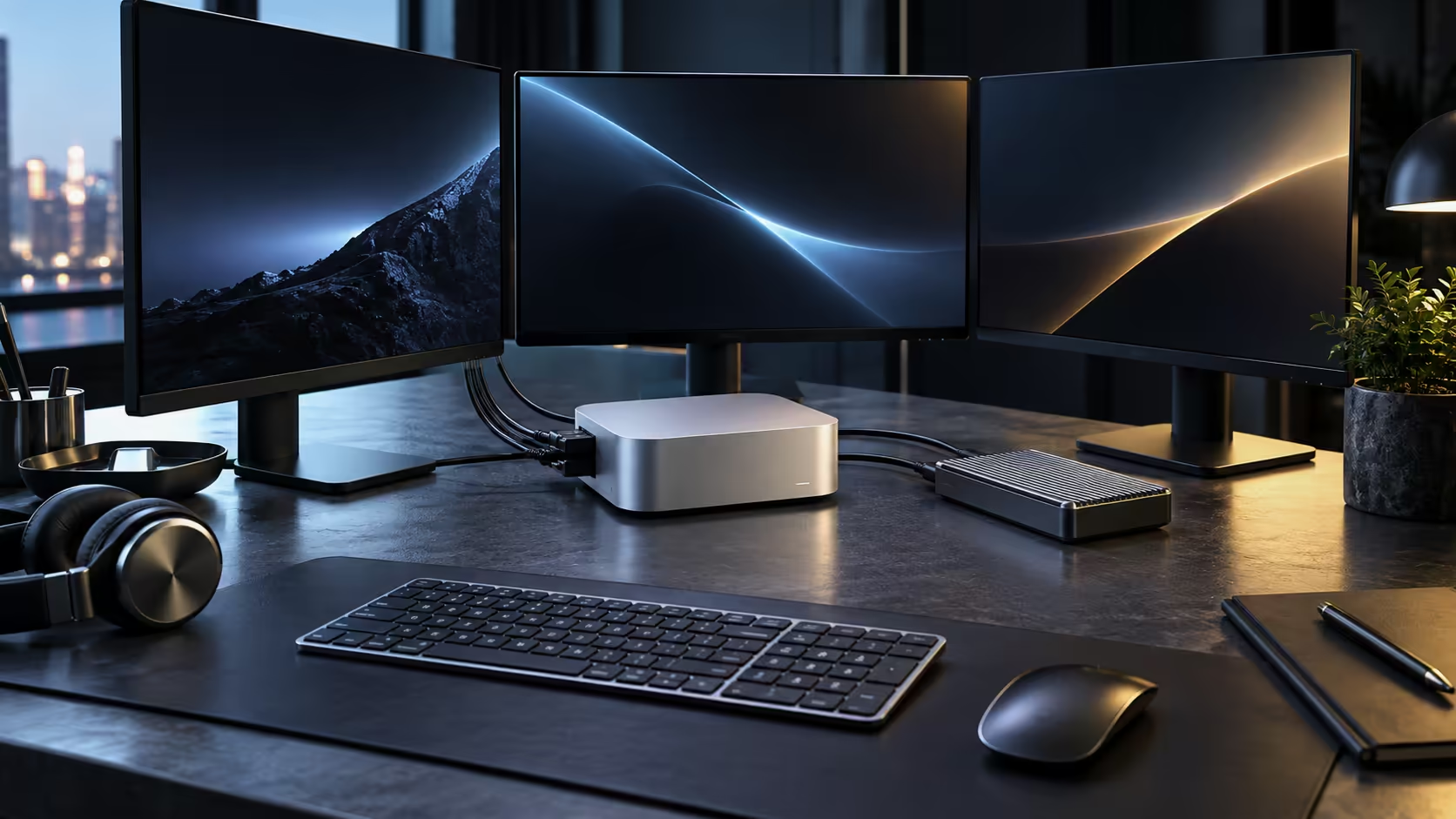
A compact creative desk works when the cables have a clear path and the Mac Mini M5 Pro itself has room to breathe, not when every accessory is the most expensive one available.
Quick Answer
Mount the machine on a riser or a shelf under the desk rather than laying it flat among cables, route power and data down one leg of the desk, and leave a hand's width of clearance around the case for airflow. This R33,599 machine is small enough to disappear entirely behind a monitor arm, which is often the real space saver on a compact creative desk.
🪑 Choosing a desk that actually helps
A gaming desk with a cable management channel and a grommet hole does more for a compact setup than extra surface area does, because the machine itself takes up almost no space; the mess comes from cables, not the case. A depth of at least 700mm gives a monitor arm room to fold back without the screen sitting too close to your eyes.
🖥️ Building around a monitor arm, not a stand
A monitor arm frees the desk surface the case and a stand would otherwise use, and it lets a 27-inch or larger screen sit at eye level regardless of the machine's own low profile. Route the Mac Mini's cables up through the arm's own channel where a 100x100 VESA mount supports it, which keeps the desk looking like one clean setup rather than a machine surrounded by loose leads.
🔌 Power and data in one run
Group the power cable, the Thunderbolt lead to the monitor and any peripheral cables into a single sleeve or channel running down one leg of the desk, rather than letting each cable find its own path. This single change is what turns a compact desk from looking cluttered to looking deliberate, and it takes minutes rather than a full rebuild.
🌬️ Leaving the case room to cool itself
A Mac Mini pulls air in from underneath and vents it out the back, so tucking it into a fully enclosed cubby with no airflow defeats a small fan's job. A simple stand or a shelf with open sides, leaving at least 50mm of clearance on every side, keeps the case running quietly under sustained creative work rather than spinning up audibly.
🎨 Leaving room for the actual creative tools
A drawing tablet, a small mixer or a set of monitor speakers each need their own footprint, and a compact desk plan built only around the machine and one screen tends to run out of room the moment those tools arrive. Sketch the full desk layout, tools included, before buying the desk itself, since a tablet that needs to sit directly in front of you competes for the same space a keyboard usually claims.
Before the desk plan is final, Mac Mini is worth a glance for other configurations, and so is mini PC if a different chassis shape would sit better on this particular desk.
Frequently Asked Questions
Does the Mac Mini need to sit flat on the desk?
No. It works equally well mounted on a stand, a shelf underneath the desk, or behind a monitor on an arm, provided air can move around it.
How much desk depth does a monitor arm actually need?
Around 700mm is comfortable for the arm to fold back and the screen to sit at a proper viewing distance without crowding the desk edge.
Will hiding the machine in an enclosed cabinet cause overheating?
It can, if there is no airflow at all. A cabinet with open sides or a vented shelf avoids trapping heat around the case.
How much desk width does a compact creative setup actually need?
A single monitor and the Mac Mini itself comfortably fit within 900mm of desk width; add a tablet or a mixer and 1200mm becomes more realistic.
Should cable management be planned before or after the desk arrives?
Before, ideally. Knowing where cables will run lets you choose a desk with the right grommet placement rather than drilling one yourself afterward.
Does the Mac Mini need its own dedicated shelf, or can it share space with other gear?
It can comfortably share a shelf with a router or a small audio interface, provided none of it blocks the airflow underneath the case.
What is the simplest first step for someone starting from a bare desk?
Place the monitor and decide its height first, since everything else, including the machine's position, the arm and the cable routing, follows from where the screen sits.
Does a desk this compact still need a surge protector?
Yes, a small surge-protected power strip is inexpensive relative to the equipment it protects and is worth including on any desk plan from the start.
Is a wireless keyboard and mouse better for a compact desk than wired ones?
Either works fine; wireless reduces visible cable count, while wired removes any concern about battery levels during a long session.
Ready to build a clean, compact creative desk around a Mac Mini M5 Pro?
Plan the cable run and the airflow before you buy the desk itself.