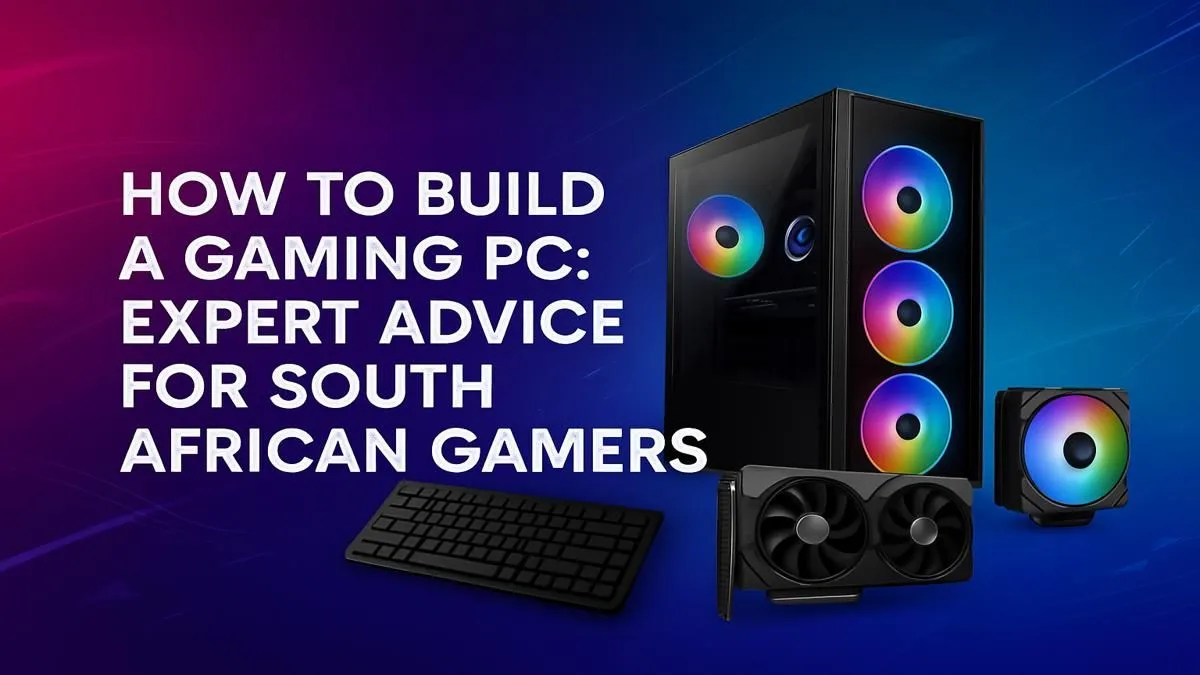
Dreaming of building your own gaming PC in South Africa? You're not alone. There's nothing quite like the thrill of booting up a machine you've assembled yourself. But let's be real… navigating component prices, compatibility, and the actual build can feel like a boss fight. This ultimate guide is your cheat sheet, walking you through everything you need to know about how to build a gaming PC in South Africa, from budgeting to booting up. 🚀
First Steps: Planning Your South African PC Build
Before you even think about motherboards or graphics cards, you need a plan. The journey to building a gaming PC in SA starts with two simple questions: What's your budget, and what do you want to play? A rig built for competitive esports titles like Counter-Strike 2 or Overwatch 2 will have different needs than one designed to render the beautiful chaos of Call of Duty: Warzone 2.0 at high settings.
Be realistic with your budget in ZAR. A solid entry-level 1080p machine might start around R12,000, while a 1440p beast could push past R25,000. Your goal dictates the parts, so decide if you're aiming for high frame rates in Fortnite or exploring the vast world of GTA V with maxed-out visuals.
The Core Components: Your PC Build Shopping List
This is where the magic happens. Choosing your components is the most exciting part of any South African PC build guide. Here’s a breakdown of the essentials.
CPU: The Brains of the Operation 🧠
Your Central Processing Unit (CPU) handles all the instructions that your computer receives. For gaming, a strong CPU prevents performance bottlenecks, especially in strategy games or complex simulations. A PC powerful enough for a demanding title like Microsoft Flight Simulator will need a top-tier processor from Intel (like the Core i5 or i7 series) or AMD (Ryzen 5 or 7 series) to keep things flying smoothly.
GPU: The Heart of Your Gaming Rig
The Graphics Processing Unit (GPU) is the single most important component for gaming performance. It renders the stunning visuals you see on screen. If you're planning to dive into graphically intense worlds like Night City, you'll want to check the specs on purpose-built Cyberpunk 2077 gaming PCs to see what kind of power is required. NVIDIA's RTX and AMD's Radeon lines are the main contenders here.
Motherboard, RAM, and Storage
- Motherboard: The foundation that connects everything. Ensure your motherboard's socket is compatible with your chosen CPU and that it has the features you need.
- RAM: 16GB of DDR4 or DDR5 RAM is the sweet spot for modern gaming, giving you plenty of memory for games and multitasking. This is especially true for heavily modded titles, which is common for players with dedicated Minecraft gaming PCs.
- Storage: A speedy NVMe SSD is a must-have. It drastically reduces loading times, getting you into games like PUBG before the plane even takes off.
The Assembly Process: Bringing It All Together 🔧
Now for the hands-on part. Building a gaming computer isn't as scary as it looks, but it demands patience and care. You'll start by preparing your motherboard—installing the CPU, RAM, and NVMe drive outside the case. Then, you'll mount the motherboard inside the case, install the GPU, and connect the power supply (PSU) cables.
Cable management is the final boss. Tucking away cables not only looks clean but also improves airflow, keeping your components cool. Take your time, follow the manuals, and don't force anything!
Anti-Static Pro Tip ⚡
Static electricity is the silent killer of PC components. Before you start your build, touch a large metal object (like your PC case's unpainted metal frame) while it's plugged in but turned off at the wall. This grounds you and discharges any static buildup. It’s a simple step that can save you a lot of heartache and money.
The Evetech Advantage: Expert Build, Zero Stress
Feeling a bit overwhelmed? That’s completely normal. While building a PC is rewarding, it also comes with risks—a bent CPU pin or a forgotten cable can lead to major headaches.
This is where planning your PC build in South Africa can take a different route. Instead of doing it all yourself, you can leverage the expertise of professionals. At Evetech, our technicians live and breathe PC building. We handle the component sourcing, the meticulous assembly, the stress-testing, and the cable management, delivering a perfectly optimised machine to your door, complete with a full warranty.
You get all the performance and customisation of a dream rig without any of the risk.
Ready to Build Your Dream Rig?
The journey of building a PC is an epic quest, but sometimes you just want to jump straight to the final boss battle. Whether you use our guide to build it yourself or want to skip the stress, Evetech is your ultimate partner. Let our experts craft a masterpiece for you, complete with professional cable management, stress-testing, and a full warranty.
Design Your Custom Gaming PC Today!