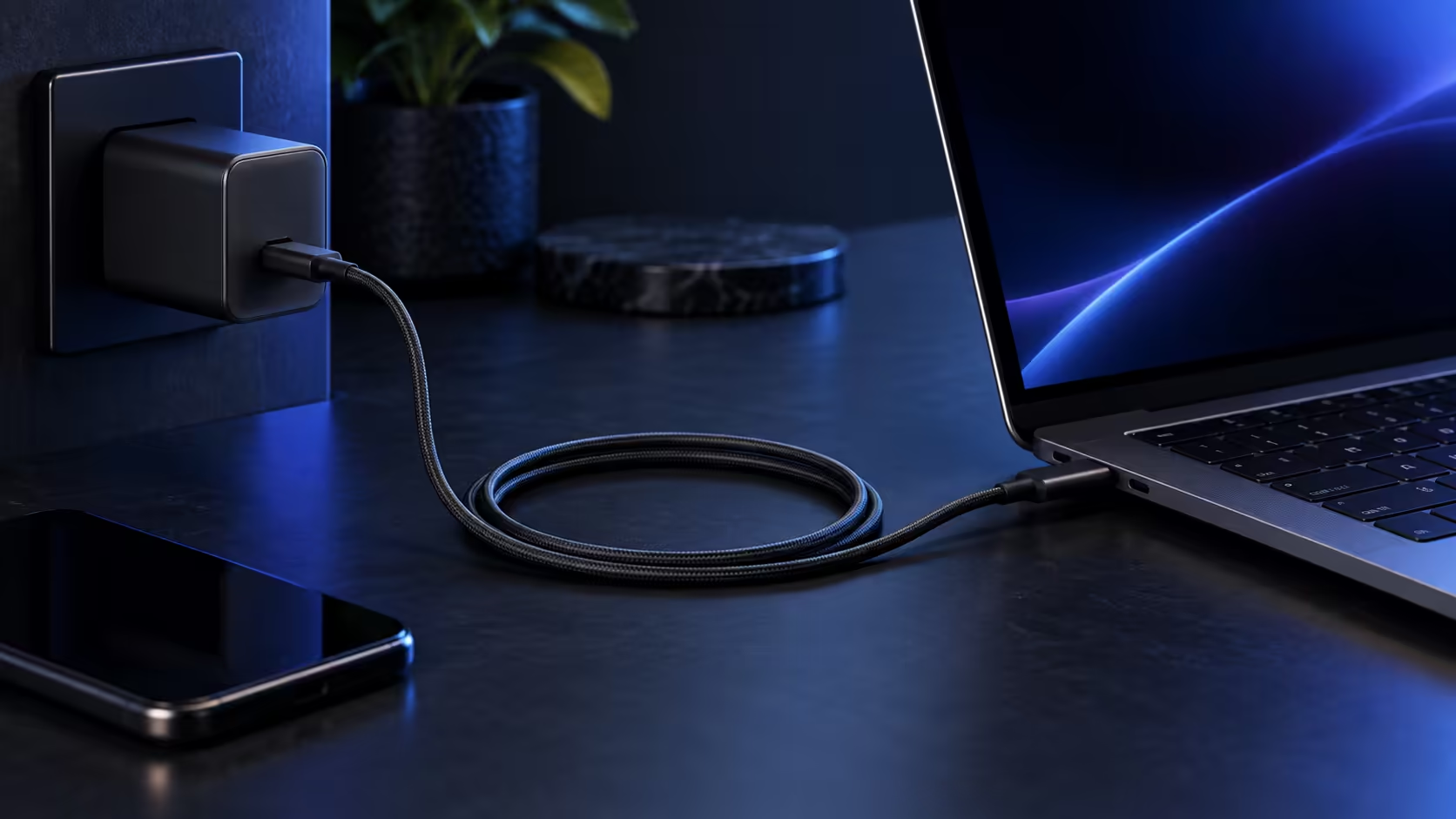
Charging a USB-C laptop safely with a 100W or 140W+ cable is less about risk and more about making sure three separate pieces of hardware actually agree with each other, since USB Power Delivery is designed to negotiate down to a safe level automatically rather than force too much power through by accident.
Quick Answer
Safety here is a matching job, not a risk. Confirm the charger, the cable and the laptop port all speak USB Power Delivery, then let them negotiate. A certified 5A cable such as the R399 Anker 544 removes the weakest link, usually a spare cable of unknown origin sitting in a drawer.
🔐 Why this is a matching problem, not a danger
USB Power Delivery is built so that a charger, cable and laptop negotiate the actual power level together before any real current flows, each declaring its own capability and the system settling on the lowest common figure among them. A mismatched combination does not create a hazard; it simply charges more slowly than the laptop's own 100W or 140W maximum, because the weakest link in the negotiation, often a 3A cable, sets the ceiling for everyone in the chain.
✅ The three pieces that all need to agree
The charger needs to support Power Delivery at the wattage you want, whether that is 100W or 140W. The cable needs to be 5A e-marked, since anything short of that pins the whole connection to 60W no matter how capable the charger itself happens to be. The laptop's own USB-C port needs to accept charging input at that wattage too, and plenty of laptops fit more than one USB-C port with only a single one wired for full-power charging, the rest limited to data or a lower rate.
🧪 Confirming it is actually working
Most laptops show the charging wattage somewhere in their battery settings or system information once plugged in, which is the simplest way to confirm the full rate is being reached rather than a lower fallback. If the reported wattage sits well below the 100W or 140W the charger is rated for, work through the three pieces above in order: check the charger's own rating first, then the cable's e-marker rating, then the specific USB-C port on the laptop being used.
🔍 What a spare drawer cable usually gets wrong
The most common reason a "safe" charging combination underperforms is not really a fault at all, it is an old or unmarked cable pulled straight out of a drawer without anyone stopping to check its actual rating first. Many older or cheaper USB-C cables were built before 100W and 140W charging became common, and they carry only a 3A e-marker even though the connector looks identical to a full-power cable. Plugging one of these into an otherwise correctly matched charger and laptop simply caps the whole chain at 60W, with nothing on screen to explain why charging feels slower than expected.
Checking a cable's actual rating from its packaging, rather than assuming from its appearance alone, is worth doing before troubleshooting anything else in a charging setup that is not reaching the speed you originally expected from it.
🛒 Putting a reliable combination together
The Anker 544, listed in the comprehensive cable range, is a 5A e-marked, USB-IF certified cable at R399, which removes the cable as a variable in this chain regardless of which laptop or charger it connects. Check your charger's own wattage rating to confirm it matches what the laptop can accept, and browse our laptop specials if you are still deciding on the machine itself alongside the charging setup.
Frequently Asked Questions
Can using the wrong cable damage my laptop's battery?
No. USB Power Delivery negotiates down to a safe level automatically, so a mismatched cable results in slower charging rather than any damage to the battery or the laptop.
Do all USB-C ports on a laptop support the same charging wattage?
Not necessarily. Some laptops limit charging input to a specific port, or cap a secondary port at a lower wattage than the primary one, so check your specific model.
Is a 100W charger safe to use on a laptop rated for 140W?
Yes, safe but slower, since the laptop simply draws less power and charges at a reduced rate rather than anything unsafe happening.
How can I tell if my cable is the reason charging is slow?
Swap in a confirmed 5A e-marked cable and see if the reported charging wattage increases. If it does, the original cable was the limiting factor.
Can a cable be the reason a laptop charges but does not turn on while charging?
Rarely, since a working cable that reaches even 60W is generally enough for a laptop to at least maintain its charge while in use. A laptop failing to power on despite an active charging connection points more toward the charger or the laptop's own power circuitry than the cable itself.
Does the laptop's own battery health affect how fast it charges?
Yes, separately from the charger and cable. A battery nearing the end of its life, or one already sitting close to full, tapers its own charging rate no matter how well matched the charger and cable happen to be.
Ready to charge your laptop at its actual rated speed?
Confirm the charger, the cable and the port all support the wattage you are expecting.