


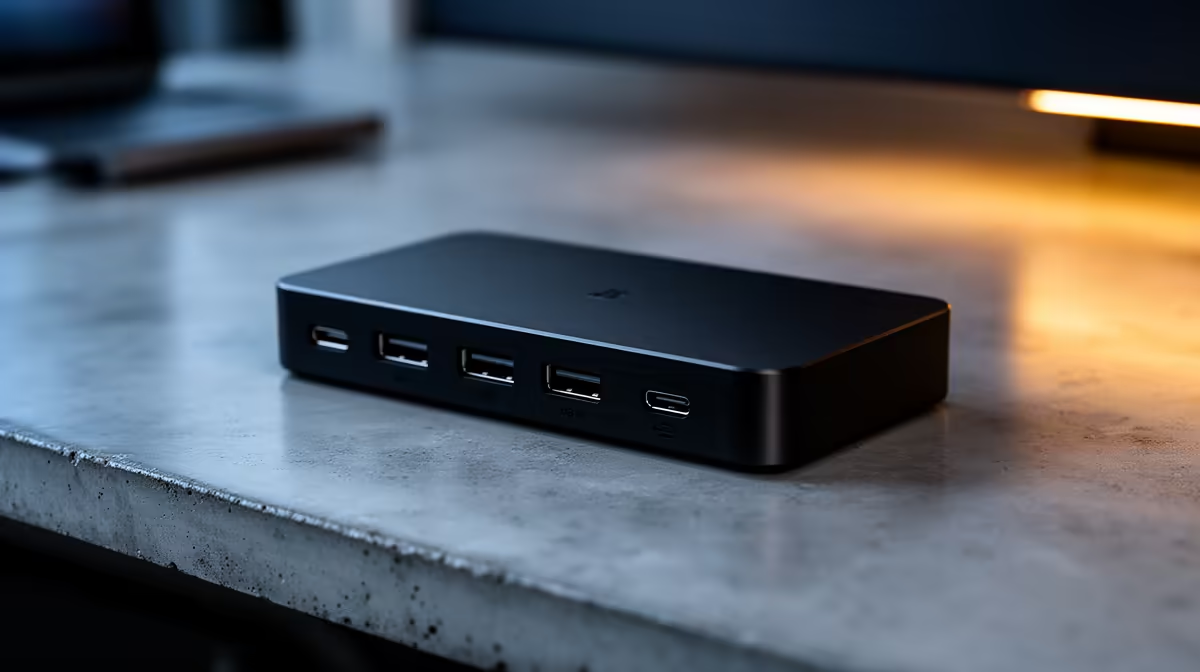
Commuting students who carry a laptop between campus and home need a dock that lives at the home desk: drop in, instantly get dual screens, charging and Ethernet, then grab the laptop and go. Portability of the dock matters less than how fast it connects.
Quick Answer
A USB-C dock with dual video out, Gigabit Ethernet and 65W to 100W charging (roughly R1,500 to R3,200 at Evetech) suits a commuting student. For most varsity laptops a 10Gbps USB-C dock is enough; reserve Thunderbolt 4 for thin laptops you'll keep for years.
Dock Priorities For A Commuting Student
You plug and unplug daily, so a single reliable USB-C connection beats a tangle of cables. Dual display output lets you spread research and notes across two screens at your home desk. 65W power delivery charges most ultrabooks; 100W covers heavier 15-inch laptops. Gigabit Ethernet helps if home Wi-Fi is shared and slow. Keep one fast USB-A free for a flash drive of assignments.
Avoiding The Common Dock Mistakes
The classic commuting-student mistake is buying a dock with too little power delivery, so the laptop discharges while you work and you arrive at campus on low battery. The second is assuming two video ports mean two extended screens when some docks only mirror. Verify the PD wattage and extended dual-display support before paying.
FAQ
Will one dock charge and drive two monitors at once?
Yes, a USB-C dock with 65W-plus PD and dual video output does both over one cable. Confirm the PD wattage matches your laptop and that the dock supports dual external displays, not just one.
Is a Thunderbolt dock worth it for a student?
Usually not. A 10Gbps USB-C dock around R1,500 to R2,500 covers dual screens and charging for typical varsity work. Thunderbolt's extra bandwidth only pays off with external SSDs or high-refresh dual 4K.
How much power delivery do I need for my laptop?
Match it to the laptop's charger: 65W for most 13-14 inch ultrabooks, 100W for 15-inch and gaming-capable laptops. Too little PD means the battery drains while you work.
dock permanently wired to your monitors, charger and Ethernet at home. Then arriving is a single USB-C click, and you save five minutes of cable-fiddling every day.











