


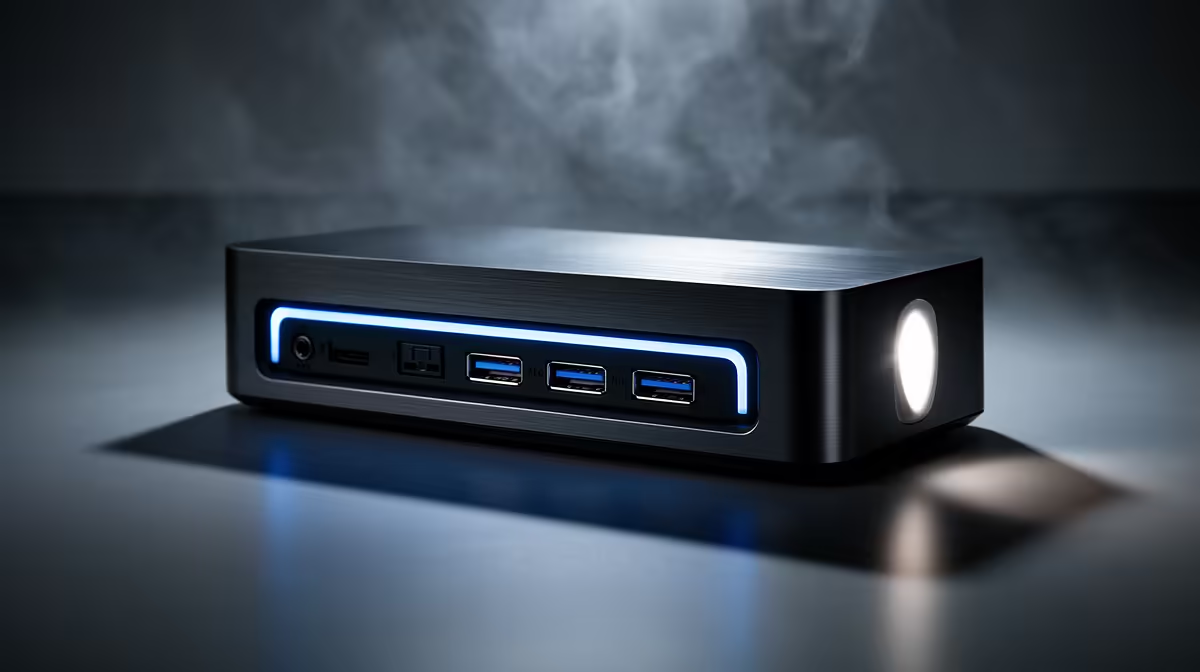
Robotics projects mean flashing microcontrollers, running ROS on a laptop and wiring up sensors, so a docking station's real value is a cluster of stable USB ports plus dual screens for code and simulation side by side.
Quick Answer
A USB-C dock with four or more USB-A ports, Gigabit Ethernet and dual display (around R1,800 to R3,500 at Evetech) suits robotics work. You'll plug in Arduinos, serial adapters and cameras constantly, so port count and per-port stability matter more than Thunderbolt bandwidth here.
What Robotics Work Asks Of A Dock
ROS and Gazebo run smoother across two screens: code and terminal on one, simulation on the other. You'll connect microcontrollers, USB serial adapters and a camera at once, so prioritise four-plus USB-A ports with steady power per port. Gigabit Ethernet gives a reliable link to a robot or a ROS master on the same network. Avoid docks that drop low-current USB devices under load.
Avoiding The Common Dock Mistakes
The robotics mistake is treating the dock as a power source for motors and high-draw shields, which trips its current limits and drops devices. The second is too few USB-A ports for the boards you juggle. Power motors separately, use the dock for data and low-draw boards, and pick four-plus USB-A ports.
FAQ
Why does port count matter for robotics?
You connect microcontrollers, serial adapters, cameras and storage at the same time. A dock with four-plus USB-A ports lets you flash and debug without constantly unplugging devices mid-project.
Will a dock power my Arduino and sensors reliably?
A good dock holds steady current on each USB port, but high-draw devices like motor shields should use their own supply. Use the dock for data and low-power boards, not as a power source for motors.
Do I need dual monitors for ROS?
Not strictly, but it helps a lot. Running Gazebo simulation on one screen and your code and terminal on the other through the dock makes debugging far quicker than tabbing on a single laptop display.
Pick a dock with at least four stable USB-A ports for boards and serial adapters, and run Gigabit Ethernet to your robot's network. Compare multi-port docks at Evetech.











