


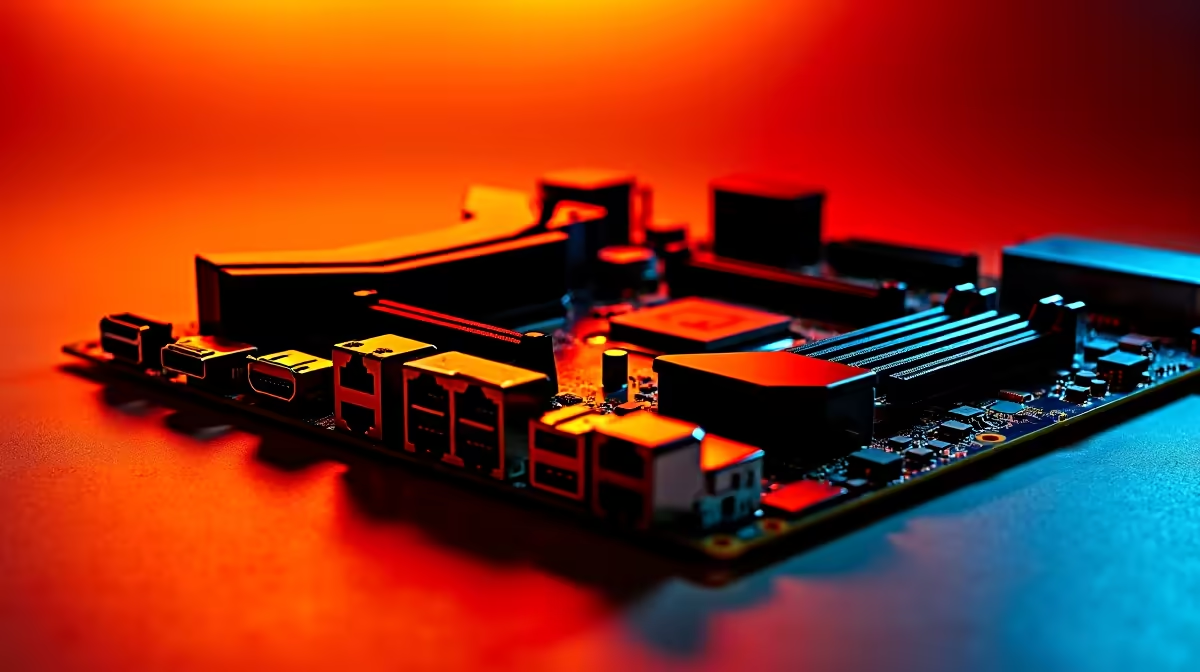
Building a PC in South Africa often feels like a balancing act. You want next-gen performance, but your wallet is screaming. Luckily, figuring out how to choose a value motherboard under R5000 for DDR5, PCIe 5.0, and Wi Fi is simple. You do not need to spend a fortune to future-proof your rig... you just need to know exactly where to look. 🚀
Stepping Up to Next-Gen Speeds
DDR5 memory and PCIe 5.0 are the new standard for modern gaming. A year ago, getting these premium features meant blowing your entire budget. Now, the hardware landscape has shifted significantly.
If you want to unlock blazing-fast load times, you need a solid foundation. PCIe 5.0 support ensures your system is ready for tomorrow's ultra-fast NVMe storage drives. Meanwhile, DDR5 provides the massive bandwidth modern processors crave. Pairing your new board with the right high-speed memory kits ensures you get every drop of performance out of your CPU.
Picking Your Platform on a Tight Budget
The red versus blue debate is always heated. Fortunately, both camps offer incredible value right now.
If you are leaning towards team blue, your options are fantastic. You can find excellent ASUS Intel motherboards that support 13th and 14th Gen processors. These boards deliver robust power delivery without breaking the bank. Good VRM cooling is essential for those warm South African summer gaming sessions... and it helps maintain stability when our local grid fluctuates.
Prefer team red? AMD's AM5 socket promises years of upgrade potential. Grab one of the reliable ASUS AMD motherboards to secure a clear path for future Ryzen upgrades. Both platform options keep you well under that R5000 sweet spot while delivering premium features.
The Importance of Built-In Connectivity
Nobody likes running long Ethernet cables through the house. Built-in Wi-Fi is an absolute must for modern gaming setups.
When you browse the latest motherboard specials, look closely for boards boasting Wi-Fi 6 or Wi-Fi 6E. This tech guarantees stable pings during intense competitive matches... even if your router is sitting in the lounge. It also saves you from buying a separate, bulky PCIe Wi-Fi card later. ⚡
RAM Compatibility Tip 🔧
Always check your motherboard's Qualified Vendor List (QVL) before buying DDR5 RAM. It saves you from stability issues and ensures your memory runs at its advertised speeds right out of the box.
Maximising Your ZAR Value
Sometimes building a PC from scratch feels a bit daunting. If you want the perks of DDR5 and PCIe 5.0 without the hassle of assembly, there are great alternatives.
You can often find these exact high-value motherboards inside expertly assembled pre-built gaming PCs. It is a brilliant way to get warranty-backed performance. You get all the next-gen features, zero stress, and massive value for your hard-earned Rands. ✨
Ready to Build Your Dream Rig? Finding the perfect foundation does not have to drain your savings. Explore our massive range of motherboards and start building a next-gen machine that fits your budget perfectly.











