


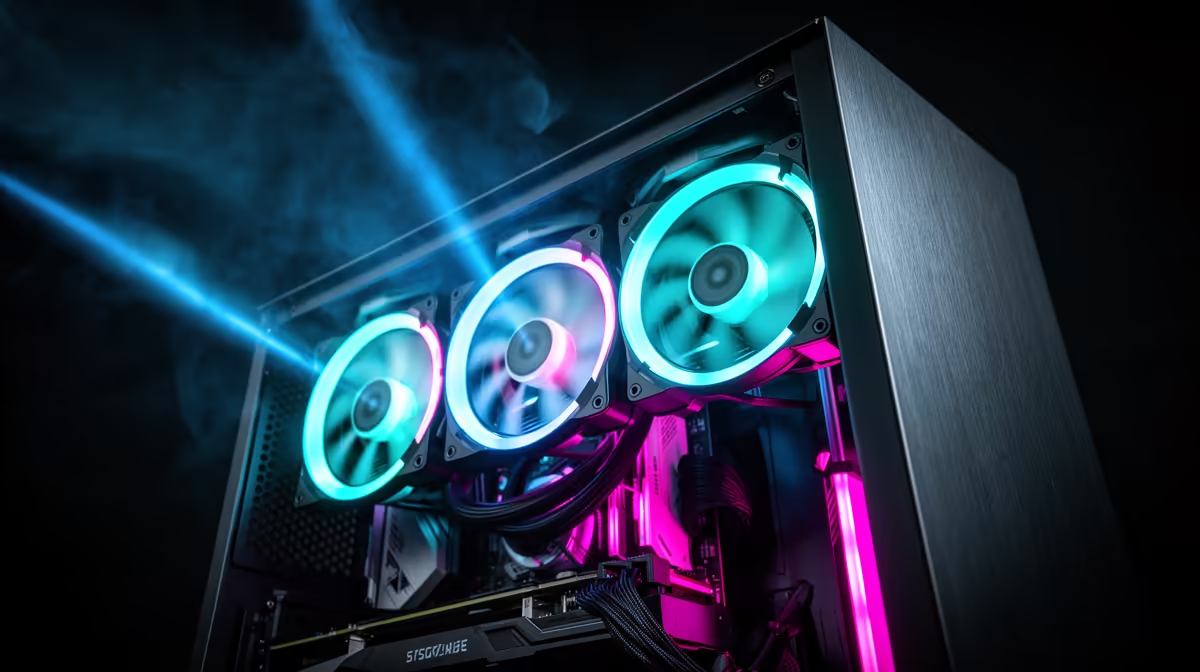
Three fans dropped into random positions can leave a build running hotter than it should, even when every individual fan spec looks great on paper. The gap between a build that stays cool and one that traps heat inside comes down to how those fans are arranged within an atx mid-tower case, not just how many are bolted in.
Quick Answer
Three RGB fans work best in a front-intake, rear-exhaust configuration, pulling cool air in and pushing warm air straight back out. The EINAREX Pulse P100 arrives with exactly this setup pre-installed at R1,499, so the layout is already correct before a single component goes in.
🌬️ Understanding the Default Layout
Out of the box, this case's trio draws cool air in through the front and exhausts warm air out the rear, following the natural path air takes as it heats up while moving past components. This front-to-back pattern is the standard recommendation for good reason: it stops fans fighting each other's direction and keeps a clear route from intake to exhaust without dead air pockets forming in the corners of the case.
Checking Fan Direction Before You Assume
Even with everything pre-installed, it is worth confirming the airflow arrows printed on each fan frame point the way you expect. A single unit installed backward can undo the balance of an otherwise correct layout, pulling air in where it should be pushing out. This takes barely a minute with the side panel off and a torch, and it is worth doing once before the rest of the build goes in rather than after cables and drives make the fans harder to reach.
🔌 Wiring Three Fans Without Running Out of Headers
Three fans typically need either three separate motherboard headers or a hub if your board only has one or two spare connectors free. Since the fans here arrive pre-wired, check whether they route to a single hub connector or three individual PWM headers before planning any additional case fans for the build. Running short on headers is one of the more common snags builders hit partway through a project, so count available connections against total fan count before starting rather than midway through assembly, when a missing hub cable means an unplanned trip back to the parts list.
➕ Adding a Fourth Fan or Upgrading Later
Some builds benefit from a fourth fan, often mounted on top for extra exhaust once a GPU is generating serious heat under sustained gaming load. This chassis allows up to 330mm of graphics card room and 175mm of CPU cooler height, both of which affect how much airflow the interior actually needs beyond the factory three-fan setup. If you decide to add more, Evetech's case fan selection has 120mm options with matching mount sizes and CFM figures to compare against what is already installed, so any new fan slots into the existing pattern rather than fighting it.
Weighing This Against Building One Yourself
Not every mid-tower case ships with three fans already fitted in a sensible pattern, and assembling that same setup on a bare chassis adds both cost and assembly time once every fan is bought separately. Comparing Einarex's broader case range shows how a pre-installed configuration stacks up against starting from an empty case, which is frequently the pricier and slower route once every individual purchase is added up.
💡 RGB Control and Syncing All Three Fans
Keeping three RGB fans synced usually depends on whichever RGB header or software the motherboard supports, so confirm that compatibility before assuming all three will match colours and effects automatically straight out of the box. Because the side panel is glass, any mismatch between fans shows up far more clearly than it would behind a solid panel, which is one more reason to check RGB header type ahead of time rather than after the whole build is already finished and cabled. Full mounting positions and the exact factory fan layout sit on the case's own product page.
Frequently Asked Questions
What is the best fan configuration for three case fans?
Front intake and rear exhaust is the standard layout, pulling cool air in and pushing warm air straight out the back.
Does this case come pre-configured correctly out of the box?
Yes, the three fans arrive set up in a front-intake, rear-exhaust layout, so no repositioning is needed before first power-on.
Can I add a fourth fan to this case?
Yes, there is room for additional units, particularly on top, once GPU and cooler clearance are confirmed.
Will all three fans sync their RGB lighting automatically?
That depends on your motherboard's RGB header and software support, so check compatibility before assuming automatic syncing.
How many fan headers do three fans need?
Either three separate motherboard headers or a single fan hub connector, depending on how the fans are pre-wired.
Ready to set up your three RGB fans? Grab the Pulse P100 case through Evetech's website for R1,499, no surprises. It arrives with three RGB fans ready to configure out of the box.











