


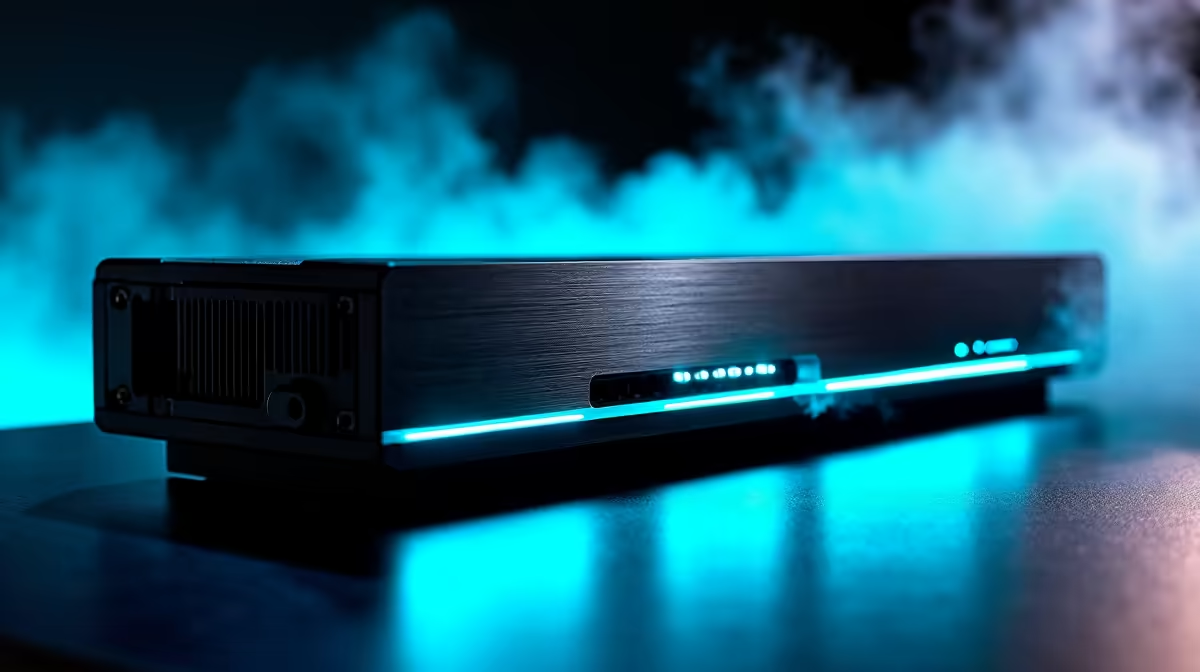
Strapping a full size desktop graphics card to a small machine used to mean accepting Thunderbolt's bandwidth tax. OCuLink changes that. By running a clean PCIe 4.0 x4 link straight to the GPU through the SFF-8612 connector, it delivers roughly 64 Gbps of usable throughput, close to double what a typical Thunderbolt 3 or 4 eGPU link manages after protocol overhead. The payoff is an external GPU that performs much closer to one sitting inside a tower.
Quick Answer
An OCuLink eGPU runs a native PCIe 4.0 x4 connection over the SFF-8612 cable, giving about 64 Gbps of raw bandwidth against the roughly 40 Gbps ceiling of Thunderbolt 3 and 4. In real testing OCuLink moves data around 6.6 to 6.7 GB/s versus roughly 5.6 to 5.8 GB/s on Thunderbolt, and that gap shows up as meaningfully higher gaming performance.
Why OCuLink beats Thunderbolt for a GPU
Thunderbolt is a clever do everything link, carrying PCIe, DisplayPort, power, and data down one cable. That flexibility costs raw GPU bandwidth, because the PCIe allocation shares the pipe and protocol overhead eats into it. OCuLink does one thing: it is a pure PCIe channel with no DisplayPort and no power delivery, so the full x4 lanes go straight to graphics throughput.
The numbers back it up. OCuLink on PCIe 4.0 x4 reaches about 64 Gbps, and measured throughput lands near 6.6 to 6.7 GB/s, comfortably ahead of Thunderbolt 5's roughly 5.6 to 5.8 GB/s and well clear of Thunderbolt 3 and 4. In gaming benchmarks that translates to Thunderbolt running on the order of 13 to 14 percent slower on average, with heavier losses in the most demanding titles. For raw GPU work, the pure PCIe path wins.
What you need before you start
- A host with an OCuLink port, or an M.2 to OCuLink adapter that takes the signal from an internal NVMe slot.
- An OCuLink eGPU dock that accepts a desktop graphics card and supplies its own power.
- An SFF-8612 OCuLink cable, kept short, since signal integrity drops over longer runs.
- A desktop GPU and a power supply in the dock rated for it.
- A monitor, ideally connected to the GPU's own outputs in the dock.
Docks, adapters, and cables for this kind of build live in the docking station range at Evetech, which is the place to confirm you have matching SFF-8612 ends before you commit.
Step by step setup
- Power everything down fully. OCuLink does not support hot swapping, so unlike Thunderbolt you cannot plug in on the fly. Shut down the host and the eGPU dock completely before connecting anything.
- Install the GPU in the dock. Seat the desktop card in the dock's PCIe slot, connect its power cables from the dock's supply, and make sure it is fully clicked in. OCuLink carries data only and no power, so the card draws everything from the dock, never the cable.
- Connect the OCuLink cable. Run the SFF-8612 cable from the host's OCuLink port, or from the M.2 to OCuLink adapter, to the dock. Seat both ends firmly. Keep the cable as short as practical, because the pure PCIe signal degrades over distance more readily than a powered protocol would.
- Power on the dock first, then the host. Bring the eGPU dock up before booting the machine so the GPU is present and detected during startup. Because there is no hot swap, the system needs to see the card at boot.
- Install or update the GPU drivers. Boot into the operating system and install the current graphics drivers. The external card should appear as a normal GPU once drivers load.
- Confirm the link is running at full width. Use a GPU utility to check the link is negotiating PCIe 4.0 x4. If it reports a narrower or slower link, recheck the cable seating and that your host slot or adapter genuinely supports PCIe 4.0 x4. Verifying this is what separates a full speed setup from one quietly running below its potential.
- Set the display output. For best performance, plug your monitor directly into the GPU in the dock rather than relying on the laptop's internal screen, which routes the rendered frames back over the link and adds latency.
Getting the most from the link
Treat the cable as the weak point. A short, well seated SFF-8612 cable is the difference between a stable PCIe 4.0 x4 link and intermittent drops, so resist the urge to route a long one across the desk. Plan your workflow around the reboot requirement too: because OCuLink needs the dock connected at boot and offers no hot swap, it suits a fixed desk setup more than something you unplug constantly. If you want occasional plug and unplug convenience, Thunderbolt remains the friendlier option despite its lower ceiling.
Finally, make sure the GPU you pair with the dock actually justifies the bandwidth. The high throughput of OCuLink shines with a powerful card that would otherwise be starved on Thunderbolt. The GPU best sellers are a good guide to cards that can genuinely use the full PCIe 4.0 x4 pipe rather than leaving it half empty.
Frequently Asked Questions
Is OCuLink really faster than Thunderbolt for an eGPU?
Yes. OCuLink on PCIe 4.0 x4 delivers around 64 Gbps and measures near 6.6 to 6.7 GB/s, ahead of Thunderbolt's roughly 40 Gbps ceiling and around 5.6 to 5.8 GB/s in practice. In games that gap shows up as roughly 13 to 14 percent better average performance.
Can I hot plug an OCuLink eGPU?
No. OCuLink does not support hot swapping, so you must connect the dock and power it on before booting the host, and shut down before disconnecting. That reboot requirement makes it best suited to a fixed setup rather than constant plugging and unplugging.
Does the OCuLink cable carry power to the GPU?
No. OCuLink is a pure data link with no power delivery, which is part of why it gives more bandwidth to graphics. The GPU draws all its power from the dock's own power supply, so the dock must be rated for your card.
Why does my OCuLink link report less than PCIe 4.0 x4?
Usually a poorly seated or overly long cable, or a host port or adapter that does not actually run PCIe 4.0 x4. Reseat both ends, use a short cable, and confirm your slot or M.2 adapter supports the full speed before assuming the dock is at fault.
Do I need a powerful GPU to benefit from OCuLink?
The bandwidth advantage matters most with a strong card that would be bottlenecked on Thunderbolt. A modest GPU may not saturate the link, so the full PCIe 4.0 x4 pipe pays off best when paired with a card capable of using it.
Building a high speed external GPU rig? Get matching docks and SFF-8612 cables from the docking station range at Evetech and give your card the full PCIe 4.0 x4 link it deserves.











