


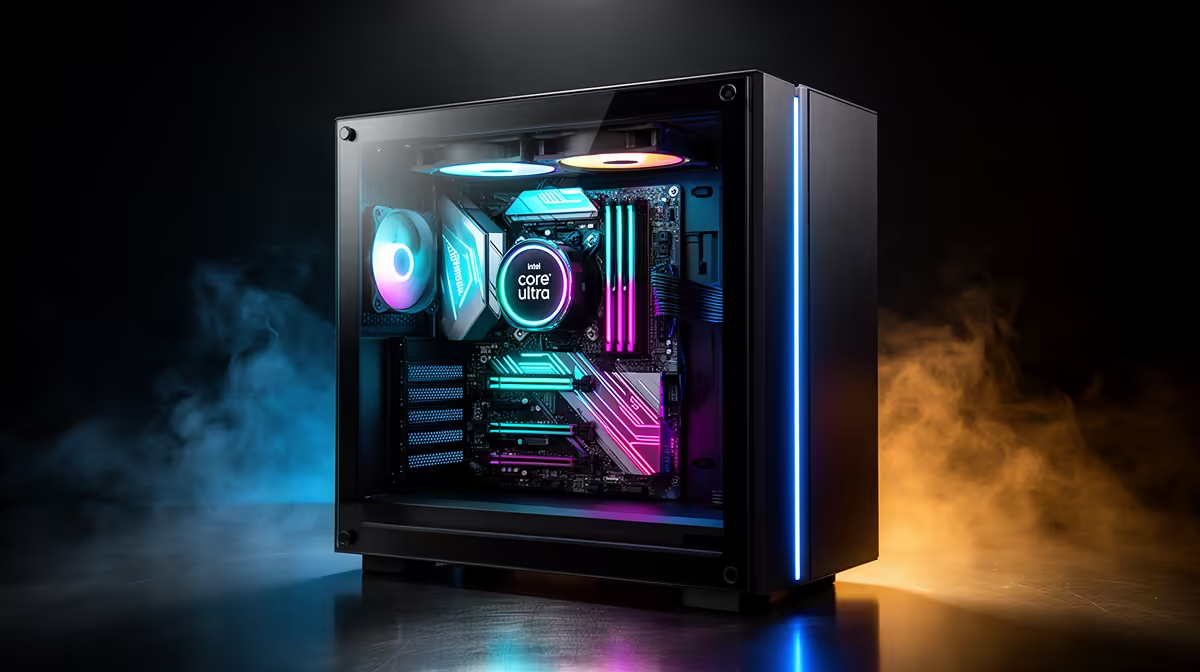
Color banding on Core Ultra 9 285K build shows up as visible steps in gradients - skies, smoke and dark scenes - and it is usually a settings or cable problem, not a dead panel.
Quick Answer
Color banding on Core Ultra 9 285K build is fixed by forcing 10-bit (or full 8-bit) output, setting RGB Full Range, and using a certified DisplayPort 1.4 or HDMI 2.1 cable. On Core Ultra 9 285K build, these three changes clear visible gradient steps in most cases without new hardware.
Update drivers and panel firmware
Out-of-date GPU drivers and stale monitor firmware are a frequent cause on Core Ultra 9 285K build. A clean driver install plus the latest panel firmware often restores 10-bit modes and removes forced dithering that created the banding.
Set the right bit depth for Core Ultra 9 285K build
Open the GPU control panel for an Intel Core Ultra 9 285K rig with iGPU and discrete paths and force 10-bit colour if the panel supports it, or full 8-bit if not. Many setups silently fall back to 6-bit with dithering, which is exactly what produces visible banding in dark and smoky scenes.
Check the cable and port on Core Ultra 9 285K build
A worn or uncertified cable can drop bandwidth and force a lower colour mode. Use a DisplayPort 1.4 or HDMI 2.1 cable rated for your resolution and refresh, and plug the display into the GPU output rather than the motherboard on a discrete-card build.
FAQ
Does refresh rate affect banding on Core Ultra 9 285K build?
It can. At very high refresh rates some setups drop to 4:2:0 chroma to fit the bandwidth, which thins colour and adds banding. Lower the refresh slightly or use a higher-bandwidth cable to keep full colour.
Does a better cable really fix banding on Core Ultra 9 285K build?
Often yes. An uncertified or worn cable can force a lower colour mode or chroma subsampling, which causes banding. A proper DisplayPort 1.4 or HDMI 2.1 cable restores the bandwidth needed for 10-bit colour.
Should I enable HDR to reduce banding on Core Ultra 9 285K build?
Only if both Windows and the display are set up for HDR correctly. A half-configured HDR chain on Core Ultra 9 285K build can add banding through bad tone mapping, so fix bit depth and RGB range first.
Pro Tip
Force 10-bit, set RGB Full and swap to a certified cable on Core Ultra 9 285K build before assuming the panel is faulty.











